

Yandex Mail: Email & Cloud
Direct Cursus Computer Systems Trading LLC
Create Screenshots Like Yandex Mail: Email & CloudApp Store Screenshots (8)


Design Analysis
Visual Design
App Insights
About Yandex Mail: Email & Cloud
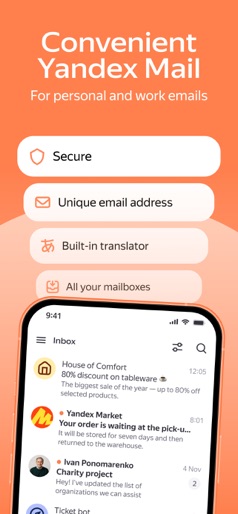
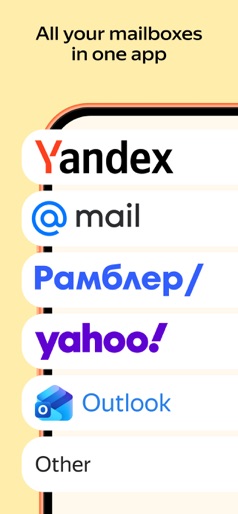
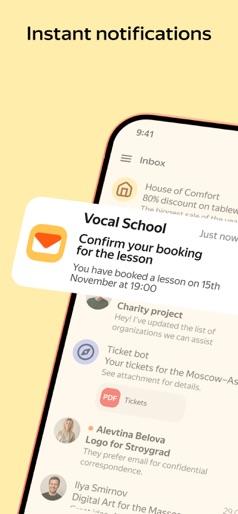
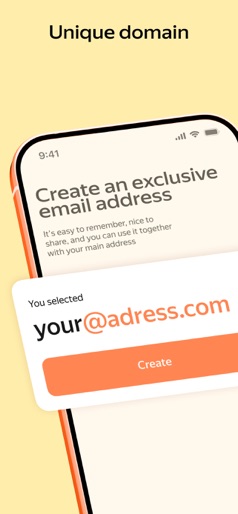
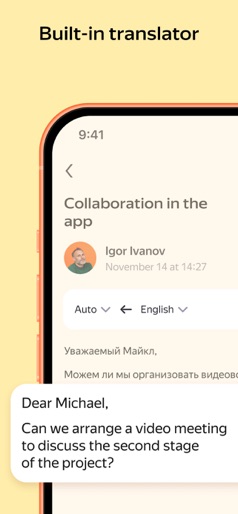
Yandex Mail is a reliable email solution for work and personal correspondences with a built-in translator. Your emails will be safe thanks to built-in virus protection and spam blocking. Work with emails and attachments at any time on any device, and connect all your email accounts. • No frills. Unsubscribe from all unnecessary mailing lists at once by selecting them in the general address list. You don't have to open unwanted emails anymore to unsubscribe from the mailing list. • The app supports working with multiple email accounts at the same time, including Mail, Outlook, Yahoo, Rambler, and iCloud. Read emails from different mailboxes in the same app. • Scan documents or photos using the built-in scanner and attach them to emails without ever leaving the app. • You can work with Yandex Mail without an internet connection. For example, if you lose your connection in the metro, you can still read emails and reply to them, and your messages will be sent automatically when you're back online. • Work with email on the go: see attachments, listen to an email if you're busy, and respond with a template message in one touch. Yandex Mail has a built-in translator for incoming and outgoing messages. You can read an email in a foreign language without any difficulties. • Protect yourself from hacking and spam. To prevent others from reading your emails, enable PIN code login. Yandex Mail smart algorithms reliably protect you from unwanted mailing lists. • Video meetings by link and Calendar. With Telemost, you can arrange work conferences and family chats. Make video calls on any device with no time restrictions. Organize calls directly in the Yandex Disk app without having to switch to Zoom, Skype, WhatsApp, or any other services. And if you add a meeting to Yandex Calendar, all participants will receive a reminder email. • An exclusive address. Connect Yandex 360 Premium to choose a unique address with your name or what you do. An exclusive address lets people know the line of work you're in. For example: alex@business-design.ru. Your email will stand out and get extra attention. • Backups. Restore emails, no matter what happens. For example, if you accidentally lose an important correspondence, it can be restored up to 6 months later, not just 1 month. Email and folder backups are available with Yandex 360 Premium plans. Backups save an unchanged copy of your correspondences. Yandex Mail is a Russian email service — an alternative to Mail, iCloud, and Rambler. Yandex Mail users get 5 GB of free cloud storage on Yandex Disk. Yandex Mail data is securely stored in multiple copies in different data centers in Russia, so you'll always have access to your files. Yandex Privacy Policy: https://yandex.ru/legal/confidential/ Yandex Mail Terms of Use: https://yandex.ru/legal/mail_termsofuse/
Create screenshots like Yandex Mail: Email & Cloud
Use FlyerBanana's free editor to create professional App Store screenshots inspired by Yandex Mail: Email & Cloud's design. 100+ templates, device frames, and one-click export.











