

PlantIn: Plant Identifier・Care
Vortemol Limited
Create Screenshots Like PlantIn: Plant Identifier・CareApp Store Screenshots (8)




Design Analysis
Visual Design
App Insights
About PlantIn: Plant Identifier・Care
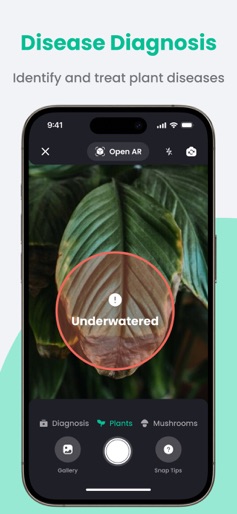
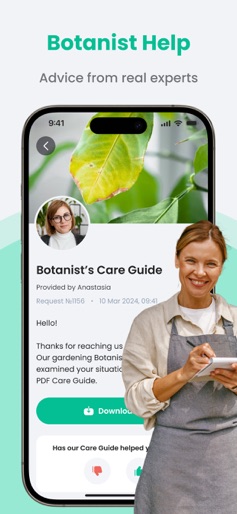
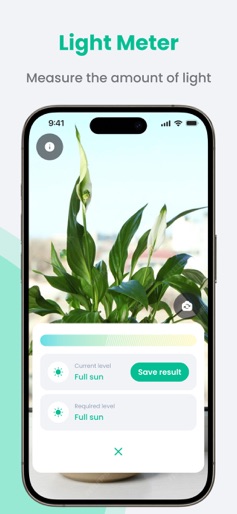
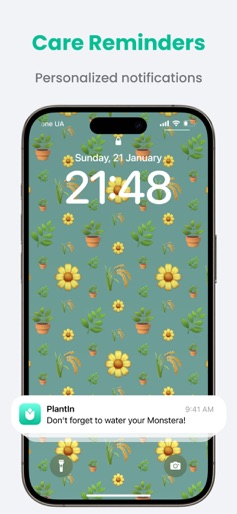
PlantIn is always there for you! With our care plans, you will learn how to identify a plant, how often to water your trees, or why the leaf on your flower turned brown. We have a wide variety of features that every green thumb would fall in love with: ► Watering Calculator This feature will help to figure out the right amount of water your green pet needs. You just need to answer several questions regarding your plant’s conditions, and voila! ► Light Meter Here is another helpful tool that calculates the correct lighting level for your greens! Just click the Light Meter button and point the camera at the plant. Our AR-based technology will automatically scan the nearest environment, measure the amount of light, and tell if you need to move the plant to a brighter or shadier spot. ► Care Plans Plantkeeping will become even more effortless with our Personalized Care Plans. Request a plan for almost any species, from common houseplants to exotic cultivars. Your Snake plant care needs some improvements, or maybe you just got your first air plant and are not sure what to do with it? Get thorough watering, fertilization, lighting, and even pruning instructions easily and make ‘em grow! ► Care Notifications Our users say that our plant care app helps with organizing daily routines! Keep calm – we will send your reminders to make sure that all your green pets are following their watering and fertilization schedules. Moreover, there are special weather notifications so that you will be warned in case of storms, freezing temperatures, and other unfavorable conditions that may harm your outdoor oasis. ► Ask the Botanist Use this feature to get a consultation with our experienced gardening experts. Ask any questions regarding houseplant care and get custom recommendations, step-by-step guides, useful hints, and detailed instructions for your particular case. Last but not least, we are happy to present our latest update: ► Mushroom Identification Our fresh mushroom identifier will become a fav feature for every single shroom hunter! While designed to identify fungi online in several taps, we have implemented a technology for offline id: no more hesitation while outdoors in lush woods. Identify edible mushrooms for delicious dinners, learn new fungi species, and use our feature to detect poisonous specimens. PlantIn was created to provide loving care for each of your green pets, so let’s make this world greener and educate ourselves on botany together! Stay plantuned for more lifesaving info from our plant care app. Privacy Policy: https://legal.myplantin.com/vortemol/privacy_policy.html Terms of Use: https://legal.myplantin.com/vortemol/terms_and_conditions.html
Create screenshots like PlantIn: Plant Identifier・Care
Use FlyerBanana's free editor to create professional App Store screenshots inspired by PlantIn: Plant Identifier・Care's design. 100+ templates, device frames, and one-click export.










