
App Store Screenshots (8)


Design Analysis
Visual Design
App Insights
About Pixel Cross - Nonogram Puzzle
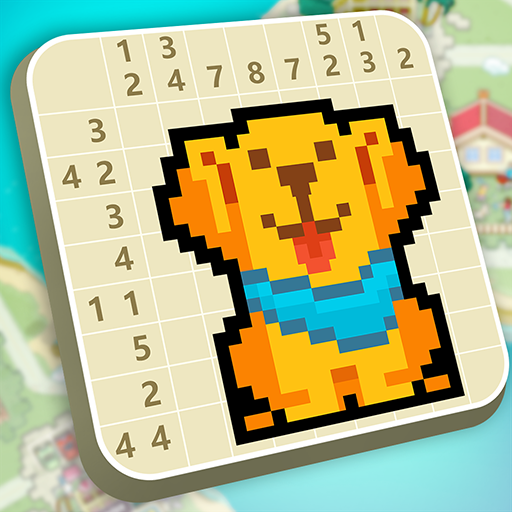
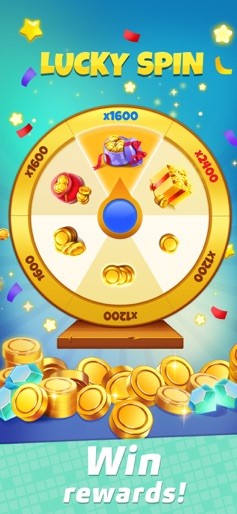
Like NONOGRAM games? Come play "Pixel Cross™-Puzzle Page Game"! Like BEAUTIFUL and LOVELY pixel graphics? Come play "Pixel Cross™-Puzzle Page Game"! In "Pixel Cross™-Puzzle Page Game", the exquisite game graphics and excellent background music will never disappoint you! There are also a large number of game levels waiting for you to challenge! After each level is passed, players will be rewarded with a beautiful pixel picture, and collect pictures to get extra gem rewards! Solve logic puzzles to show the hidden picture, complete all levels to get a beautiful background picture! The multi-theme style chapters will dazzle you, and the large number of pictures will make you linger! Family theme, neighbor theme, town theme, farm theme, beach theme, zoo theme, park theme, the more themes, the more fun! Insufficient gems? Piggy bank——your good partner to get gems! Buy a piggy bank and win more gem rewards while solving puzzles! Spin the turntable and win amazing gifts! Shh~ we also have hidden difficult levels, designed for NONOGRAM experts! ●The game contains thousands of levels, with rich and varied themes ●The game screen is designed in pixel style, and the screen is vivid and detailed ●The background music is wonderful and lively, making the game experience more comfortable ●From "very easy" to "expert" difficulty level ●Detailed novice guidance can help beginners get started quickly ●There are many themes of pictures, covering a wide range of content, such as animals, festivals, food, etc ●Unique game functions make your gaming experience more exciting: tips, turntables, piggy bank ●Contains high-difficulty levels with rich rewards ●AUTO-SAVE autosave every puzzle, if you stuck you can try another puzzle and come back later ●NO WI-FI NEEDED Play the game offline at any time! Anywhere ! ●Undo / Redo function provided ●Auto-fill line with 'X' when you mark last number Download now and start boosting the power of your brain! ================================== Ideas on how we can make Pixel Cross™-Puzzle Page Game even better? Need help with the game? Feedback is always welcome! We love to hear from our players! -Email us: yunbudraw@gmail.com -Follow us on Facebook: https://www.facebook.com/Pixel-Cross-398892834273946 ==================================
Create screenshots like Pixel Cross - Nonogram Puzzle
Use FlyerBanana's free editor to create professional App Store screenshots inspired by Pixel Cross - Nonogram Puzzle's design. 100+ templates, device frames, and one-click export.










