

App Store Screenshots (6)
Design Analysis
Visual Design
App Insights
About Lowins - Live Video Chat
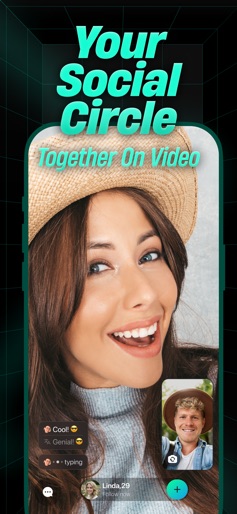
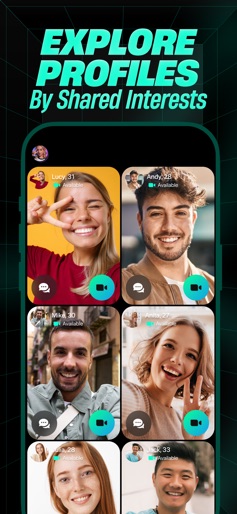
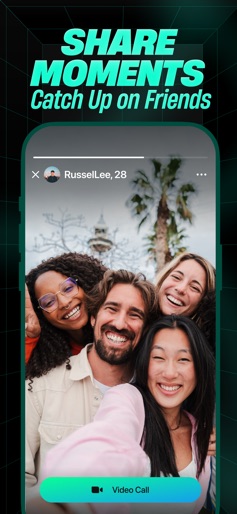
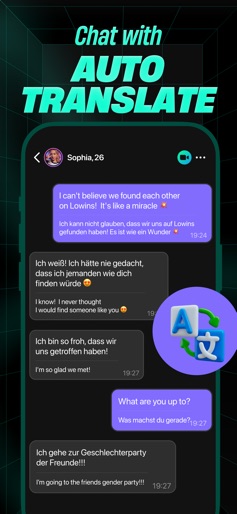
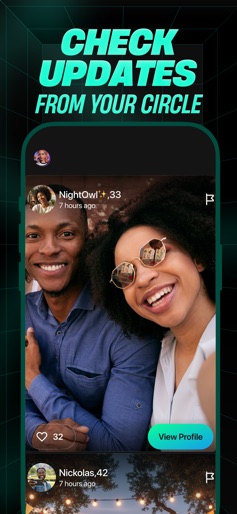
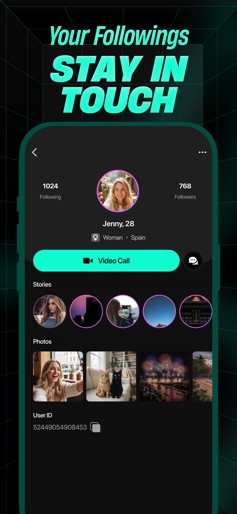
Welcome to Lowins - a global community platform where people connect through interaction, creativity, and shared interests. With Lowins, you can exchange ideas, share your experiences, and grow your social world in a safe and positive space. Whether you’re exploring cultures, practicing languages, or meeting inspiring people, Lowins helps you stay connected and express yourself - all in one secure, engaging app. MAIN FEATURES • Positive Communication Experience real-time video communication designed for safety and comfort. Every session begins with mutual consent, and our AI-powered moderation helps prevent inappropriate content or behavior. • Smart Discovery Find people and communities that share your passions. Expand your network naturally through genuine interests and meaningful connections. • Real-Time Translation Chat freely across languages with instant, built-in translation. Stay engaged with people from around the world without language barriers. • Unlimited Chat Stay in touch with anyone you meet through unlimited text conversations. Share moments, ideas, and photos anytime you like. • Creative Filters & Masks Add personality to your communication with filters and fun visual effects. Make your interactions expressive and uniquely yours. COMMUNITY & EXPRESSION Lowins is more than communication - it’s a place to share, learn, and be part of something real. • Content Feed: Post your updates and explore others’ stories in a supportive, global environment. • Engagement: Get recognized for your activity, creativity, and positive participation. • Profile Personalization: Build your profile with photos, bios, and interests to reflect who you are. SAFETY & TRUST We are committed to creating a respectful and secure community for everyone. • Lowins is for users aged 18 and older. • Only authentic, appropriate content is allowed. • Harassment, explicit material, and hate speech are strictly prohibited. • Violations of our guidelines may result in account restrictions or removal. We handle all your private data with utmost care and protection under our Privacy Policy Statement https://lowins.net/privacy We also encourage you to take a look at our Terms of Service at https://lowins.net/terms FEEDBACK & SUPPORT Your opinions matter! We’re constantly improving to provide a better experience. Send us your ideas or feedback anytime at support@lowins.net Thank you for being part of the Lowins community - a space built for real interaction, creativity, and respect. The Lowins Team
Create screenshots like Lowins - Live Video Chat
Use FlyerBanana's free editor to create professional App Store screenshots inspired by Lowins - Live Video Chat's design. 100+ templates, device frames, and one-click export.











