

App Store Screenshots (7)

Design Analysis
Visual Design
App Insights
About Lina AI: Learn & Speak English
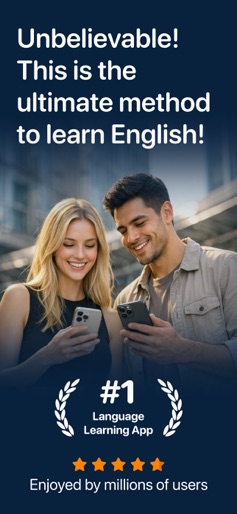
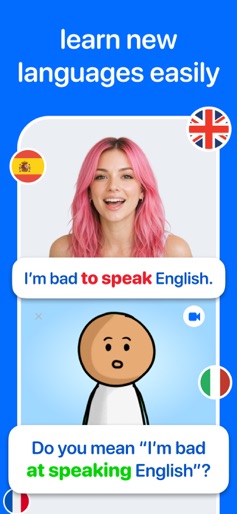
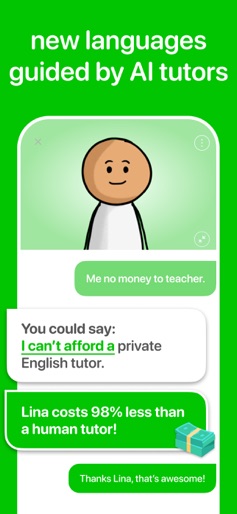
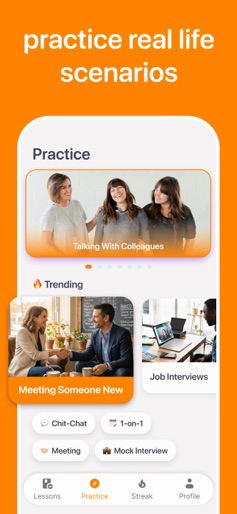
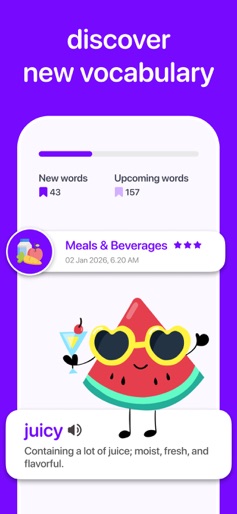
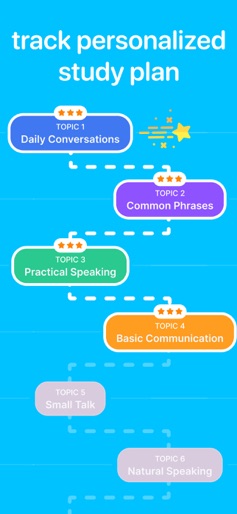
Lina: AI English Tutor – Your Personal AI Language Coach Step into a new era of language learning with Lina, your AI-powered English-speaking tutor. Want to improve your English communication skills? Lina provides an immersive, natural, and interactive learning experience tailored to your progress. With Lina, you can practice English conversations anytime, anywhere, without fear of judgment. Our AI tutor is designed to help you build confidence while refining your speaking skills in a friendly and supportive environment. Key Features: - **Boost Your Confidence** – Overcome hesitation and speak with ease in a non-judgmental space. - **Improve Fluency** – Engage in AI-driven conversations to develop a natural and versatile speaking style. - **Expand Your Vocabulary** – Learn new words and expressions through interactive dialogues. - **Perfect Your Pronunciation** – Practice articulation and pronunciation with AI characters featuring diverse accents. - **Real-Life Conversations** – From casual chats to professional discussions, master English in everyday scenarios. - **Instant Feedback & Translations** – Get real-time pronunciation corrections and word translations. Subscription & Access: Gain full access to all premium features with a flexible subscription plan. Choose between monthly, yearly, or a one-time purchase option (non-subscription). - Payment is charged to your account at purchase confirmation. - Auto-renews unless canceled at least 24 hours before the end of the current billing cycle. Enhance your English skills and gain confidence in speaking with Lina. Download now and start learning today! http://company.linastudio.co/privacy-lina http://company.linastudio.co/terms-lina
Create screenshots like Lina AI: Learn & Speak English
Use FlyerBanana's free editor to create professional App Store screenshots inspired by Lina AI: Learn & Speak English's design. 100+ templates, device frames, and one-click export.










