

App Store Screenshots (8)

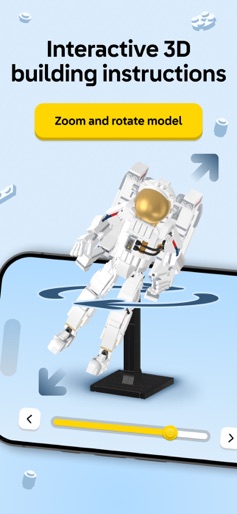
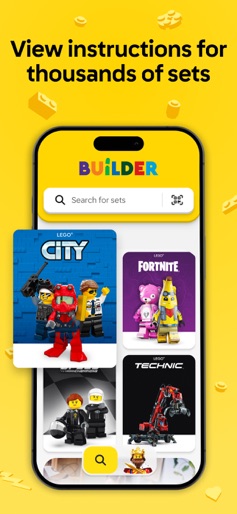

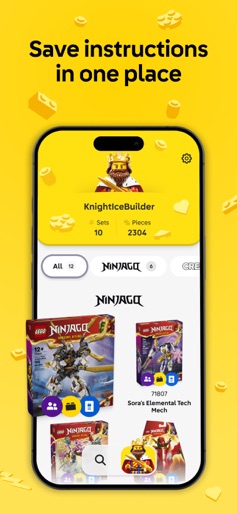
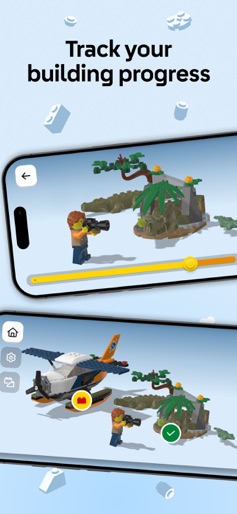
Design Analysis
Visual Design
Style: Custom
Key Features Shown
- •Theme-based set browsing
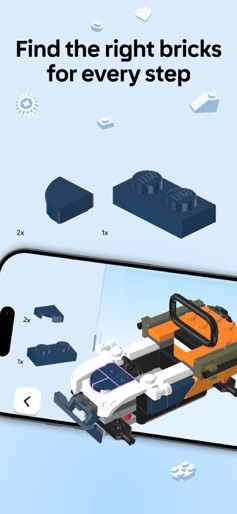
- •Interactive 3D model manipulation
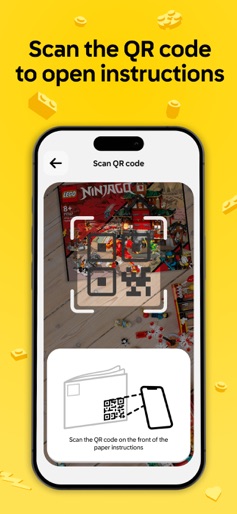
- •Global search and QR scanning
- •Build Together party mode
- •User profile and brick count tracking
App Insights
Target: LEGO enthusiasts of all ages, specifically families seeking collaborative activities and adult fans of LEGO (AFOLs) looking for digital collection management.
- •Product Ecosystem Integration
- •Brand Loyalty Enhancement
- •Data Collection
ASO Keywords:
About LEGO® Builder: 3D Instructions
LEGO® Builder is the official building instructions app for LEGO® sets that guides you on an easy, fun, and collaborative digital building adventure. Build your set like never before: - Step into a new way of building with an intuitive 3D building experience that lets you zoom, rotate, and view LEGO® sets from every angle. - Use step-by-step digital building instructions to see each brick clearly and bring your set to life with confidence. Build Together with friends and family! - Build Together is a fun, social building experience designed for multiple builders to work together. - You can team up and divide tasks to complete your LEGO® set as a group - perfect for fun social family nights, birthdays, or holidays like Valentine’s Day, Easter, Mother’s Day, Father’s Day or Christmas. - Share a PIN code to join as a host or builder, take turns completing building steps, and collaborate to finish the model together. - Check in the app to see if your LEGO® set can be built using the Build Together feature. Discover thousands of LEGO® instructions - Explore a digital library of LEGO® building instructions from 2000 to today. - Search by set name or number, or scan the QR code on your instruction manual to open it instantly in the app. Follow a story as you build - Unlock enriched content and guided building experiences for select LEGO® themes, bringing extra fun and imagination to your 3D building journey. Unlock more with a LEGO® Account - Save your progress, build a digital collection of your LEGO® sets, and track your total number of bricks. - Pick up right where you left off - anytime, anywhere. Track your building journey - Now you can keep a record of your completed sets, see your total bricks built, and celebrate your progress as a LEGO® Builder. Things to keep in mind - You’ll need a stable internet connection to use this app. We’re always adding new digital building instructions so you can expand your collection, explore new sets, and find even more ways to build together. - Want to know if your set includes digital instructions or Build Together mode? Check in the app and start your collaborative adventure today! We're eager to hear how we can make the LEGO® Builder app even better for you! Please leave us your thoughts and recommendations in the reviews to help us make the LEGO® Builder app even better. LEGO, the LEGO logo, the Brick and Knob configurations, and the Minifigure are trademarks of the LEGO Group. © 2025 The LEGO Group.
Create screenshots like LEGO® Builder: 3D Instructions
Use FlyerBanana's free editor to create professional App Store screenshots inspired by LEGO® Builder: 3D Instructions's design. 100+ templates, device frames, and one-click export.










