

App Store Screenshots (9)
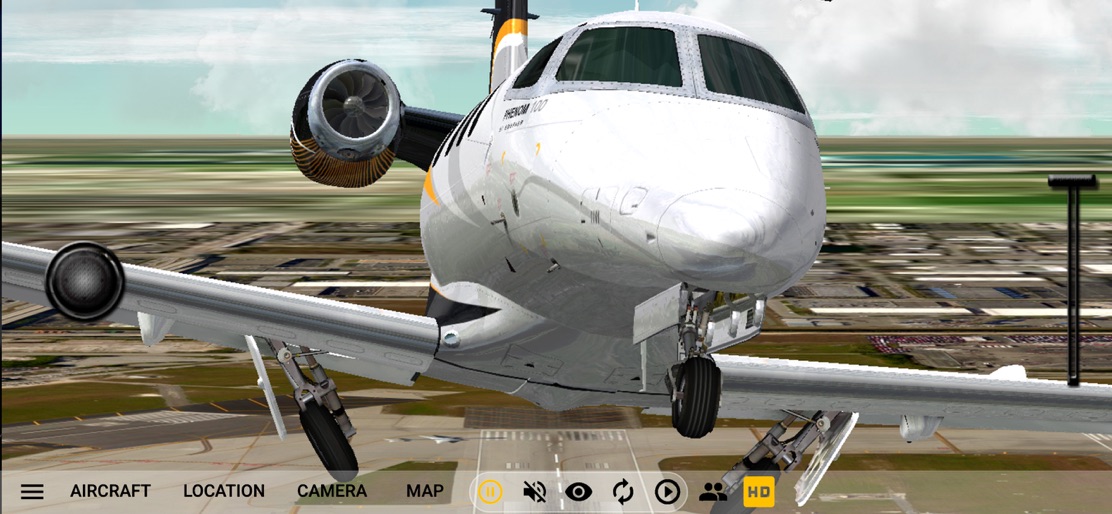

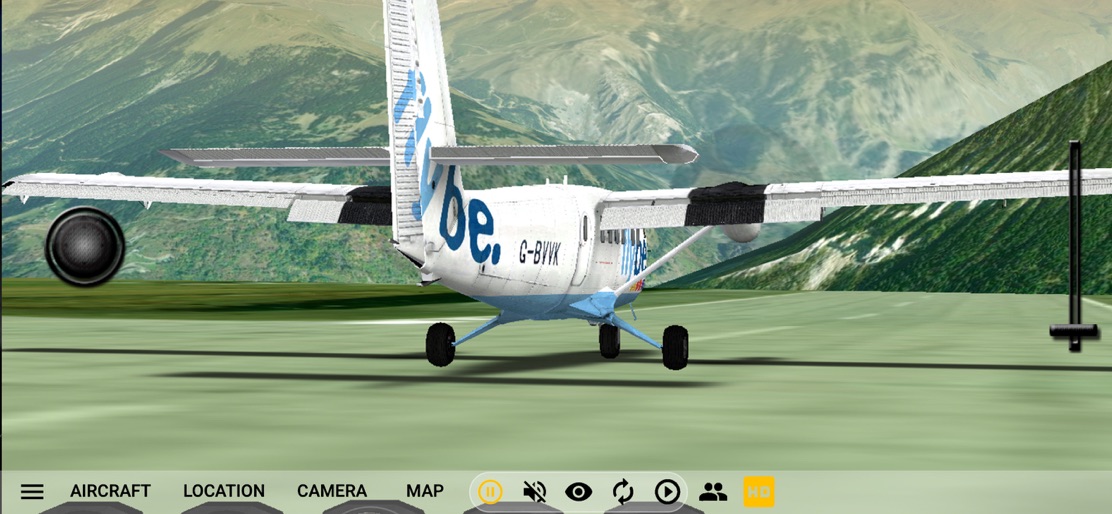
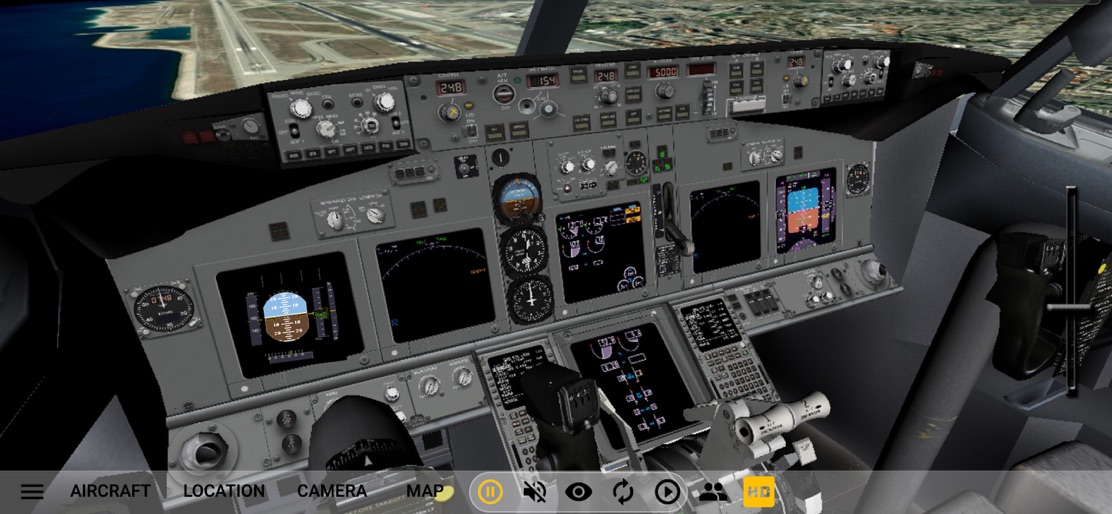


Design Analysis
Visual Design
Style: Hybrid
Key Features Shown
- •External Aircraft View
- •Detailed 3D Cockpit
- •Global Terrain Rendering
- •Real-time Weather (Rain/Fog)
- •Bottom Navigation UI
App Insights
Target: Aviation enthusiasts, student pilots practicing VFR, and casual simulation gamers looking for global exploration.
- •Subscription
- •Advertising
ASO Keywords:
About GeoFS - Flight Simulator
GeoFS is a multiplayer flight simulator displaying a global scenery from satellite images. Whether you are a licensed pilot practicing VFR, an aviation enthusiast or just looking for some fun flying in beautiful landscapes, you can enjoy any of the 20 available aircraft, ranging from paraglider to airliners, absolutely anywhere in the world.. This app includes: - Worldwide 1m/pixel Super Resolution imagery - AI enhanced satellite images - Worldwide (10m resolution) satellite images and elevation model - Realistic physics and flight models - Global multiplayer - Navigation charts with 40,000 referenced runways - Radio Navigation (GPS, ADF, VOR, NDB, DME) - 30+ different aircraft with instrumented cockpits - ADS-B real-life commercial traffic - Replay mode - Seasons, day/night and real-time weather conditions from METAR (wind, clouds, fog, precipitations) Included aircraft: - Piper J3 Cub - Cessna 172 - Dassault Breguet / Dornier Alpha Jet - Boeing 737-700 - Embraer Phenom 100 - de Havilland DHC-6 Twin Otter - F-16 Fighting Falcon - Pitts Special S1 - Eurocopter EC135 - Airbus A380 - Alisport Silent 2 Electro (Motor Glider) - Pilatus PC-7 - de Havilland DHC-2 Beaver - Colomban MC-15 Cri-cri - Lockheed P-38 Lightning F-5B - Douglas DC-3 - Sukhoi Su-35 - Concorde - Piper PA-28 161 Warrior II - Airbus A350 - Boeing 777-300ER - Major Tom (Hot Air Balloon) Available via in-app purchase: - HD subscription for global high resolution satellite images. (Microsoft Bing Maps Imagery) An internet connection (WiFi recommended) is necessary to run GeoFS.
Create screenshots like GeoFS - Flight Simulator
Use FlyerBanana's free editor to create professional App Store screenshots inspired by GeoFS - Flight Simulator's design. 100+ templates, device frames, and one-click export.










