
Drawing Games for Kids
Bimi Boo Kids Learning Games for Toddlers FZ-LLC
Create Screenshots Like Drawing Games for KidsApp Store Screenshots (5)



Design Analysis
Visual Design
App Insights
About Drawing Games for Kids
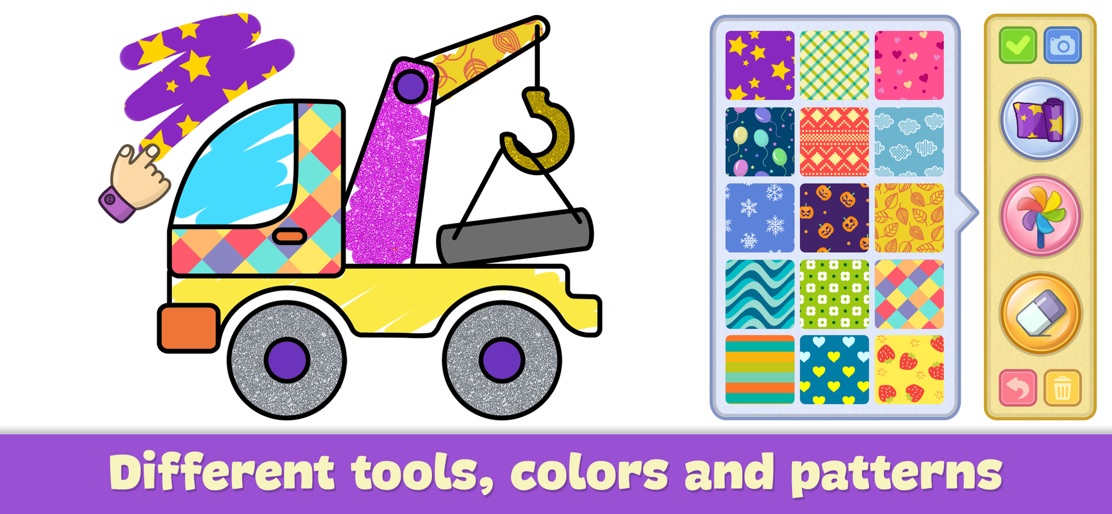
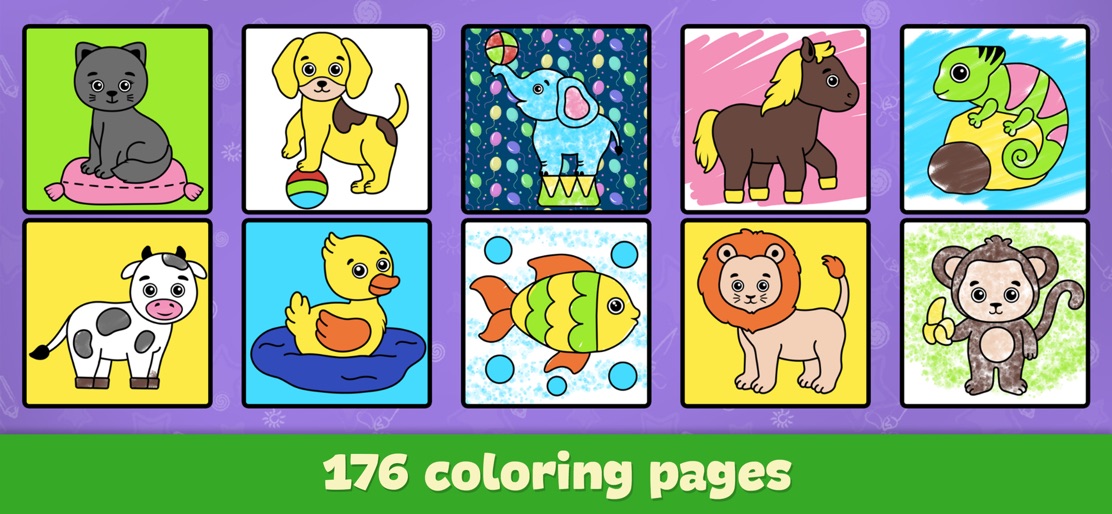
Drawing for Kids - Baby Games is an ad-free set of painting pages for toddlers to color and draw. Perfect for preparing 2-5-year-old children for kindergarten and preschool, the Bimi Boo Coloring Kids Game helps develop creativity, hand-eye coordination, concentration, color recognition, and imagination. Features of Bimi Boo Color Book for Kids: - 176 Coloring Pages: A wide variety of pages for toddlers to enjoy. - 11 Themes: Animals, Dinosaurs, Dolls, School, Music, Cars, Food, Ocean, Insects, Halloween, and Christmas. - Simple Interface: Easy to use for all toddlers. - 16 Free Animal Pages: Available for coloring without any cost. - Offline Access: Works perfectly without Wi-Fi. Drawing Tools: - Variety of Instruments: Includes pencil, brush, spray, crayon, felt-tip pen, and chalk. - Magic Painting: Create beautiful pictures with little effort. - User-Friendly: Suitable for 2 to 6-year-olds with an “undo” button to correct mistakes. Kids love fun games with coloring pages, and this is one of the best drawing apps for toddlers. Created under the guidance of experts in preschool education and child psychology, our kids coloring games are excellent for teaching new skills. No Ads: Enjoy a seamless experience without annoying advertisements.
Create screenshots like Drawing Games for Kids
Use FlyerBanana's free editor to create professional App Store screenshots inspired by Drawing Games for Kids's design. 100+ templates, device frames, and one-click export.










