
Dinosaur VR Educational Game
Knbmedia
App Store Screenshots (8)


Design Analysis
Visual Design
App Insights
About Dinosaur VR Educational Game
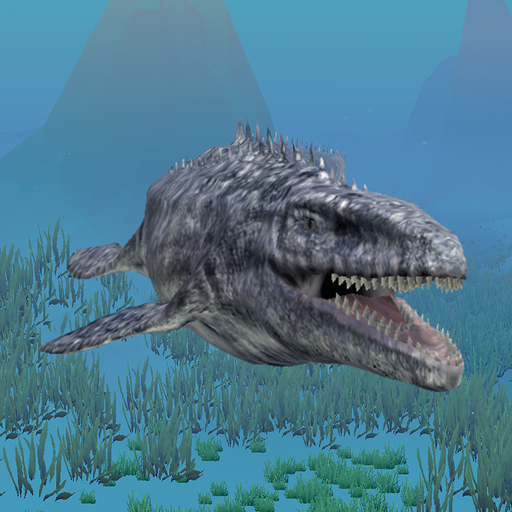
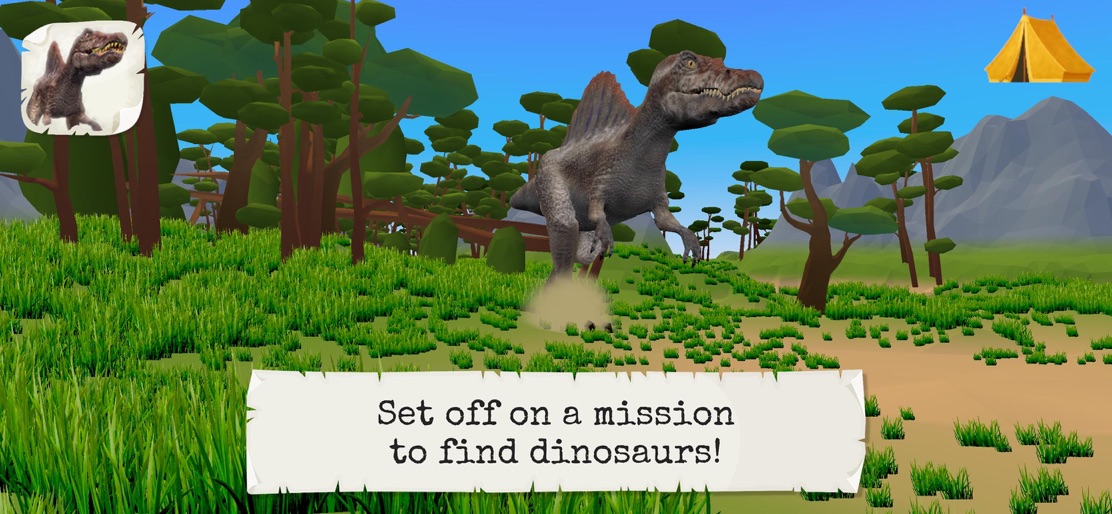
"4DKid Explorer: Dinosaurs and Prehistoric Animals" will have you going in search of dinosaurs in a new adventure from the creators of the "Find Them All” series. Set off in exploration of these fabulous giants in a lifelike 3D world and use the various items available to you to learn more about dinosaurs. Take photos and videos, go diving in search of marine animals, use the drone or the car to find them faster - these are just some of the things you can do in this game aimed at children aged 5-12. And to complete your knowledge, unlock the encyclopaedia's fact sheets using the drone and its scanner! For even more fun, you can mount the dinosaurs and ride them... You can use your device in VR (Virtual Reality) mode to guide you or unlock the AR (Augmented Reality) mode so you can see and play around with the dinosaurs using your camera. The game is entirely narrated and the interface has been designed to suit young and older children alike. Why "4DKid Explorer"? -> 4D because the game is in 3D with a VR mode as well as an AR mode -> Kid because it is for children (vocal guide, simple commands and parental control) -> Explorer because the game is in the First Person perspective and the goal is to explore the world to find a task’s animals or items. You can try out the game for free through 10 missions. The complete version contains 40 missions and is available as an in-app purchase or from the store.
Create screenshots like Dinosaur VR Educational Game
Use FlyerBanana's free editor to create professional App Store screenshots inspired by Dinosaur VR Educational Game's design. 100+ templates, device frames, and one-click export.










