

App Store Screenshots (10)



Design Analysis
Visual Design
App Insights
About Crossword Jam
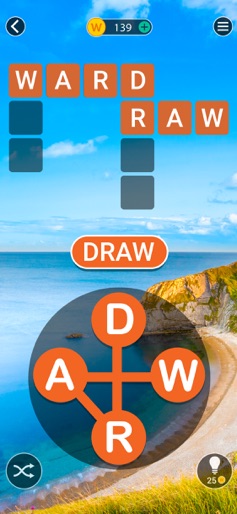
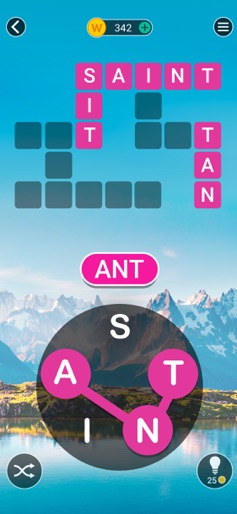
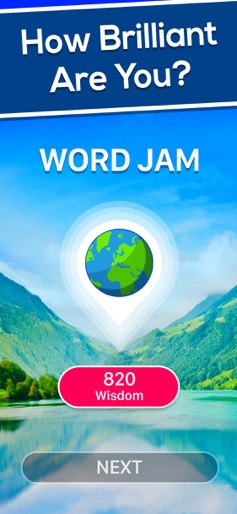
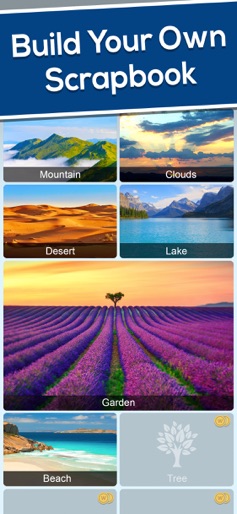
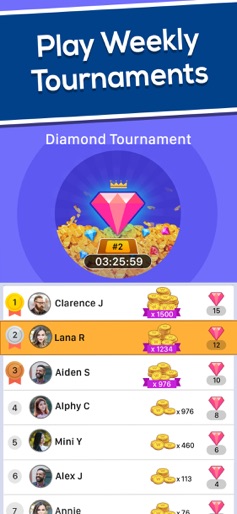
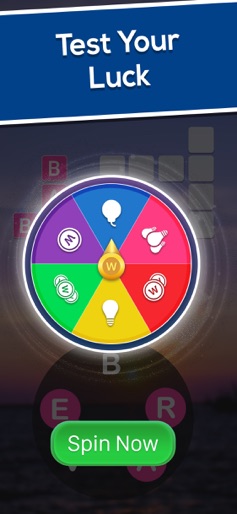
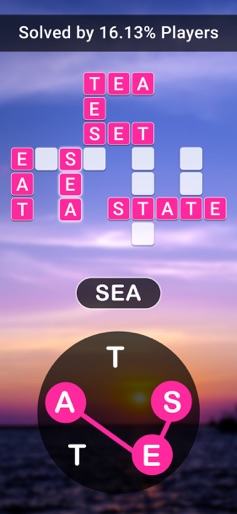
Crossword Jam is the king of crossword-style word games, taking word puzzles to the next level. Are you up for the challenge? With stunning backgrounds that are sure to put your mind at ease, word games have never been this fun! Crossword Jam is absolutely free to play and is a word search game like no other. With fresh daily word challenges that make you think hard, you won't be able to stop! Simply swipe and connect the letters to find the words and boost your vocabulary! The breath-taking natural sceneries on each level make Crossword Jam the perfect pastime to kill boredom and stress. Solve puzzles and go on an epic word journey that will take you to the most beautiful countries across the world. Easy to start with, the puzzles slowly get harder to match your growing word skills! You can also compete in exciting tournaments with grand prizes to be won! Try your luck with the spinner and win fantastic gifts that will help your word game! WHY CROSSWORD JAM? ► FREE TO PLAY GAME – Download this game for free and play without Wi-Fi ► EASY TO LEARN, HARD TO MASTER – Starts off easy but gets trickier as you progress ► CHALLENGING PUZZLES – Free anagram puzzles range from 2 letters to 7 letters ► IMPROVE YOUR VOCABULARY – Hone your spelling skills while also improving your vocabulary by discovering new words ► PLAY ANYWHERE ANYTIME – No internet or Wi-Fi needed to play this game ► SYNC YOUR GAME PROGRESS – You can log in using Facebook to sync your game progress across various devices So, why wait? Download Crossword Jam and get your wonderful word game journey started right now!
Create screenshots like Crossword Jam
Use FlyerBanana's free editor to create professional App Store screenshots inspired by Crossword Jam's design. 100+ templates, device frames, and one-click export.










