

Voice Translator: AI Translate
BPMobile
App Store Screenshots (15)





About Voice Translator: AI Translate
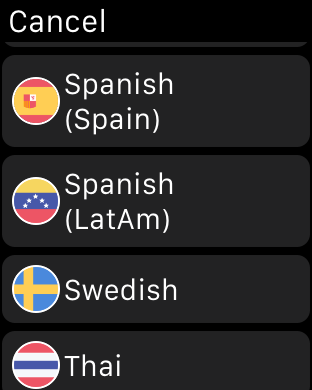
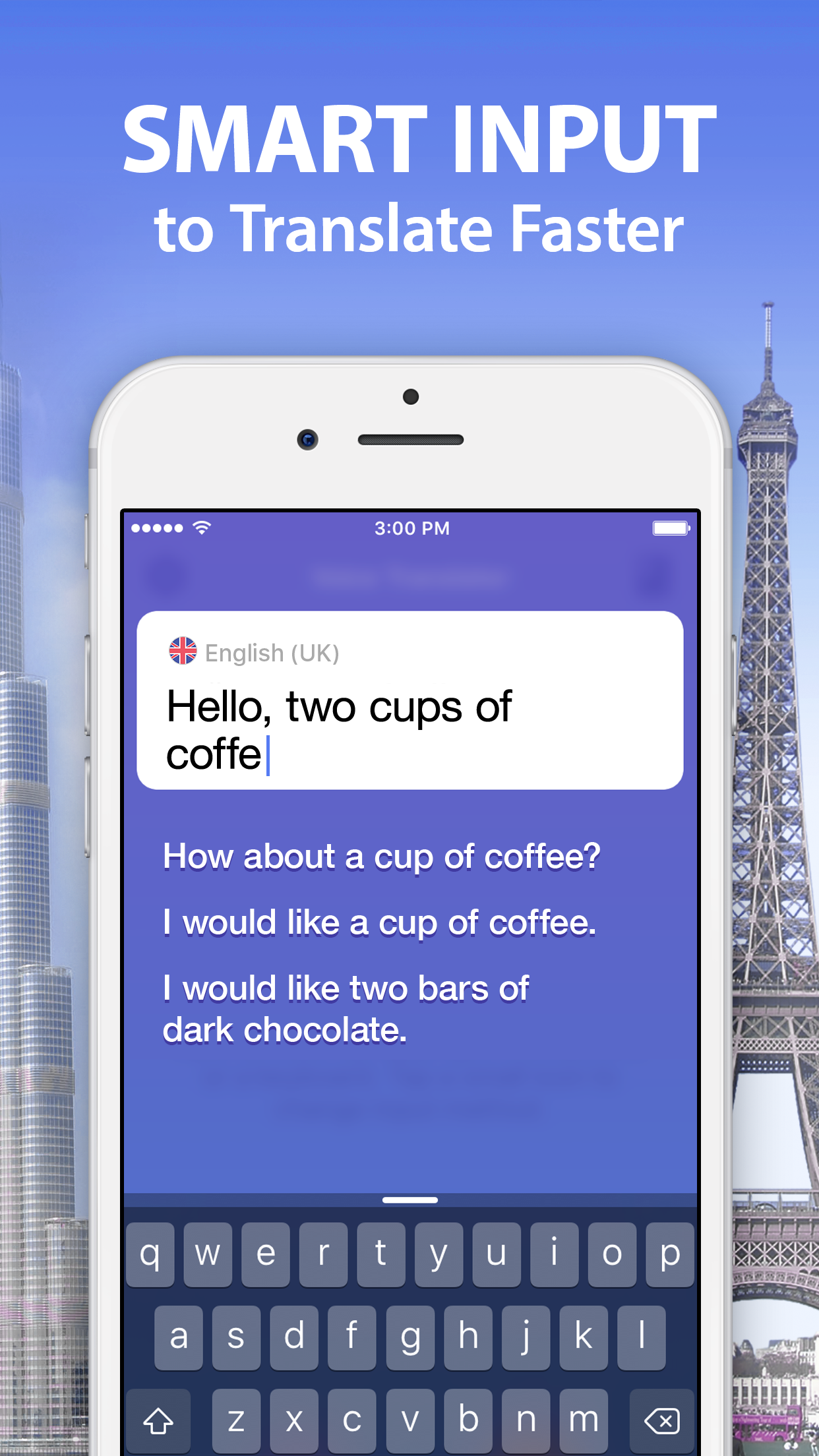
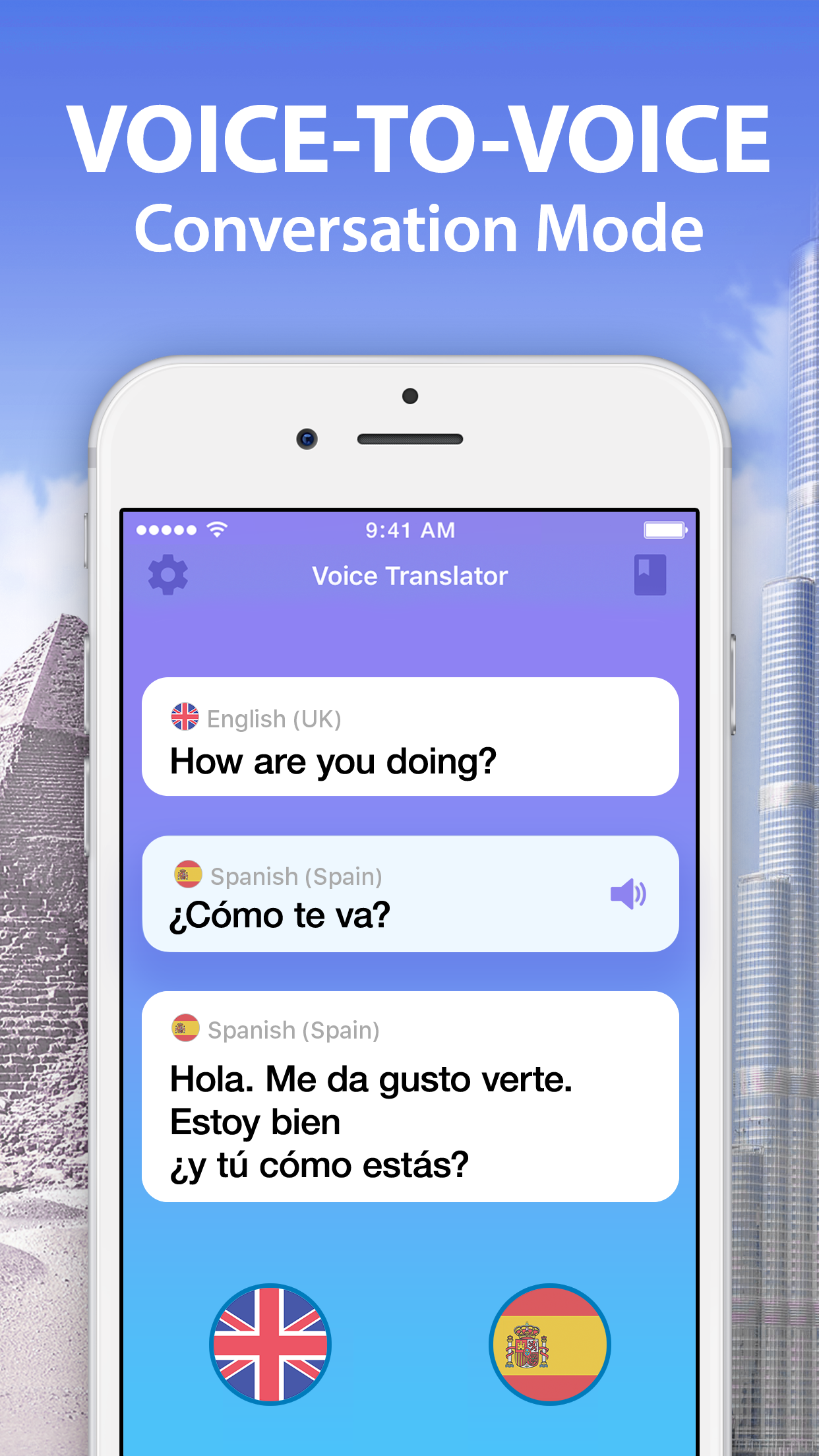
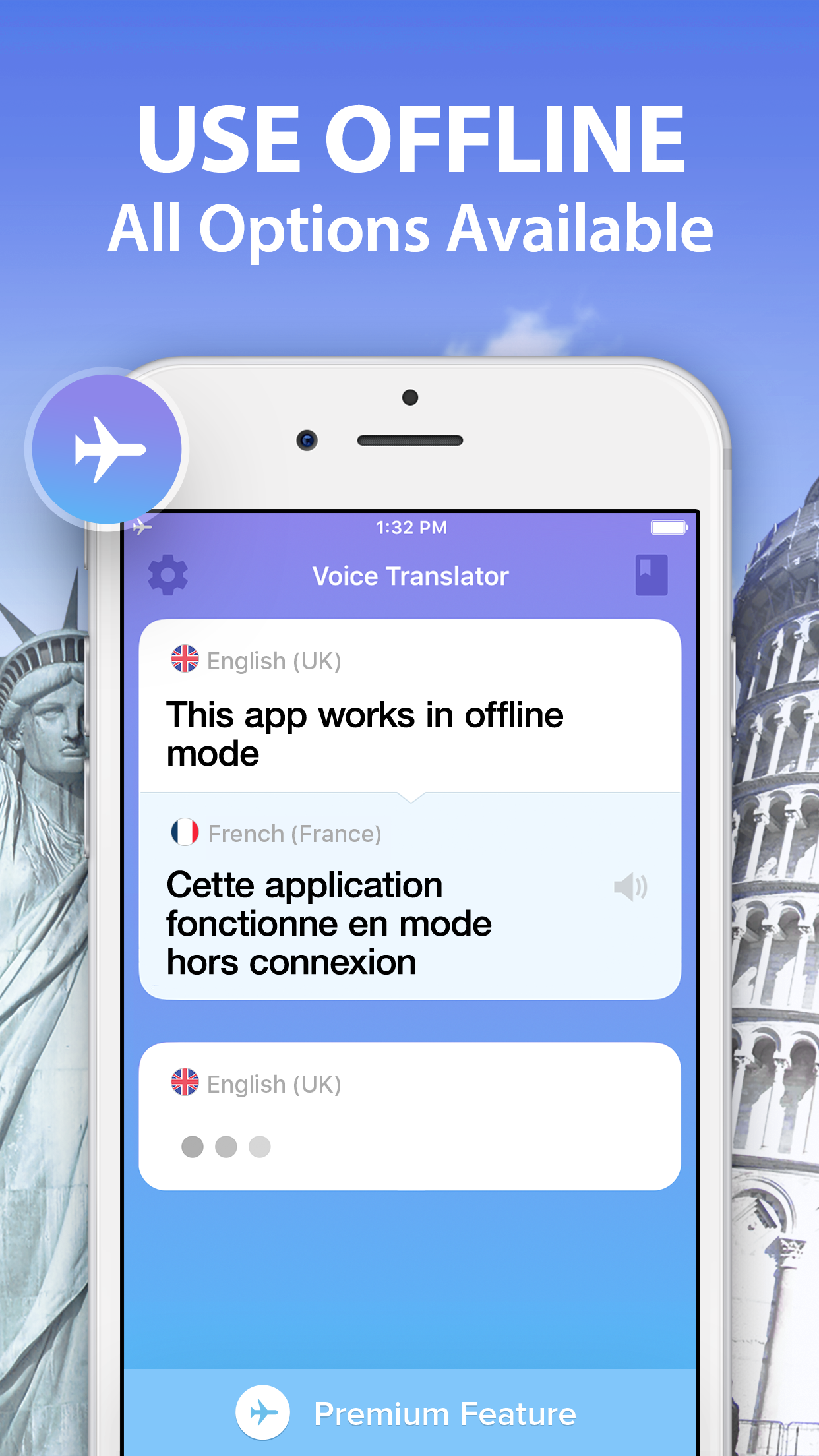
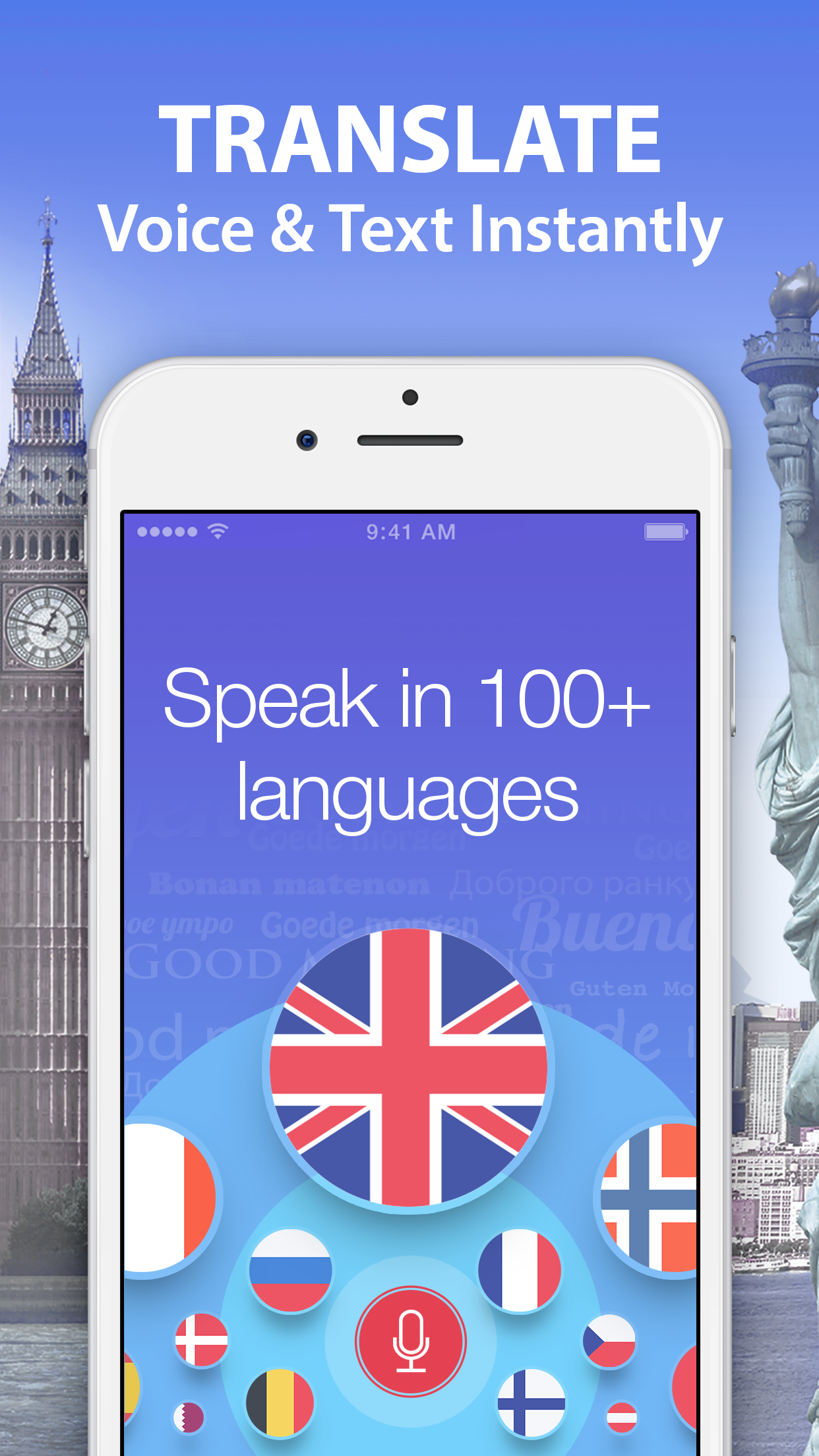
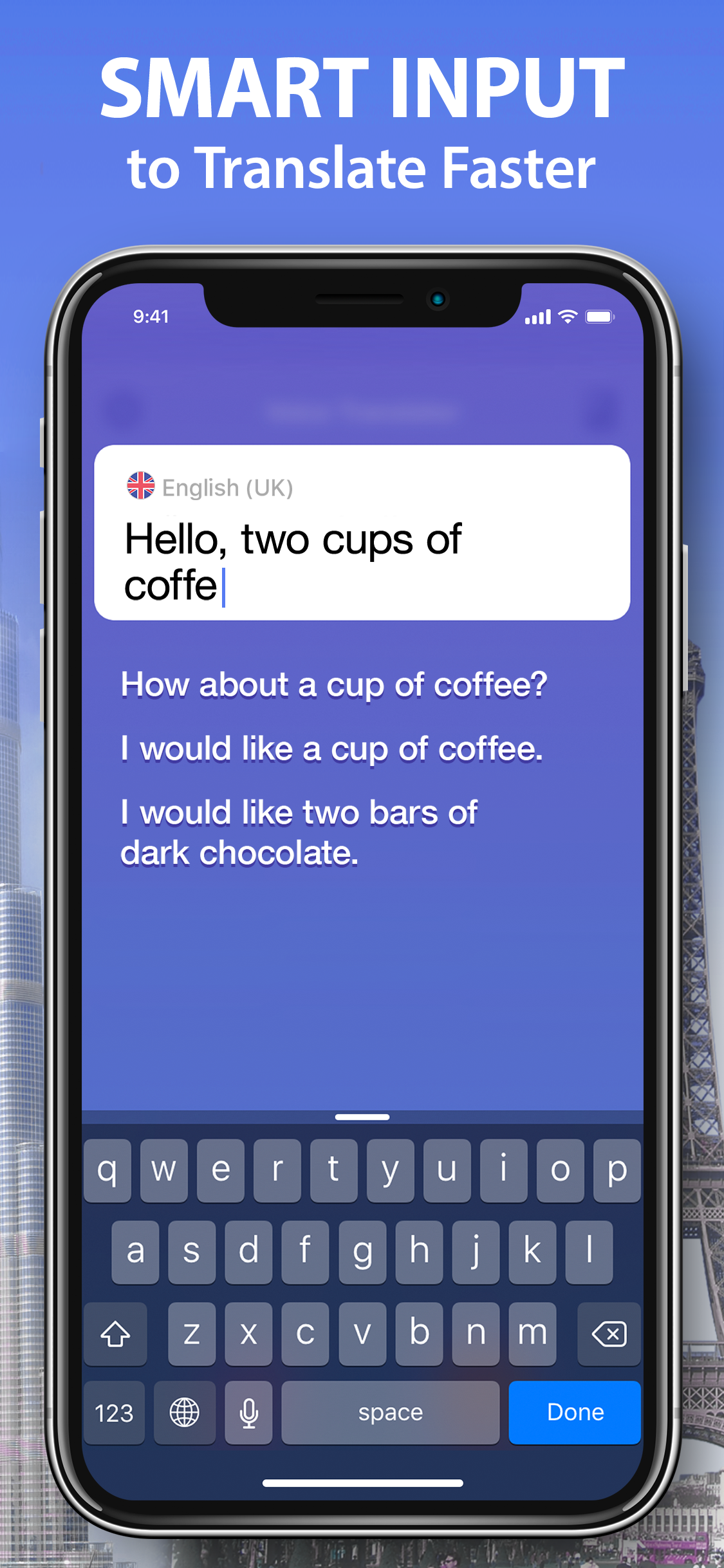
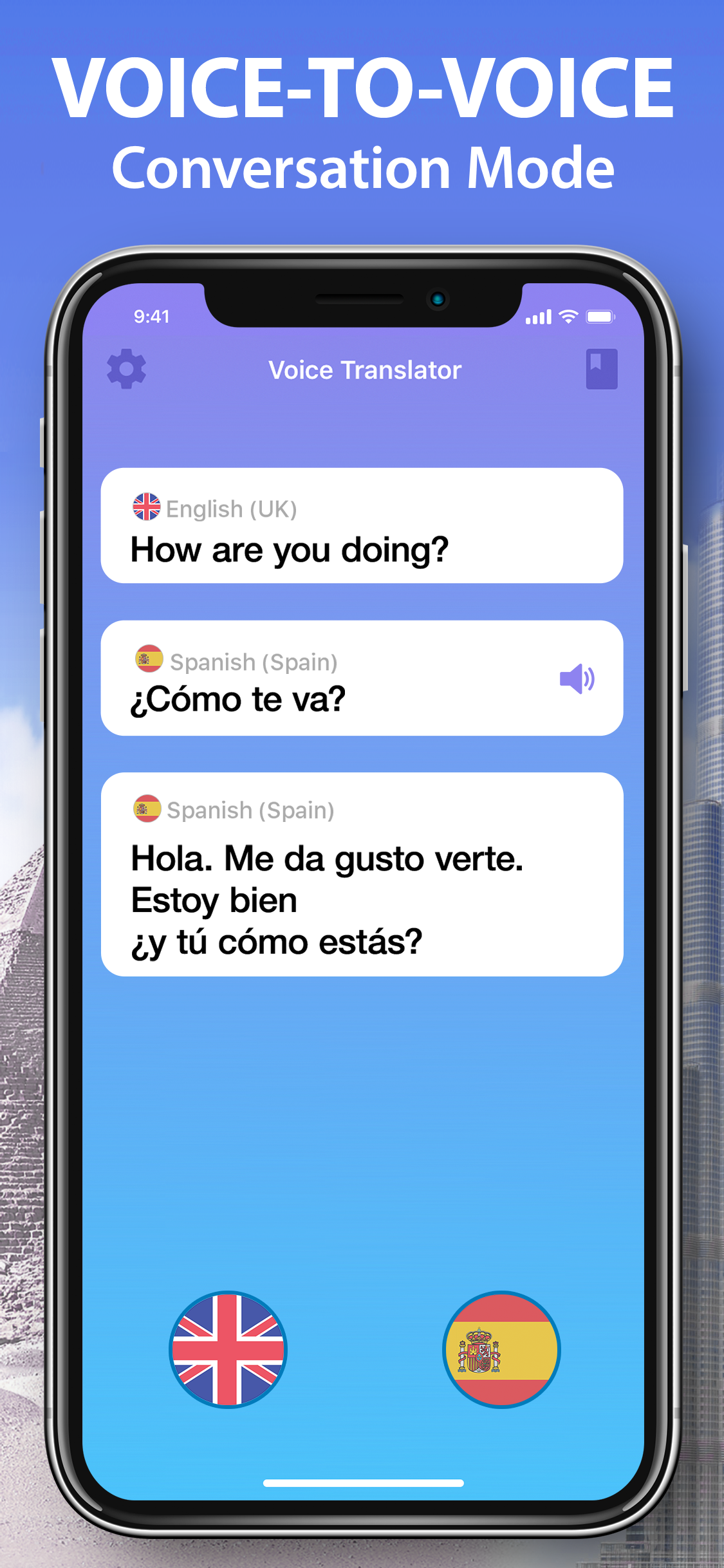
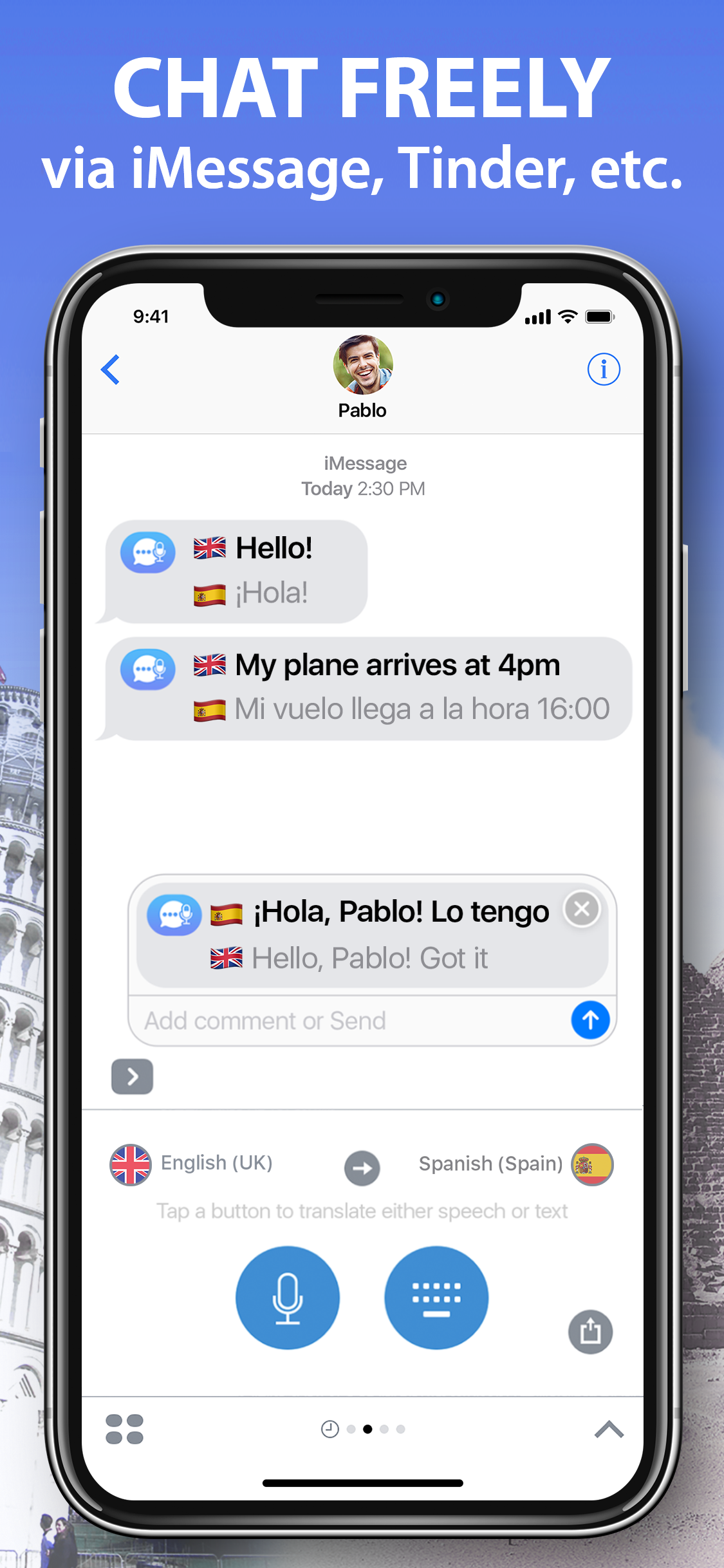
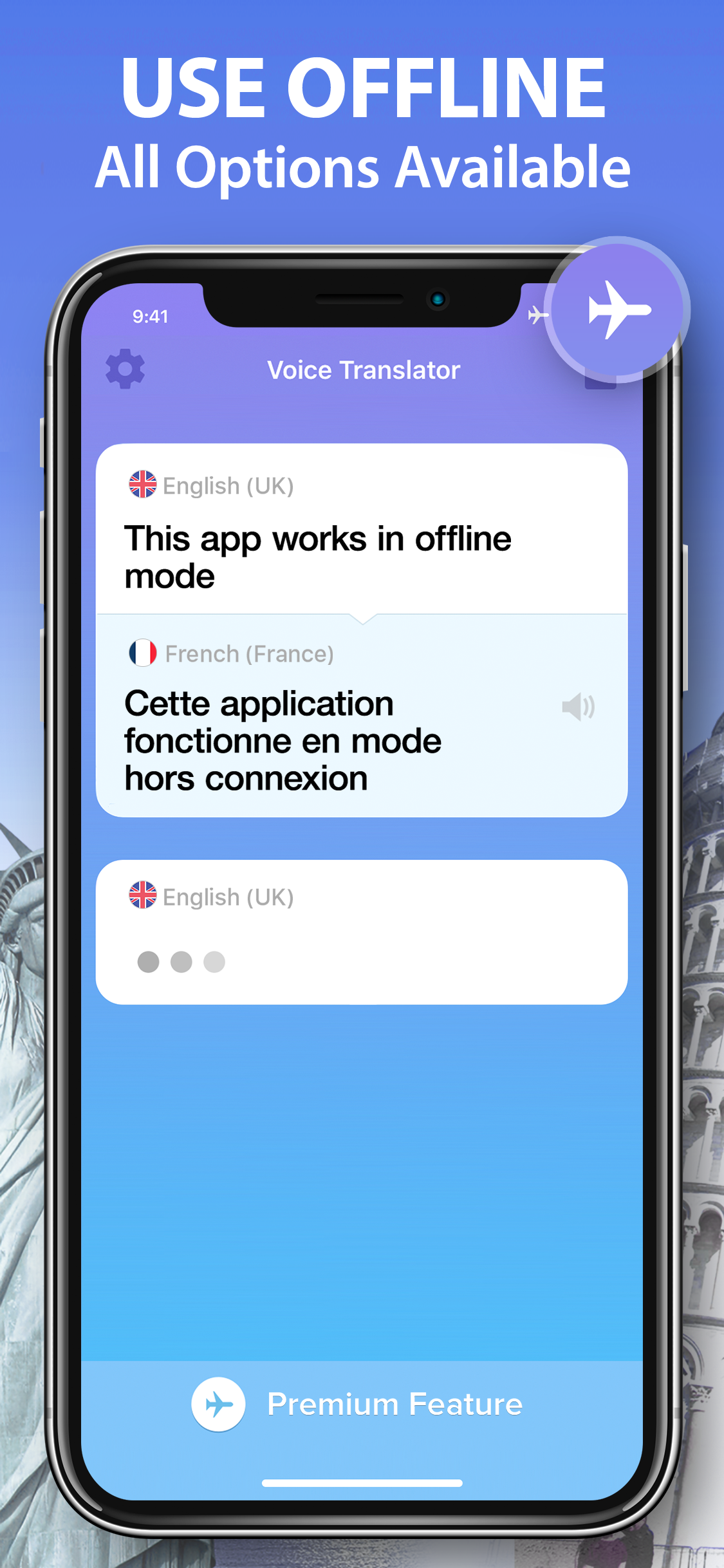
Voice translation was never so easy! Travel around the world and easily communicate in any country - Voice Translator will instantly pronounce translated phrases on-the-fly! Communicate freely at the airport, hotel, gas station, supermarket or any other place. Put your personal interpreter into pocket and use it anytime and anywhere! Voice Translator is an essential learning tool for kids and adults - learn new phrases and listen to correct pronunciation. Start using Voice Translator now and forget about looking for the correct phrase in the dictionary - say any phrase and your interpreter will pronounce the translation out loud! Features: - Language detection for text-to-text mode - Useful widget that saves translations and allows to access them offline - 100+ languages working in speech-to-speech and text-to-text modes - Offline dictionary with voice input - 3D Touch support - translate right from the home screen - Apple Watch support - Speech-to-Speech Conversation mode - The best voice recognition technology - You can either speak or type to translate your text - Smart Text-to-Text mode - Speed up your text input with typing hints - Access favourite phrases offline from History - Translate your chat with iMessage extension - Edit your translations - Convert text from languages with non-Latin alphabet - Conversation History - Copy, Paste and Share translations in a single tap - Works with any app that supports text sharing - Intuitive Dialogue Conversation Interface - Speak the translated phrase out loud - Control the speed of voice - Male and female voices available - iOS 11 support Currently supported Voice-to-Voice languages: Arabic (Egypt) Arabic (Saudi Arabia) Arabic (International) Catalan Czech Danish Dutch English (Australia) English (GB) English (US) English (India) Finnish French (Canada) French (France) German Greek Hebrew Hindi Hungarian Italian Japanese Korean Mandarin (China / Simplified) Mandarin (Taiwan / Traditional) Norwegian Polish Portuguese (Brazil) Portuguese (Portugal) Romanian Russian Slovak Spanish (Spain) Spanish (LatAm) Swedish Thai Turkish and more
Create screenshots like Voice Translator: AI Translate
Use FlyerBanana's free editor to create professional App Store screenshots inspired by Voice Translator: AI Translate's design. 100+ templates, device frames, and one-click export.