
App Store Screenshots (8)

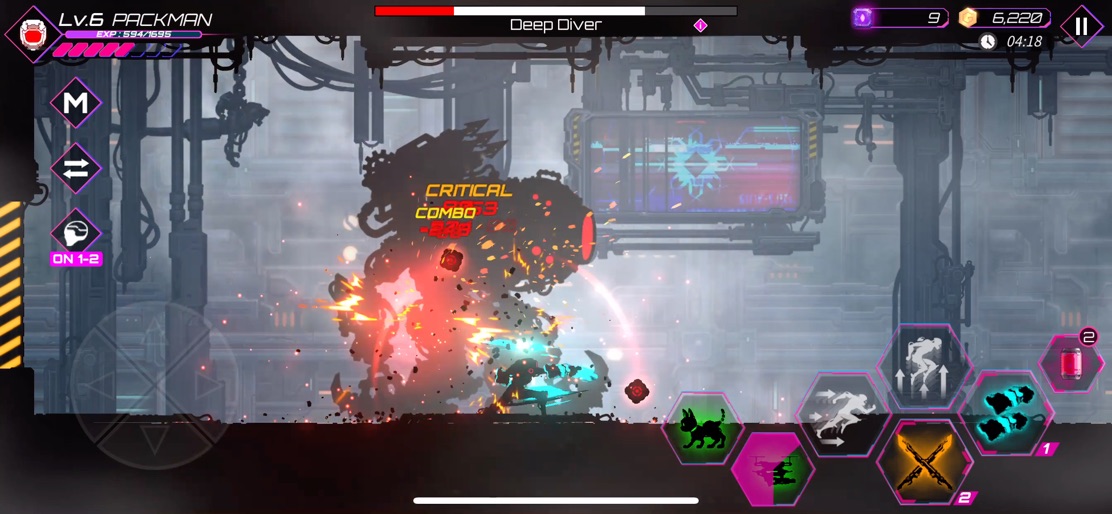


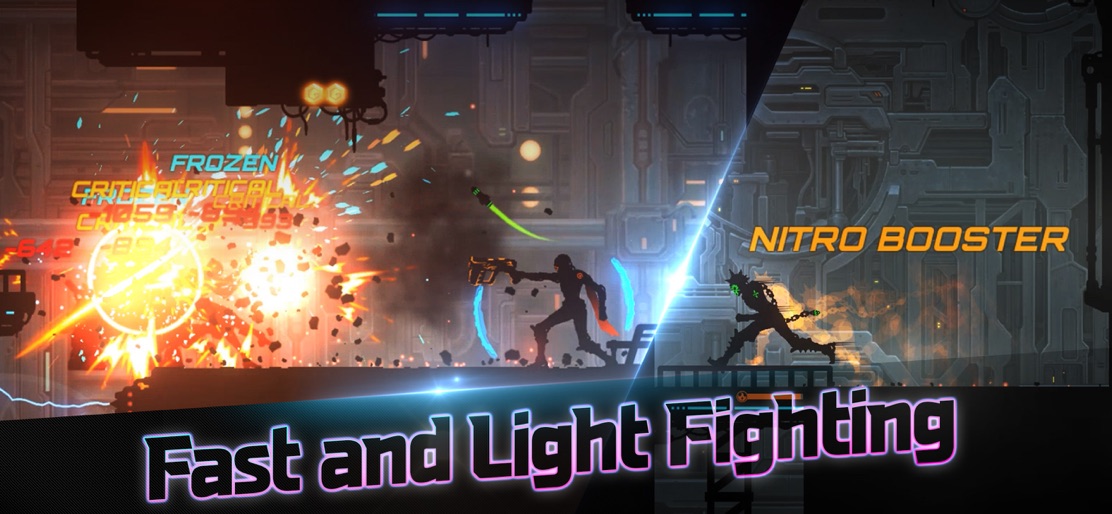

Design Analysis
Visual Design
Style: Custom
Key Features Shown
- •Melee and Ranged Combat
- •Boss Encounters
- •Roguelike Ability Selection
- •Character Customization (Battle Body)
- •Daily Missions & Leaderboards
App Insights
Target: Hardcore mobile gamers interested in roguelike action, cyberpunk aesthetics, and skill-based platformers. Specifically targets fans of 'Shadow Fight' and 'Dead Cells'.
- •In-App Purchases (IAP)
- •Rewarded Video Ads
- •Battle Pass (VIP Pass)
ASO Keywords:
About Undestroyed : Platformer Game
* External Controller(Gamepad) Support* For some unknown reason, an AI went rogue and annihilated humanity, and the light faded from the world. Even the last remaining hope that is the shelter has been detected and attacked. You as an adventurer with your mechanical body must discover the forgotten technology and bring the light back to this dark world. Undestroyed takes place in a futuristic cyberpunk world. It is a roguelike shadow-scrolling action game in which you clear one machine cell at a time in a world populated by rampaging robots. * Game Features Stylish Shadow Action / Shadow fight A unique 2D shadow action game with melee and ranged weapons and an overwhelming sense of immersion. Experience a combat system that utilizes colorful and powerful weapon combos. Roguelike Master x Fighting games Repeated deaths aren’t failures, but are actually the path to becoming stronger. The new weapons and abilities you obtain every time you die will make battles more exciting. Craft a Variety of Powerful Weapons Craft a one-handed or two-handed weapon that feels comfortable in your hands, such as dual blades, spears, machine guns, and more. Also protect yourself with sub weapons such as drones, grenades, and protective shields. Equip powerful weapons to cut down your enemies. Evolved Gameplay Change the appearance of your character through the special ‘Battle Body’ system, and equip ‘Ability Cards.’ You can create your own unique fighting style by choosing your own equipment. Survive a Dynamic Mechanical Dungeon Avoid giant deadly saw blades and other fatal gimmicks while fighting the enemy. Defeat all the enemies in the dungeon or just rush to the next stage in order to survive.
Create screenshots like Undestroyed : Platformer Game
Use FlyerBanana's free editor to create professional App Store screenshots inspired by Undestroyed : Platformer Game's design. 100+ templates, device frames, and one-click export.










