
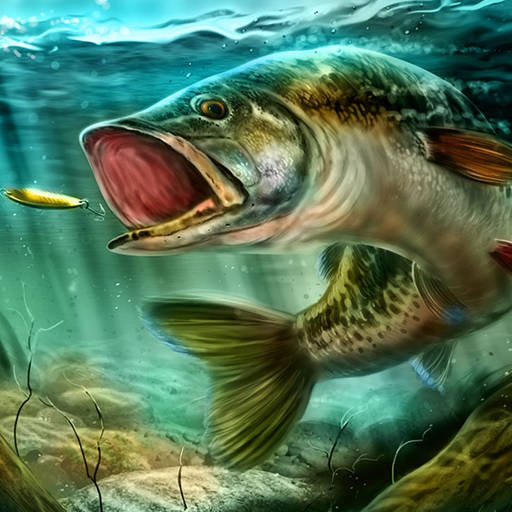
App Store Screenshots (4)

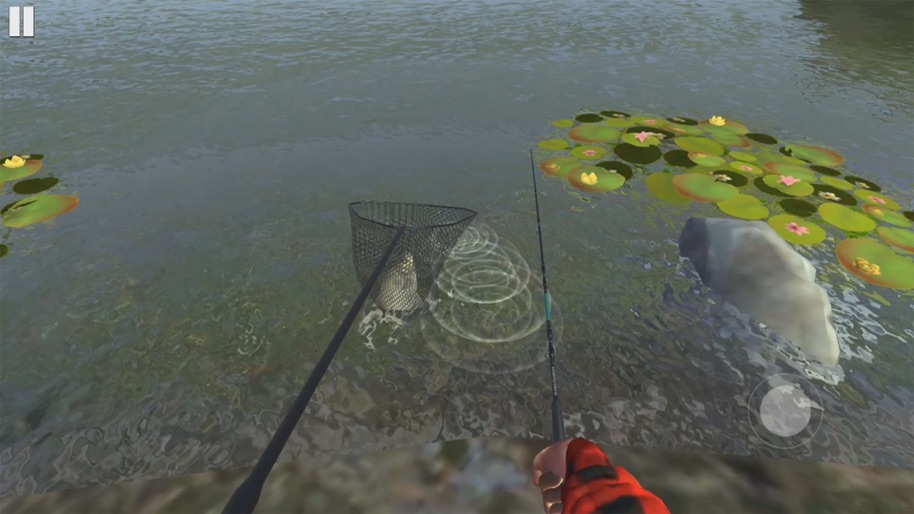
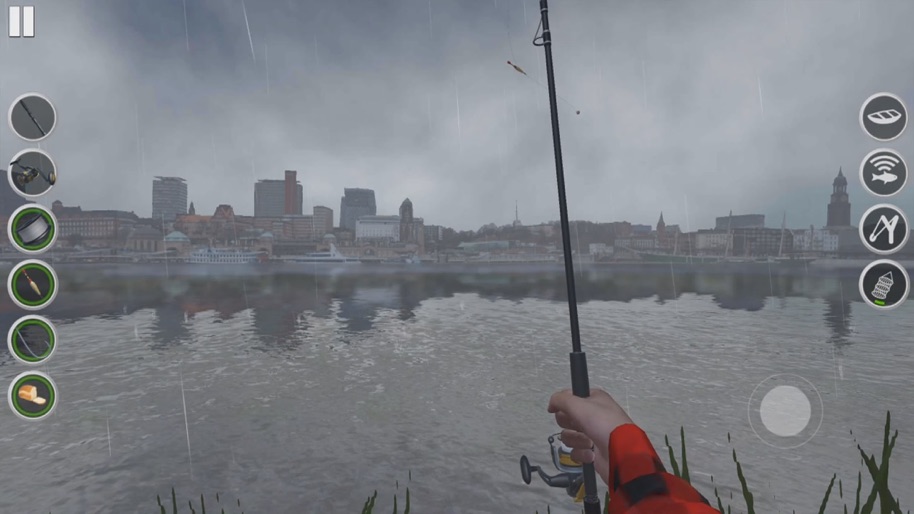

Design Analysis
Visual Design
Style: Custom
Colors:
accent
primary
secondary
Joystick/Reel wheel overlayVertical icon sidebarProgress bar for fish tensionEnvironment-integrated UI
Key Features Shown
- •First-person angling view
- •Tension/Stress meter
- •Netting mechanic
- •Dynamic weather (Rain)
- •Inventory/Gear management UI
- •Real-world locations (NYC, Hamburg)
App Insights
Target: Casual gamers and fishing enthusiasts looking for a realistic simulation of real-world angling locations on mobile devices.
Monetization:
- •In-App Purchases (Virtual Currency)
- •Ad-supported (Interstitial and Reward ads)
- •Ad-removal purchase
ASO Keywords:
UltimateFishingSimulator
About Ultimate Fishing Simulator
Play Ultimate Fishing Simulator fishing simulator that has not been! 12 real fishing locations in a realistic graphic setting 6 cities from different countries, Warsaw, Paris, Hamburg, New York, Ottawa and more A wide selection of fishing tackle and equipment Many species of fish Fishing activities Fishing tournaments
Create screenshots like Ultimate Fishing Simulator
Use FlyerBanana's free editor to create professional App Store screenshots inspired by Ultimate Fishing Simulator's design. 100+ templates, device frames, and one-click export.
More Entertainment Apps
View all
5 shots

YouTube
Entertainment
4.7(45.9M)

9 shots

Spotify: Music and Podcasts
Entertainment
4.8(38.7M)

7 shots

TikTok - Videos, Shop & LIVE
Entertainment
4.7(18.2M)

7 shots

Pandora: Music & Podcasts
Entertainment
4.8(11.1M)

9 shots

Shazam: Find Music & Concerts
Entertainment
4.9(8.6M)

8 shots

Photo Lab Picture Editor & Art
Entertainment
4.5(6.6M)
Frequently Asked Questions
How can I create screenshots like Ultimate Fishing Simulator?
You can create App Store screenshots inspired by Ultimate Fishing Simulator using FlyerBanana's free screenshot editor. Choose from 100+ templates, customize colors, text, and device frames, then export in all required sizes.
What screenshot sizes does Ultimate Fishing Simulator use?
Ultimate Fishing Simulator uses standard App Store screenshot sizes including 6.7" (1290×2796px), 6.5" (1284×2778px), and 5.5" (1242×2208px) for iPhones. FlyerBanana supports all required sizes with one-click export.
Can I use Ultimate Fishing Simulator's screenshot style for my app?
Yes! While you shouldn't copy screenshots directly, you can use Ultimate Fishing Simulator's design patterns as inspiration. FlyerBanana's templates let you create professional screenshots with similar layouts, color schemes, and visual styles.
What makes good Entertainment app screenshots?
The best Entertainment app screenshots clearly showcase key features, use consistent branding, include compelling copy, and follow App Store guidelines. Browse our Entertainment inspiration gallery to see what top apps do well.