

Train Crew Sim 3 (Bus Edition)
Hiromi Hakozaki
App Store Screenshots (8)


About Train Crew Sim 3 (Bus Edition)
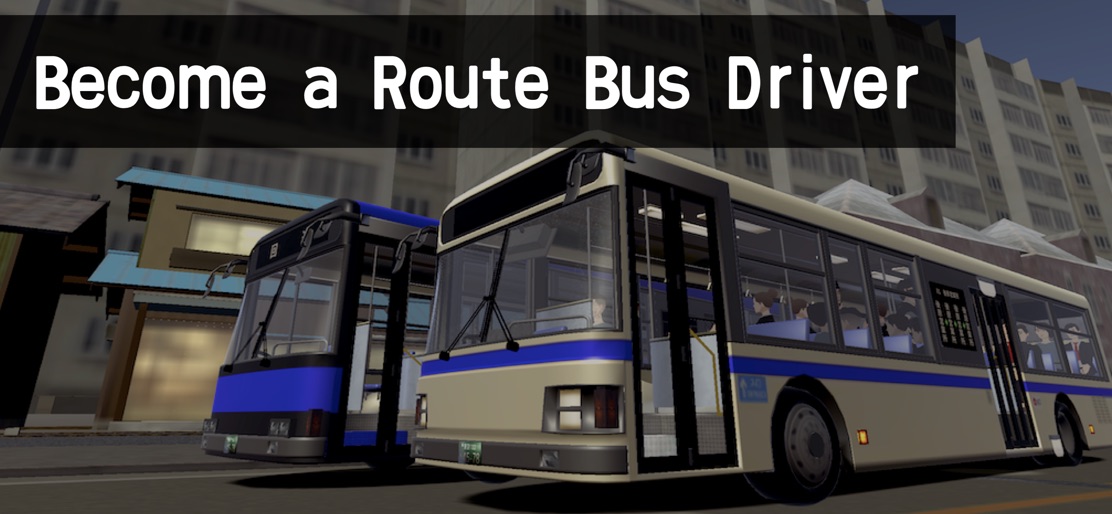
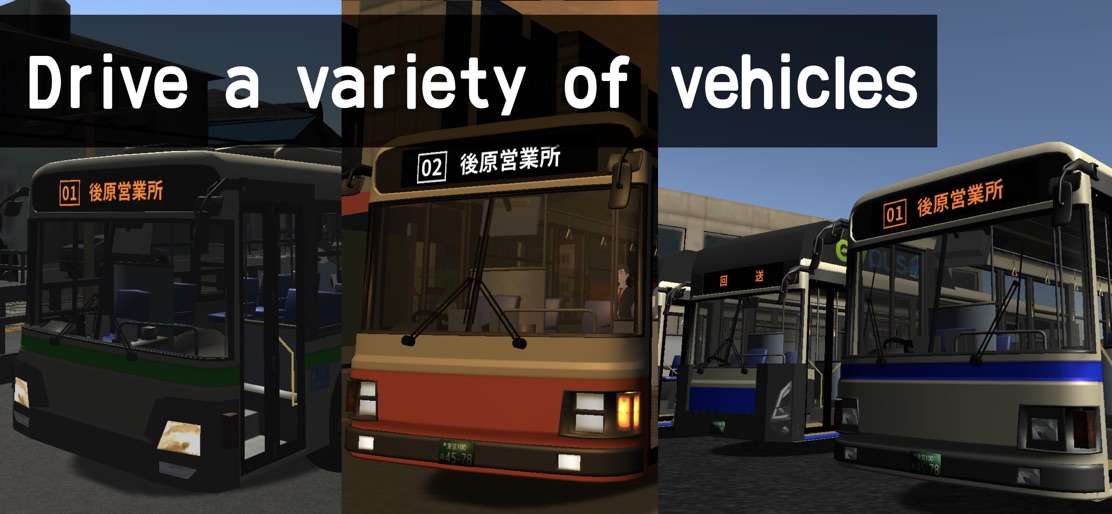
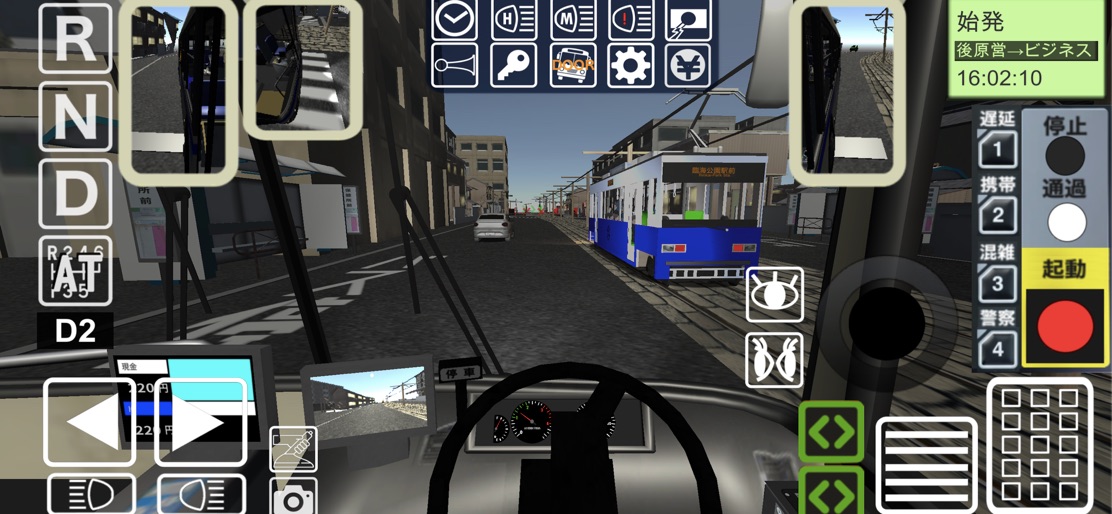
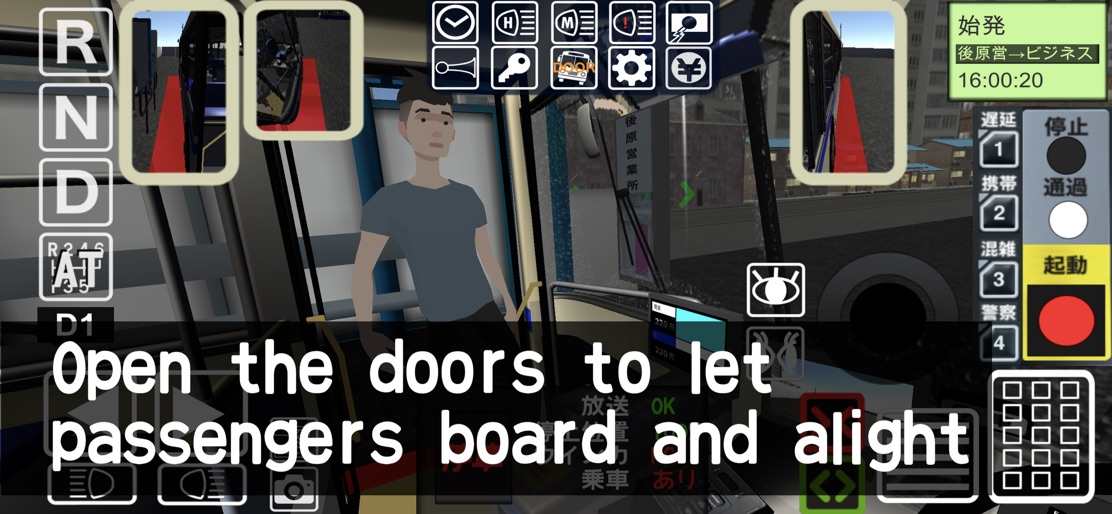
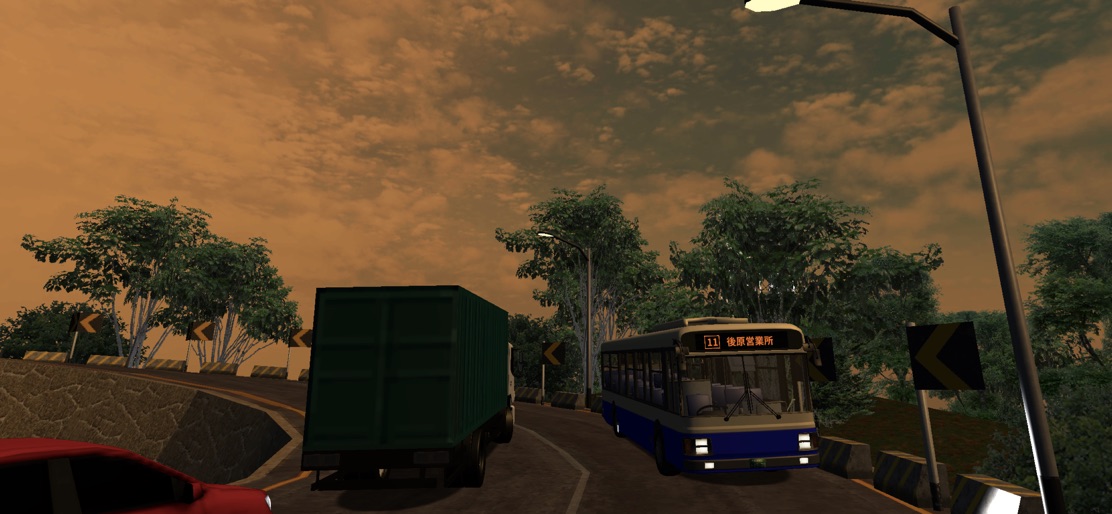
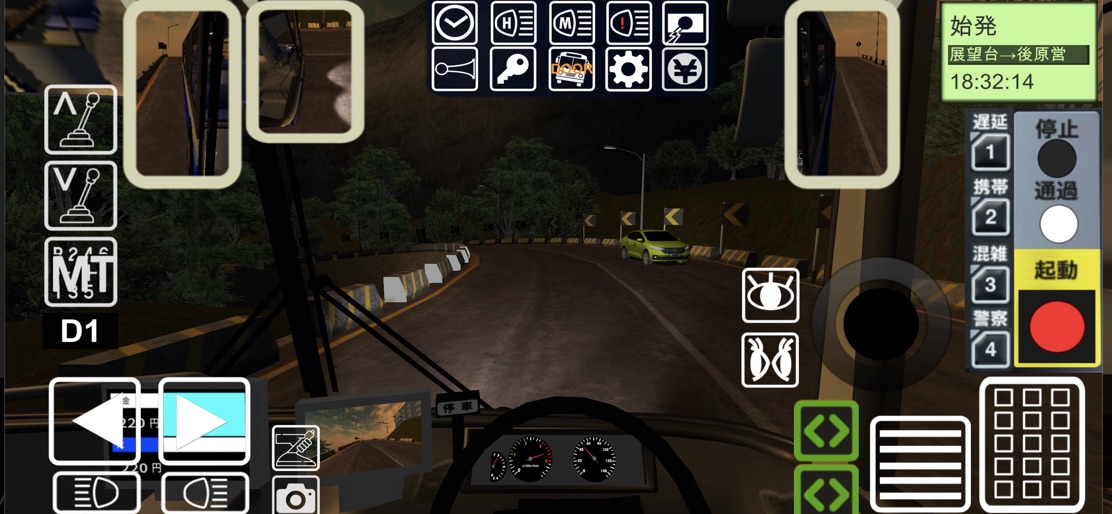
The latest installment in the Driver Simulator series, celebrating its 5th anniversary since its initial release, is the long-awaited “Route Bus Edition.” Based at the Ushihara Depot, you can operate a variety of uniquely themed routes: * Yumemidai Depot: An urban route passing through a university area and streets shared with trams * Kuchikawa Wharf: A route heading toward the amusement park * Business Park: An office district route behind Kuchikawa Station * Summit Observatory: A challenging route via Peace Park that includes mountainous sections Five different bus models are available. Using in-game coins or optional purchases, you can customize: * Paint colors (5 types) * Designs (4 types) * Turn signal chimes (4 types) * LED destination sign colors (2 types) * Rear door buzzer sounds (3 types) In the game, safe driving is essential, as well as making proper stop decisions and providing onboard announcements at each bus stop. The bus must stop within the designated area, and your accuracy is scored. Passengers may also request special fares such as “for two people” or “with a student discount.” Operate the settings panel and handle fare adjustments accurately. Have you ever taken a route bus while traveling in Japan? Become a Japanese bus driver and support the daily lives of people in the city! Drive Japan’s unique buses and relive your journey through the scenery and sounds.
Create screenshots like Train Crew Sim 3 (Bus Edition)
Use FlyerBanana's free editor to create professional App Store screenshots inspired by Train Crew Sim 3 (Bus Edition)'s design. 100+ templates, device frames, and one-click export.