
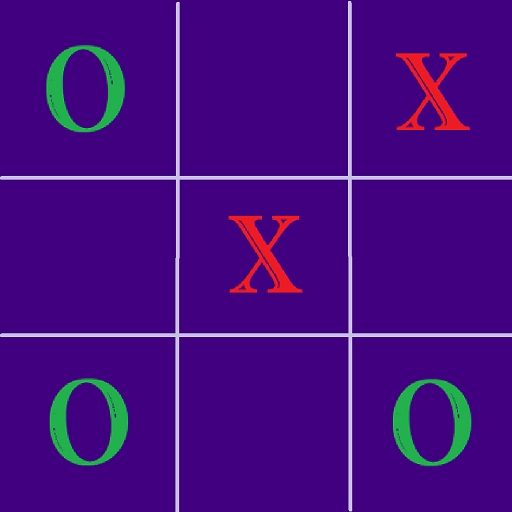
App Store Screenshots (10)


About Tic Tac Toe
Tic Tac Toe is a two player game played using noughts and crosses, or X and O. Traditionally played on three-in-a-row boards, Player who succeeds in placing three of their marks in a diagonal, horizontal, or vertical row is the winner. Best play from both players leads to a draw. To make this more fun, we have an option 3 X 3 and 4 X 4 gameboard. Player can choose their game piece as X and O or Emoji. Select Single player game to play against the bot. User can choose an option to move first or second based on their game strategy. Multiplayer game can be played by sharing the device between two players. User can choose an option to move first or second based on their game strategy. FEATURES ► Option to select who get to play first ► Custom Symbol ► Single Player and Multi Player ► Configurable player names and score tracking ► Share or Save your result ► Can work with no internet This version is FREE and is supported by ads. Thank you for your interest and downloading our app and appreciate your valuable feedback.
Create screenshots like Tic Tac Toe
Use FlyerBanana's free editor to create professional App Store screenshots inspired by Tic Tac Toe's design. 100+ templates, device frames, and one-click export.