
App Store Screenshots (4)
About Tactics Board - Soccer
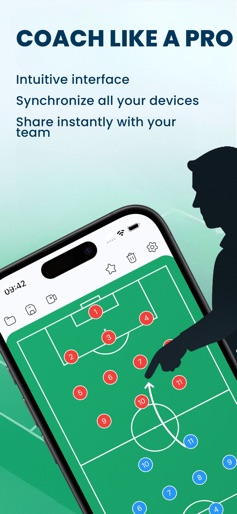
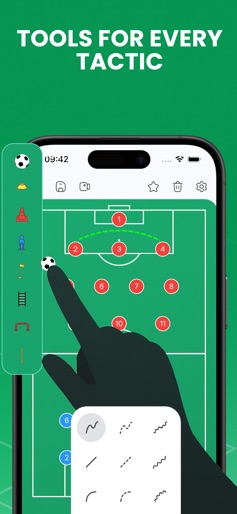
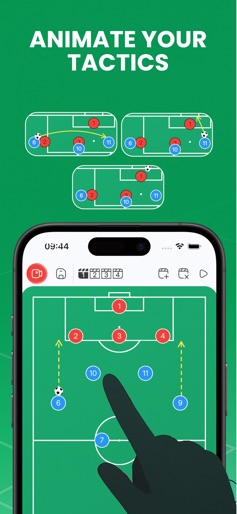
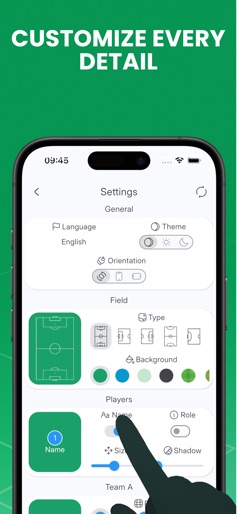
Tactics Board – Soccer is the ultimate app to design tactics, plan lineups, and coach your team. Perfect for coaches, players, and soccer fans who want to create, animate, and share strategies with ease. Advanced Drawing Tools Create tactics with freehand, straight, curved, dashed and arrow lines. Highlight key areas with circles and squares. Customize every element with colors and thickness. Training Equipment Add realistic training tools such as goals, cones, rings, hurdles, flags, ladders, and mannequins to build drills. Configurable Players Assign numbers, names, and roles to players. Use custom icons to distinguish attackers, defenders, and goalkeepers. Plan lineups and formations quickly. Creation Modes Use a static board for strategies and game plans. Create simple animations to visualize player movements. Synchronization and Sharing Save tactics in folders. Sync across iPhone, iPad, and Mac. Share your strategies with your team in just a tap. Whether you are a professional coach or an amateur, this app helps you create, organize, and share strategies to improve your team’s performance. Privacy Policy: https://sites.google.com/view/censasoft/tacticboard-soccer EULA: https://www.apple.com/legal/internet-services/itunes/dev/stdeula/
Create screenshots like Tactics Board - Soccer
Use FlyerBanana's free editor to create professional App Store screenshots inspired by Tactics Board - Soccer's design. 100+ templates, device frames, and one-click export.