

Strive Hybrid Workout Planner
kristian behuliak
App Store Screenshots (7)
About Strive Hybrid Workout Planner
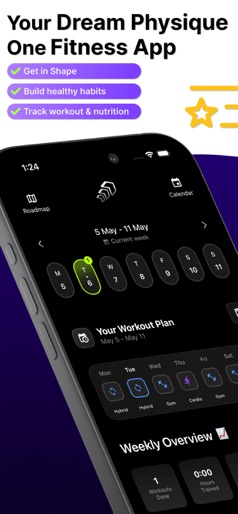
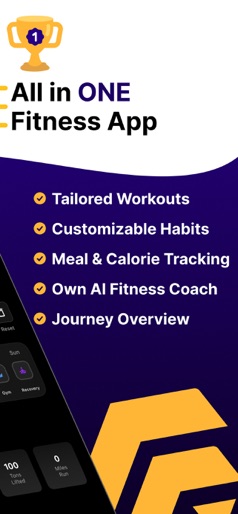
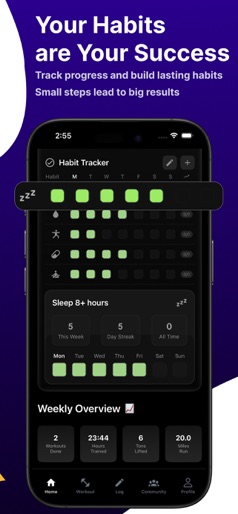
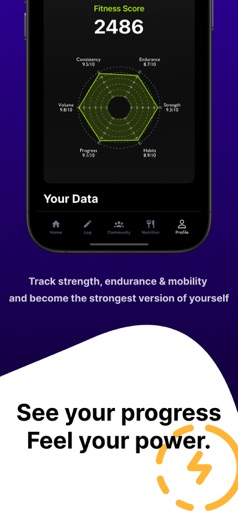
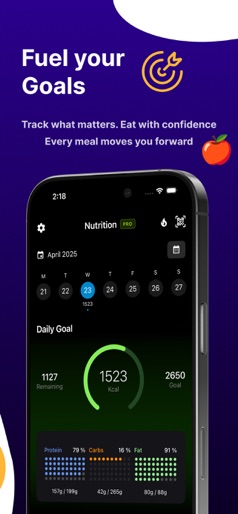
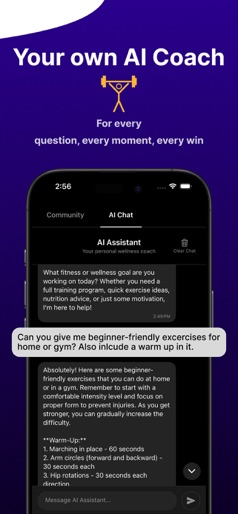
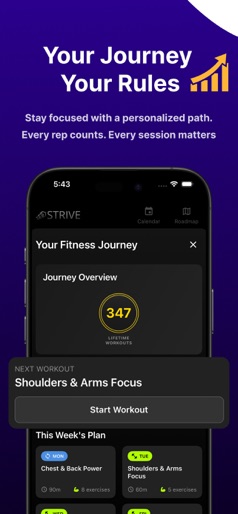
AI coach, hybrid strength-cardio & Pilates workouts, Apple Health sync, habit & calorie tracker—build longevity, lean muscle and balanced fitness faster today! Transform the way you move, eat and recover with Strive – the hybrid workout planner, habit tracker, AI coach and calorie counter that lives inside your pocket. Why choose Strive? • Hybrid training engine mixes strength, cardio, Pilates, HIIT and mobility so you build balanced, longevity-focused fitness. • Apple Health & Apple Watch sync stores every rep, step, heartbeat and sleep cycle in one secure dashboard. • 24 ⁄ 7 AI coach answers training questions, fixes your form and adapts tomorrow’s plan after today’s results. • Habit, nutrition & hydration tracking converts good intentions into streaks that stick. • Cross-platform data export lets you share PDFs with a coach or physician. Core Features 1. Personalised Workout Plans • Select goals like muscle gain, fat loss, athletic performance or healthy ageing. • Injury rules and equipment filters build safe routines for gym, home or hotel. 2. Smart Session Generator • Create a 20-minute hotel-room HIIT, a quick office stretch, or a full gym strength block with one tap. • Exercise library offers video and text cues plus tempo and rest timers. 3. All-in-One Tracker • Log sets automatically with Apple Watch, or manually in the gym log and exercise diary. • Barcode scanner and macro targets simplify daily calorie tracking. 4. AI-Powered Habit Coaching • Get science-backed suggestions like “stand every hour”, “cold exposure” or “mindful breath”. • Chat for motivation, form checks or nutrition swaps whenever you need. 5. Longevity Insights Dashboard • Weekly and monthly charts show training load, HRV, body-fat, sleep debt and stress. • Alerts flag over-training and suggest deloads or recovery sessions. Extra Use-Cases • Travelling? Generate equipment-free body-weight workouts engineered for hotel rooms. • Office break? Select 5-minute mobility flows to undo desk posture. • New parent? Choose low-impact, nap-time workouts and stroller-walk step goals. • Pregnancy & post-partum modes approved by certified trainers. • Marathon build? Pair strength-endurance days with long-run cardio blocks synced to Strava. • Rehab with physio-verified corrective exercises. Subscription & Pricing Strive Pro unlocks all training, nutrition and AI features. • Monthly – US $ 12.99, cancel anytime • Yearly – US $ 69.99, 7-day free trial Manage or cancel in Settings > Apple ID > Subscriptions. Prices may vary by region. Download Strive today and start building stronger habits, smarter workouts and lifelong wellness. EULA · https://www.apple.com/legal/internet-services/itunes/dev/stdeula/ Terms · https://strive-alpha.vercel.app/terms Privacy · https://strive-alpha.vercel.app/privacy Support · striveappstudio@gmail.com
Create screenshots like Strive Hybrid Workout Planner
Use FlyerBanana's free editor to create professional App Store screenshots inspired by Strive Hybrid Workout Planner's design. 100+ templates, device frames, and one-click export.