
App Store Screenshots (5)

Design Analysis
Visual Design
App Insights
About Strategy & Tactics-Sandbox
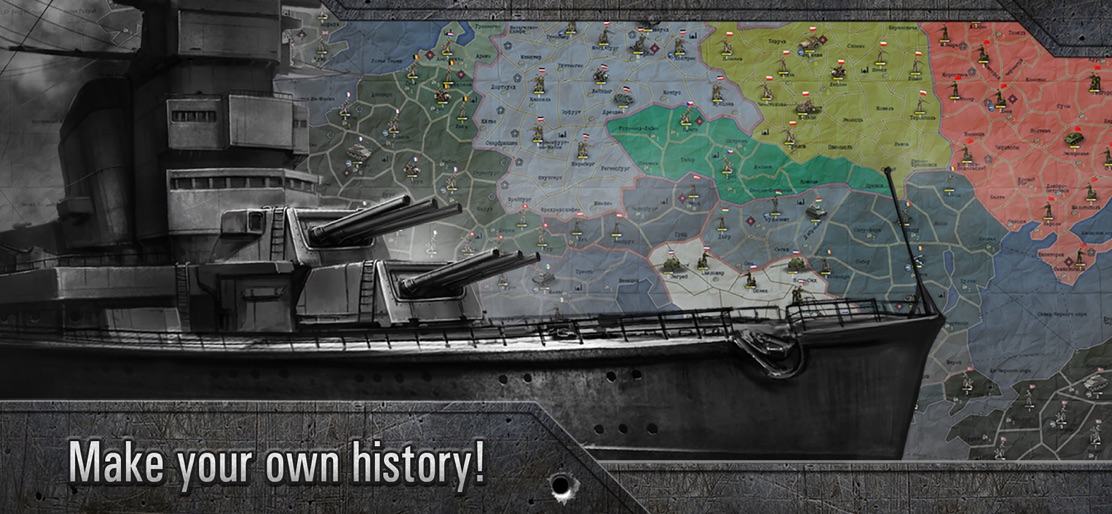
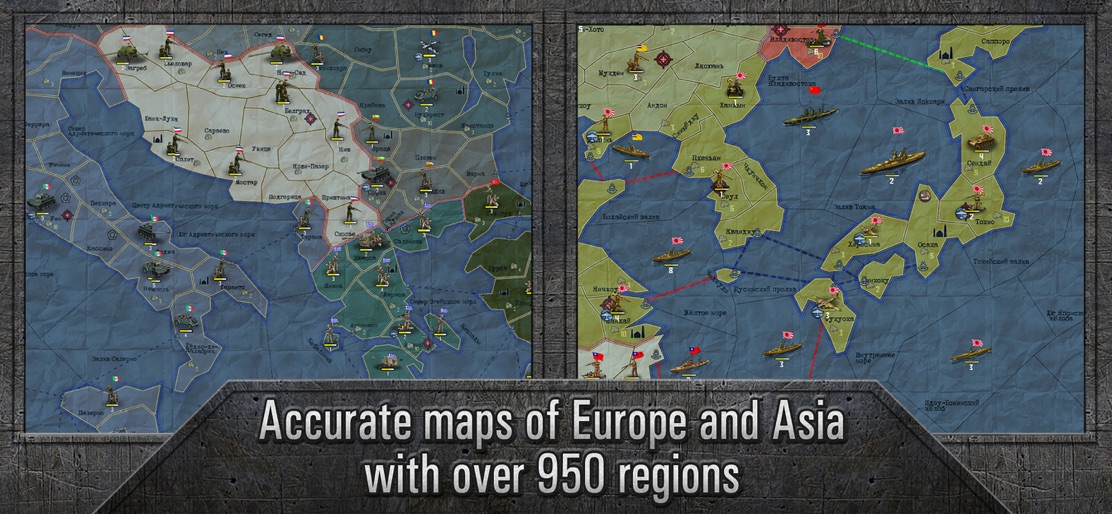
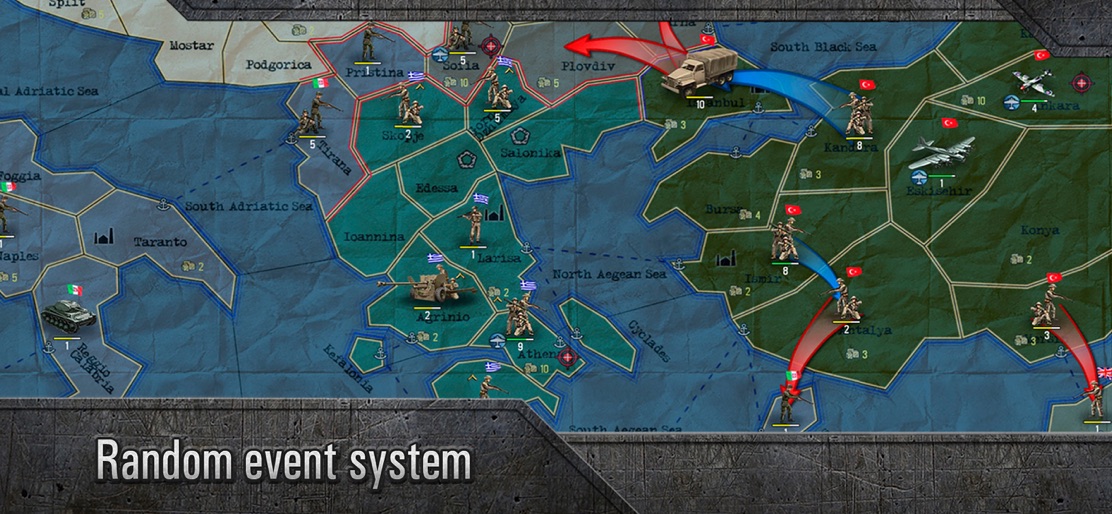
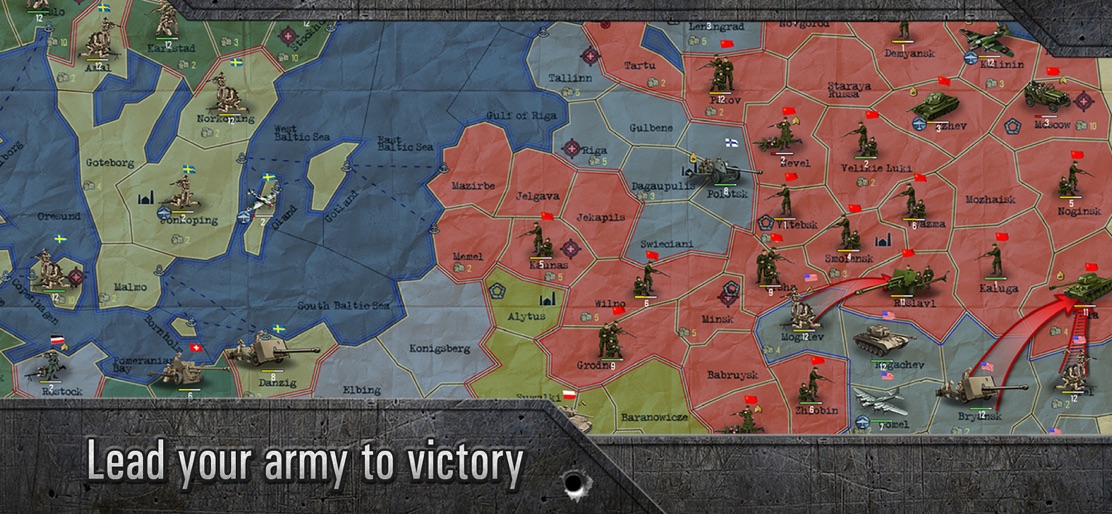
NOTE: The game doesn't work on the following devices: iPhone 11 Pro Max, iPhone 12 / 12 Pro / 12 Pro Max, iPhone 13 / 13 Pro / 13 Pro Max / 13 Mini Sandbox is the unlimited sequel to our Strategy & Tactics: World War II. We've abandoned historical restrictions and turn limits making your task deceptively simple – take command of any European army and lead it to victory in World War 2. You can recreate the actual politics of the era - or not. For instance, as Great Britain you could side with the USSR to crush Germany – or you could disable the historical alliances and lead America to conquer Europe... Random events like guerrilla movements, landing operations, and voluntary recalls will ensure endless replayability and the uniqueness of each game session. You’ll be making your own history! Sandbox: Strategy & Tactics – war is coming! Game Features: - Accurate maps of Europe and Asia with over 950 regions - 4 types of ship: Battleship, Cruiser, Submarine, Destroyer - 39 playable countries - Will you use infantry, aircraft, artillery, and armored vehicles? You choose how to bring the enemy to their knees! - You decide how to spend the resources from the conquered territories: will you grow your army or boost R&D? - Random event system: landing operations, revolutions, changing Coalitions --------------------------------------------------- ***NOTE: Compatible with iPhone 5 and up, iPad 2 and up – may not work properly on earlier devices.***
Create screenshots like Strategy & Tactics-Sandbox
Use FlyerBanana's free editor to create professional App Store screenshots inspired by Strategy & Tactics-Sandbox's design. 100+ templates, device frames, and one-click export.










