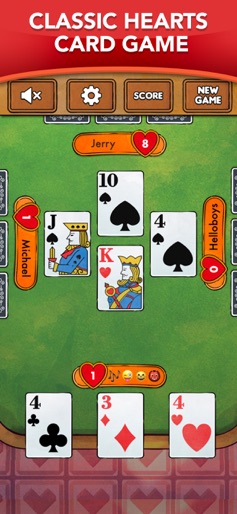
App Store Screenshots (6)


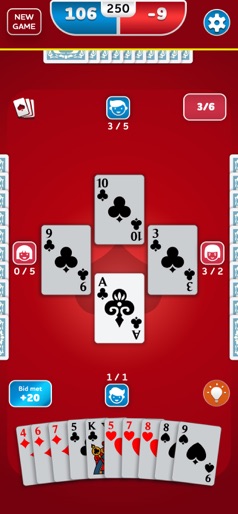
Design Analysis
Visual Design
Style: Custom
Key Features Shown
- •Scoreboard
- •Emoji Reactions
- •Spades Broken Alert
- •Hint System (Lightbulb icon)
- •Custom Backgrounds
App Insights
Target: Casual gamers and card game enthusiasts looking for classic trick-taking games, likely aged 35+ who prefer single-player offline experiences.
- •Interstitial video ads
- •Banner ads
- •Rewarded video ads
ASO Keywords:
About Spades - Card Game
Spades is one of the most famous card games in the world. Play and strategize with your partner and take the number of tricks you bid before the round started. Be the first to reach 250 points to win! Precision, strategy, and good planning will be key to master the game. Don't forget, Spades are always trump! How to play? - Bid the number of tricks you think you will be able to take. - Follow the suit led if possible. If you cannot, play a trump or discard - The trick is won by the player who played the highest card in the led suit orthe highest trump - Spades cannot be led unless they are broken, meaning previously used as trump - The round finishes when all 13 tricks have been played - Reach 250 or 500 points to win! Why choose Spades? - Tailored for mobile and tablet devices - Easy to play with a modern and relaxing look - Smart and adaptive partner and opponents AI - Customize your background and cards - Play with or without Sandbag penalty - Play with or without Blind NIL - Auto save so that you can resume whenever you want Spades is completely FREE to play, enjoy now hours of exciting card games!
Create screenshots like Spades - Card Game
Use FlyerBanana's free editor to create professional App Store screenshots inspired by Spades - Card Game's design. 100+ templates, device frames, and one-click export.