

App Store Screenshots (5)

Design Analysis
Visual Design
App Insights
About Smart Printer App: iPrint
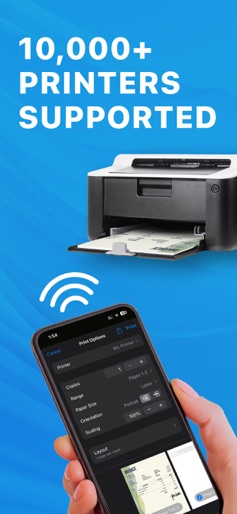
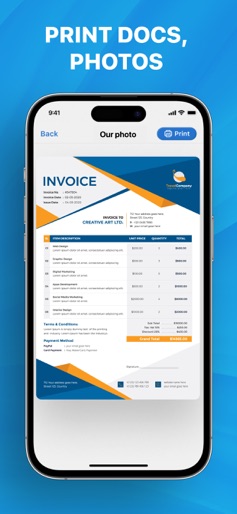
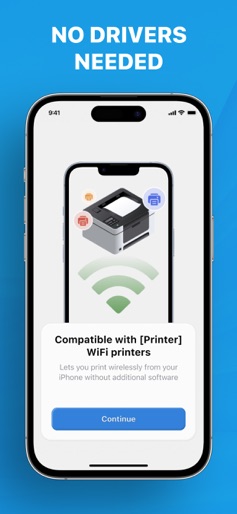
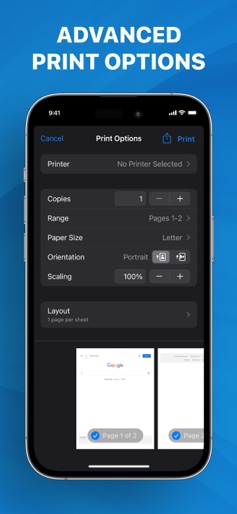
The Smart Printer App is the ultimate printing and scanning solution. With its intuitive and easy-to-use interface, you can easily print documents and photos from your device's storage, iCloud, or email. Our app supports more than 8000+ different printers. Smart Printer App Key Features: PRINT EASILY FROM YOUR PHONE Our app lets you print wirelessly from your iPhone without additional software, making it incredibly simple to print your documents and photos without hassle. SCAN DOCUMENTS AND PHOTOS You can scan multiple documents or photos in one session and save them as PDF files. This feature is beneficial for scanning a document quickly and efficiently. IMPORT & PRINT Import files from email or other apps on your iOS device directly into the Printer App. You can import documents or photos from cloud storage services like iCloud, Dropbox, or Google Drive and print them directly from the app. MULTIPLE PRINT OPTIONS The Smart Printer App offers a range of printing options to suit your needs. For example, you can select the number of copies, page range, paper size, page orientation, and pages per sheet. The app gives you complete control over your printing preferences. Privacy policy: https://pp.smartprinterapp.space/ Terms of use: https://tou.smartprinterapp.space/
Create screenshots like Smart Printer App: iPrint
Use FlyerBanana's free editor to create professional App Store screenshots inspired by Smart Printer App: iPrint's design. 100+ templates, device frames, and one-click export.











