Seaside Escape®: Merge & Story icon

Seaside Escape®: Merge & Story

Microfun Limited

Casual
4.6(27.6K ratings)
Free
Create Screenshots Like Seaside Escape®: Merge & Story

App Store Screenshots (8)

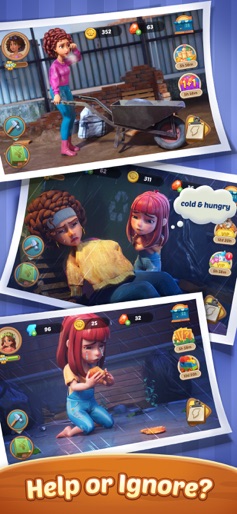
Seaside Escape®: Merge & Story screenshot 1
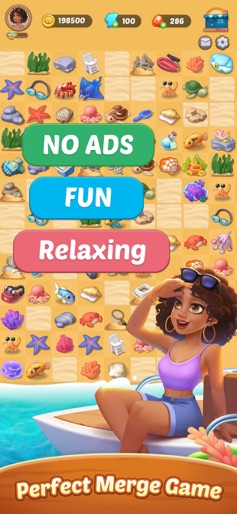
Seaside Escape®: Merge & Story screenshot 2
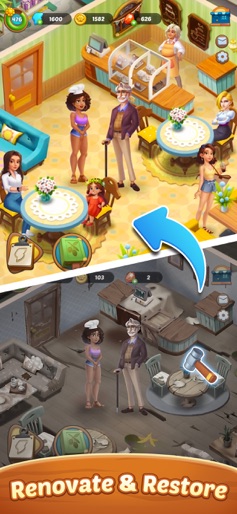
Seaside Escape®: Merge & Story screenshot 3
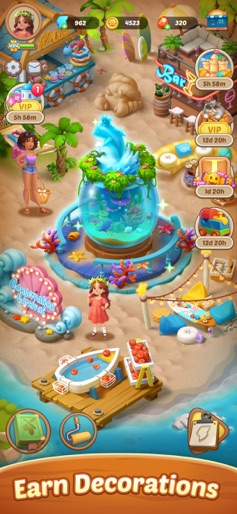
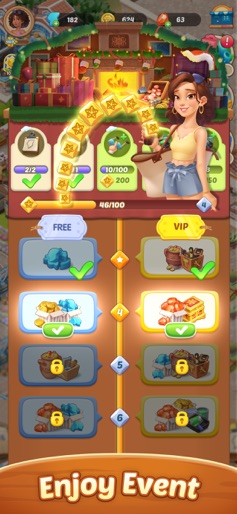
Seaside Escape®: Merge & Story screenshot 4
Seaside Escape®: Merge & Story screenshot 5
Seaside Escape®: Merge & Story screenshot 6
Seaside Escape®: Merge & Story screenshot 7
Seaside Escape®: Merge & Story screenshot 8

Design Analysis

Visual Design

App Insights

About Seaside Escape®: Merge & Story

Kryphos has changed almost beyond recognition in the last five years, and fallen celebrity Rowan needs your help to turn things around. Here, the right merge can change everything. Come and join us, and get lost in the world of Seaside Escape! Game Features • All it takes is a simple drag of your finger, to turn two basic items into something incredible! • With hundreds of items, you can merge almost anything you can think of! • Help the residents of Kryphos not only survive, but thrive! • Help Rowan restore her shattered confidence and rebuild her life! • Uncover hidden secrets as you rebuild Kryphos! • There are surprises hiding around every corner, just waiting for you to find them! Enjoying Seaside Escape? Learn more about the game on our Facebook Fan Page! https://www.facebook.com/SeasideEscapeGame/ Need help? Contact us by sending an email to seasideescape-service@microfun.com.We're here to help you! Privacy Policy: https://www.microfun.com/privacy_EN.html Terms of Service: https://www.microfun.com/userAgreementEN.html

Create screenshots like Seaside Escape®: Merge & Story

Use FlyerBanana's free editor to create professional App Store screenshots inspired by Seaside Escape®: Merge & Story's design. 100+ templates, device frames, and one-click export.

More Casual Apps

View all

Frequently Asked Questions

How can I create screenshots like Seaside Escape®: Merge & Story?
You can create App Store screenshots inspired by Seaside Escape®: Merge & Story using FlyerBanana's free screenshot editor. Choose from 100+ templates, customize colors, text, and device frames, then export in all required sizes.
What screenshot sizes does Seaside Escape®: Merge & Story use?
Seaside Escape®: Merge & Story uses standard App Store screenshot sizes including 6.7" (1290×2796px), 6.5" (1284×2778px), and 5.5" (1242×2208px) for iPhones. FlyerBanana supports all required sizes with one-click export.
Can I use Seaside Escape®: Merge & Story's screenshot style for my app?
Yes! While you shouldn't copy screenshots directly, you can use Seaside Escape®: Merge & Story's design patterns as inspiration. FlyerBanana's templates let you create professional screenshots with similar layouts, color schemes, and visual styles.
What makes good Casual app screenshots?
The best Casual app screenshots clearly showcase key features, use consistent branding, include compelling copy, and follow App Store guidelines. Browse our Casual inspiration gallery to see what top apps do well.