
App Store Screenshots (4)

Design Analysis
Visual Design
App Insights
About RingConn
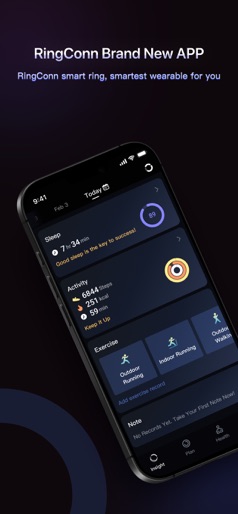
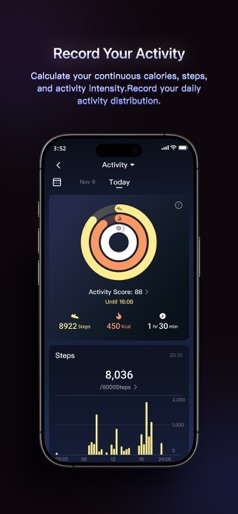
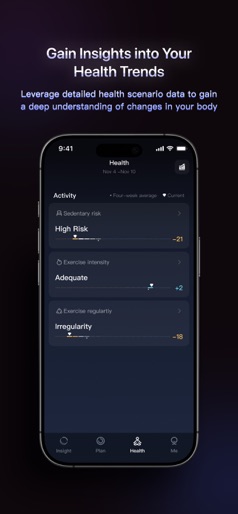
RingConn Smart Ring - Your 24/7 HealthKeeper Companion 【FEATURES】 - Sleep Monitoring: Whether it's your nightly sleep or a nap, the RingConn smart ring conducts seamless monitoring, displaying your sleep data in the app. Understand the efficiency of each sleep segment, sleep stages (awake, REM, light, and deep), and heart rate, with a comprehensive sleep score derived from these metrics. - Activity Tracking: For the fitness enthusiast or outdoor lover, RingConn accurately tracks your steps, calories burned, activity intensity, and standing duration. With 24/7 health monitoring, RingConn helps you gauge your daily vitality, with historical data trends providing insights into your activity patterns over time. - Wellness Balance: The internationally acclaimed RingConn smart ring can seamlessly and automatically monitor your health, providing a more comfortable experience and longer battery life than other smart wearables. Based on your health data, it provides comprehensive insights for wellness balance and personalized health advice to foster a healthy lifestyle. 【DISCLAIMER】 This product is not a medical device. All data and suggestions provided by "RingConn" are intended to help you understand your physical condition and are for reference only. They should not be taken as clinical diagnoses. Please consult a professional doctor before making any medical decisions.
Create screenshots like RingConn
Use FlyerBanana's free editor to create professional App Store screenshots inspired by RingConn's design. 100+ templates, device frames, and one-click export.
More Health & Fitness Apps
View all

Flo Cycle & Period Tracker
Health & Fitness


CVS Health
Health & Fitness


Clue Cycle & Period Tracker
Health & Fitness


Headspace: Meditation & Sleep
Health & Fitness


Noom Weight Loss, Food Tracker
Health & Fitness


Impulse - Brain Training
Health & Fitness