App Store Screenshots (10)



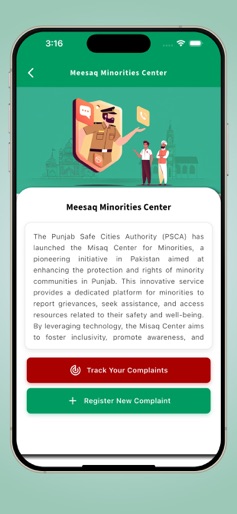

Design Analysis
Visual Design
Style: Hybrid
Key Features Shown
- •Emergency Alert-15
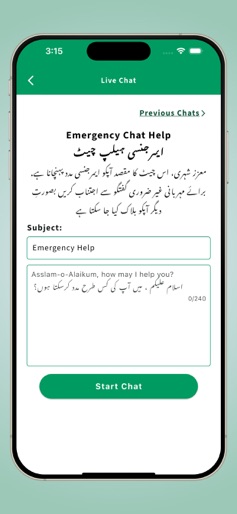
- •Live Chat & Video Call
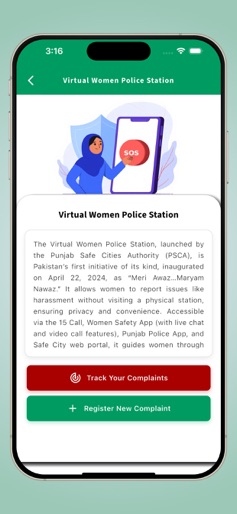
- •Virtual Women Police Station
- •E-Challan Management
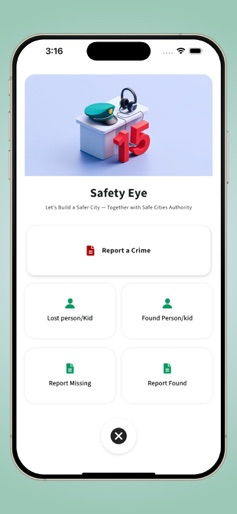
- •Missing Person Reporting (Safety Eye)
App Insights
Target: Citizens and residents of Punjab, Pakistan, requiring emergency assistance, traffic updates, and legal/safety services.
- •Government Funded
ASO Keywords:
About PSCA - Public Safety
Users can now check real-time road traffic conditions directly in the app. Simply go to the Services section and tap on Traffic Condition to view the current situation. PSCA – Public Safety App, developed by the Punjab Safe Cities Authority (PSCA), is an all-in-one mobile application designed to enhance public safety, emergency response, and citizen engagement across Punjab. The app empowers users to access vital safety services from their smartphones, including: Alert-15 Emergency Button: Instantly makes a direct GSM audio call to Police-15 and notifies authorities and the user’s emergency contacts with live location. Live Chat & Video Support: Connect with support services such as the Virtual Women Police Station (VWPS), Virtual Center for Child Safety (VCCS), and other citizen support platforms. (Video call is used for citizen support and accessibility, not as a replacement for emergency numbers). Accessibility Support: Sign language video calls for hearing-impaired citizens, ensuring effective communication with support staff. E-Challans: Check, download, and manage challans conveniently. Complaint Management: File and track complaints, including Police-15, VWPS, VCCS, and the Meesaq Minorities Center. Blood Donor Network: Register as a donor, request blood, and track progress in real time. GPS-Based Services: Locate nearby police stations and access emergency contacts such as Rescue 1122, Motorway Police, and Punjab Highway Patrol. Mera Pyara Services: Report missing or found persons/children to help families reconnect. With its focus on digital transformation, accessibility, and citizen convenience, the PSCA – Public Safety App is a step forward in building a safer and more responsive Punjab. Disclaimer: Video call features are provided for citizen support and accessibility (e.g., sign language assistance). They are not used for emergency numbers such as 15 or 1122.
Create screenshots like PSCA - Public Safety
Use FlyerBanana's free editor to create professional App Store screenshots inspired by PSCA - Public Safety's design. 100+ templates, device frames, and one-click export.