
App Store Screenshots (5)


Design Analysis
Visual Design
App Insights
About Plants vs. Zombies™
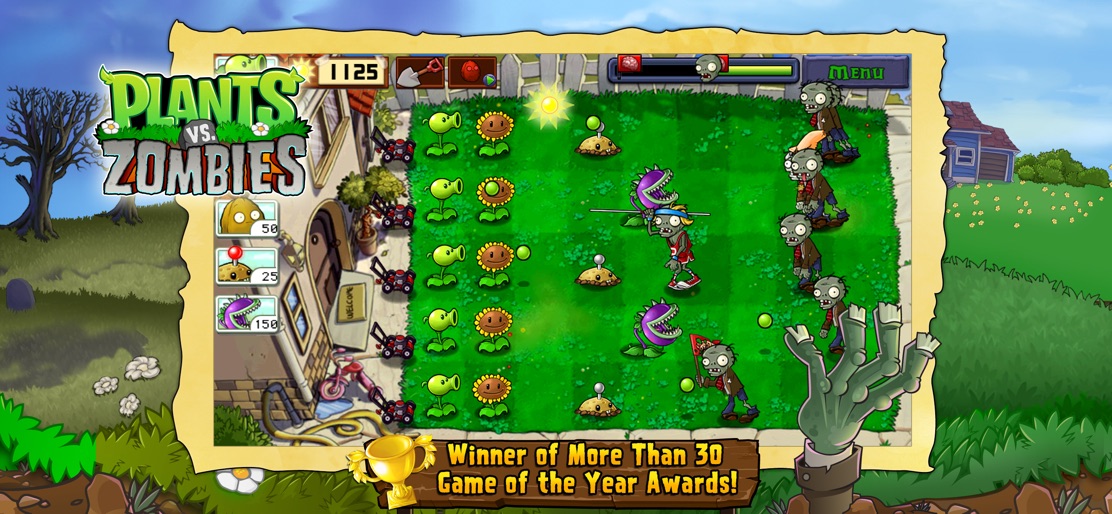
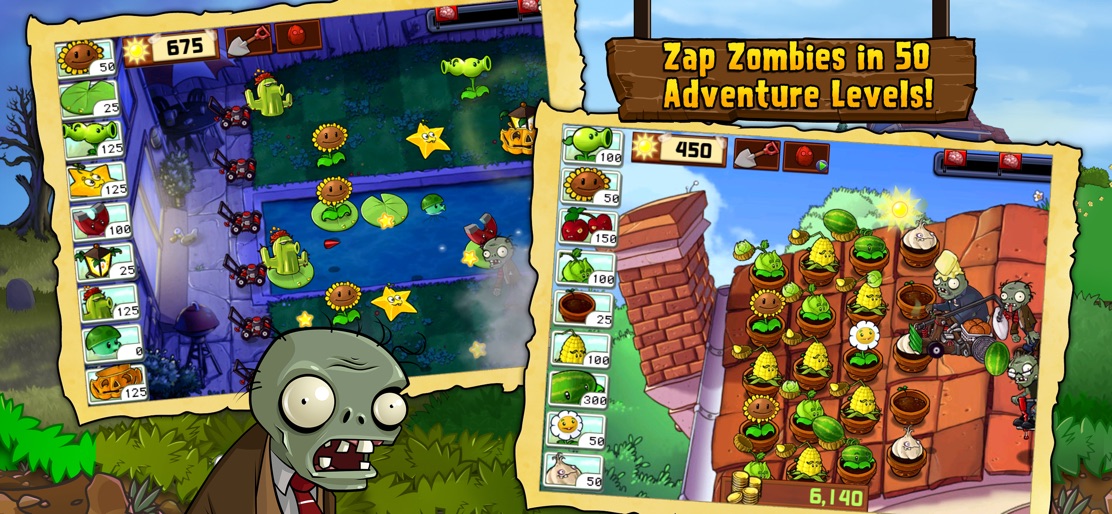
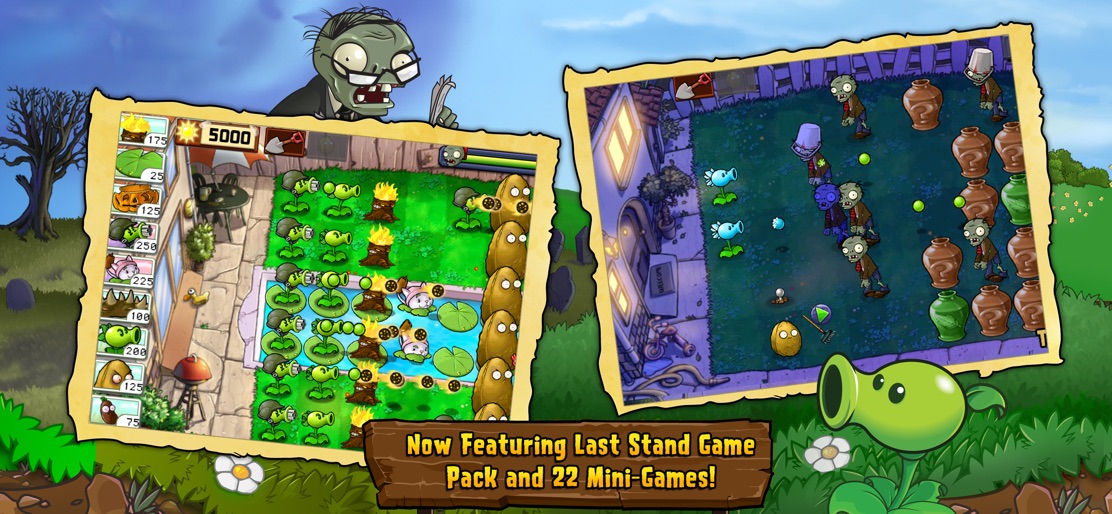
Get ready to soil your plants as a mob of fun-loving zombies is about to invade your home. Use your arsenal of 49 zombie-zapping plants — Peashooters, Wall-nuts, Cherry bombs and more — to mulchify 26 types of zombies before they break down your door. This app offers in-app purchases. You may disable in-app purchasing using your device settings WINNER OF OVER 30 GAME OF THE YEAR AWARDS* 50 FUN-DEAD LEVELS Conquer all 50 levels of Adventure mode — through day, night, fog, in a swimming pool, on the rooftop and more. Plus fend off a continual wave of zombies as long as you can with Survival mode! NOT GARDEN-VARIETY GHOULS Battle zombie pole-vaulters, snorkelers, bucketheads and 26 more fun-dead zombies. Each has its own special skills, so you'll need to think fast and plant faster to combat them all. SMARTER THAN YOUR AVERAGE ZOMBIE Be careful how you use your limited supply of greens and seeds. Zombies love brains so much they'll jump, run, dance, swim and even eat plants to get into your house. Open the Almanac to learn more about all the zombies and plants to help plan your strategy. FIGHT LONGER, GET STRONGER Earn 49 powerful perennials as you progress and collect coins to buy a pet snail, power-ups and more. GROW WITH YOUR GAME Show off your zombie-zapping prowess by earning 46 awesome achievements. COIN PACKS Need coins for great new stuff? Buy up to 600,000 coins right from the Main Menu. *Original Mac downloadable game. Be the first to know! Get inside EA info on great deals, plus the latest game updates, tips & more VISIT US: ea.com FOLLOW US: twitter.com/eamobile LIKE US: facebook.com/eamobile WATCH US: youtube.com/eamobilegames Requires acceptance of EA’s Privacy & Cookie Policy and User Agreement. User Agreement: terms.ea.com Visit https://help.ea.com/ for assistance or inquiries. EA may retire online features and services after 30 days’ notice posted on www.ea.com/1/service-updates Important Consumer Information. This app contains direct links to the Internet.
Create screenshots like Plants vs. Zombies™
Use FlyerBanana's free editor to create professional App Store screenshots inspired by Plants vs. Zombies™'s design. 100+ templates, device frames, and one-click export.










