
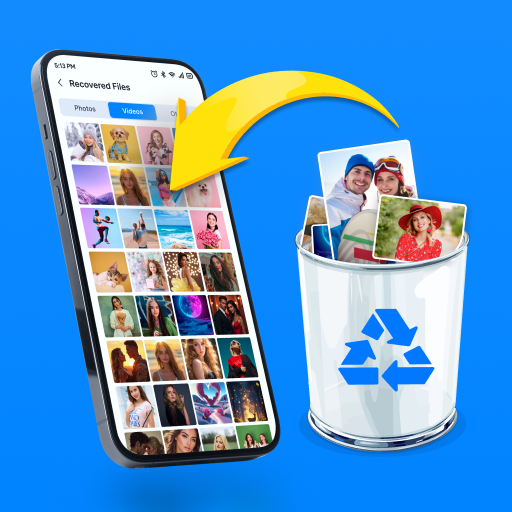
Photo Recovery - File Recovery
Avn Global Application
Create Screenshots Like Photo Recovery - File RecoveryApp Store Screenshots (7)


Design Analysis
Visual Design
Style: Custom
Key Features Shown
- •File Category Selection
- •One-Tap Restore
- •Deep Scan Progress
- •Data Protection Shield
- •Folder-based Organization
App Insights
Target: Android users in emerging markets (specifically Bangladesh, Brazil, and Algeria) who have accidentally deleted media and lack technical expertise in data recovery.
- •Interstitials
- •Rewarded Video Ads
- •Banner Ads
ASO Keywords:
About Photo Recovery - File Recovery
Photo Recovery - File Recovery – Recover What Matters Most! Losing important photos, videos, or files can be frustrating, especially when they hold valuable memories or crucial information. But don’t worry—Photo Recovery - File Recovery is here to help! With advanced scanning and recovery technology, this app makes it easy to recover deleted photos, videos, and files in just a few simple steps. Whether files were lost due to accidental deletion, formatting, or phone issues, this powerful tool ensures you get them back quickly and safely. Say goodbye to the stress of losing important files—recover them effortlessly with just a few taps! 🔍 Smart Scanning – Find Lost Files with Ease Losing a file doesn't mean it's gone forever! With our intelligent scanning technology, you can detect and recover deleted files in minutes. ✔️ Deep & Quick Scan – One tap to scan recently deleted files or older data. ✔️ No Root Required – Recover your data securely without needing to root your device. ✔️ Preview Before Recovery – See the files before restoring to ensure you get back exactly what you need. 📸 Recover Deleted Photos & Videos Instantly Don’t let lost memories disappear forever! Easily restore deleted photos and videos in just a few taps. ✔️ Recover in Original Quality – Retrieve photos and videos without compression or quality loss. ✔️ Safe & Secure Recovery – Your data is restored without overwriting existing files. ✔️ One-Tap Recovery – Select the files you want and restore them with a single tap! 📂 Organize & Manage Recovered Files Keeping your restored files organized is just as important as recovering them. With our built-in file manager, you can sort, save, and access files effortlessly. ✔️ Sort by File Type, Date, or Size – Quickly find the files you need. ✔️ Secure File Storage – Save recovered data to a safe folder or external storage. ✔️ Easily Share & Backup – Save your files to the cloud or share them with others instantly. 🌟 Don’t let accidental deletion erase your important memories! Download Photo Recovery - File Recovery now and recover your lost files effortlessly! 🚀
Create screenshots like Photo Recovery - File Recovery
Use FlyerBanana's free editor to create professional App Store screenshots inspired by Photo Recovery - File Recovery's design. 100+ templates, device frames, and one-click export.
More Productivity Apps
View all

Microsoft Outlook
Productivity


AVG AntiVirus & Security
Productivity


Screen Recorder - XRecorder
Productivity


Opera: Private Web Browser
Productivity


Parallel Space - app cloning
Productivity


Duolingo - Language Lessons
Productivity