

App Store Screenshots (10)




Design Analysis
Visual Design
App Insights
About Persona: AI Beauty Editor
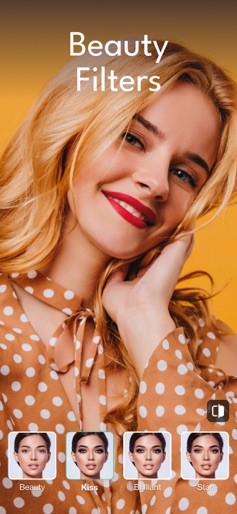
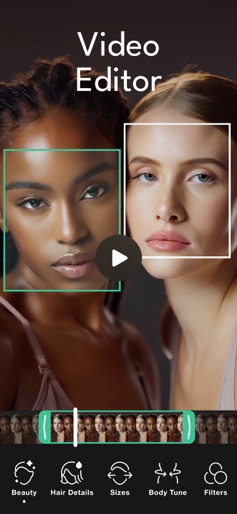
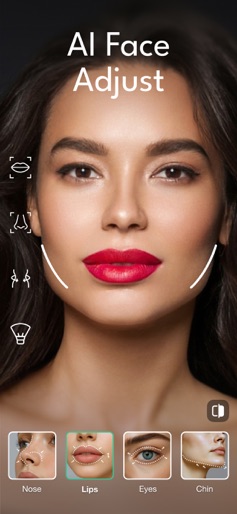
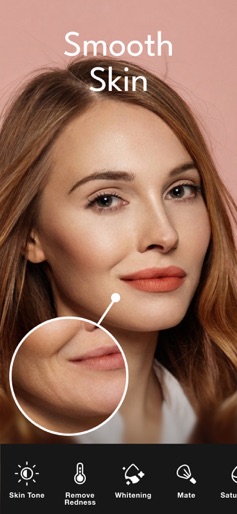
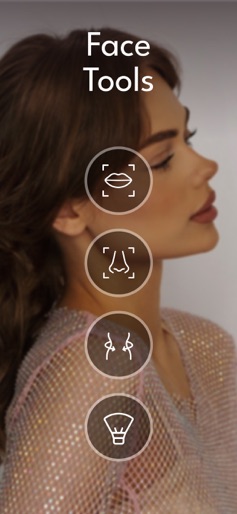
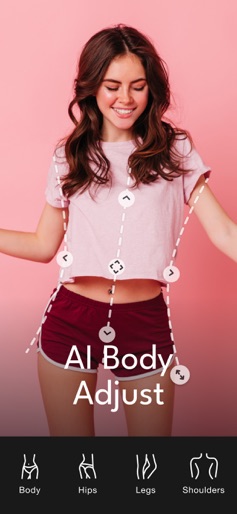
Master your look with Persona - a professional beauty camera and editor crafted for perfection. Smart AI and powerful tools deliver flawless photos and videos effortlessly, live or in edits. MAIN FEATURES: • Face Beauty Filters: Choose from dozens of filters to smooth skin, add a bright glow, or perfect your look naturally - instant with one click, for photos and videos. • Hair Upgrades: Boost volume or switch to new hairstyles fast, works on any shot. • Body Tuning: Shape your figure a bit for a sharp, real result in stills or clips. • Skin Improvement: Get a tan, fix texture, or remove shine in one tap, for any shot. • Editing Controls: Change brightness, contrast, or sharpness like a pro, for both photos and videos. • Face Refining: Improve eyes, nose, lips, or jawline easily, anytime. • Color Boost: Add bold, stylish tones to your photos or videos. • Unique Details: Add freckles, dimples, or small touches to both photos and videos. • Quick Fix: Erase spots or extras fast, no matter what you’re editing. • Exclusive AI Tools: Retake shots with better angles, generate new photo sessions from your selfies, and more. Persona offers elite beauty tools for standout results every time. Terms: https://persona.camera/terms_of_use_persona.pdf Privacy: https://persona.camera/privacy_policy_persona.pdf Download Persona now and own your style with pro-level beauty!
Create screenshots like Persona: AI Beauty Editor
Use FlyerBanana's free editor to create professional App Store screenshots inspired by Persona: AI Beauty Editor's design. 100+ templates, device frames, and one-click export.
More Entertainment Apps
View all

YouTube
Entertainment


Spotify: Music and Podcasts
Entertainment


TikTok - Videos, Shop & LIVE
Entertainment


Pandora: Music & Podcasts
Entertainment


Shazam: Find Music & Concerts
Entertainment


Photo Lab Picture Editor & Art
Entertainment