

pdf scanner-cam scan app
Xiamen Worldscan Information Technology Co., Ltd.
Create Screenshots Like pdf scanner-cam scan appApp Store Screenshots (8)


Design Analysis
Visual Design
App Insights
About pdf scanner-cam scan app
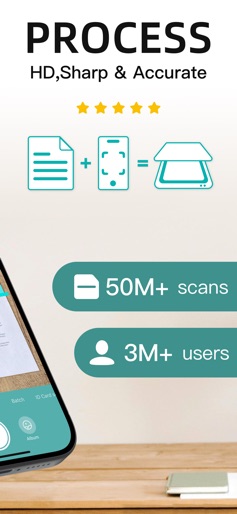
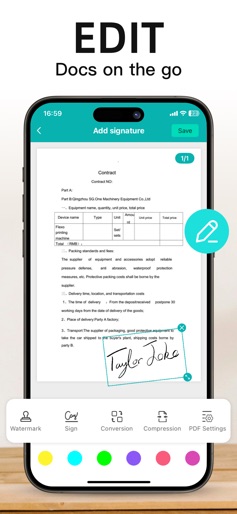
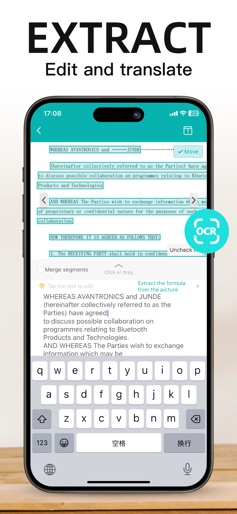
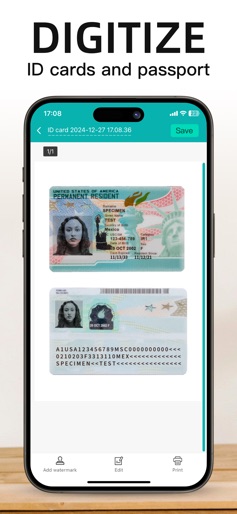
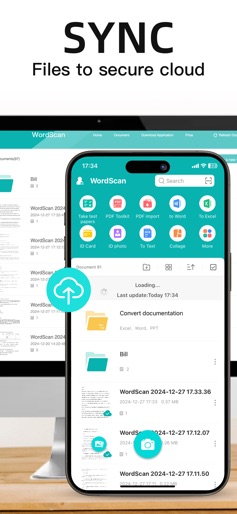
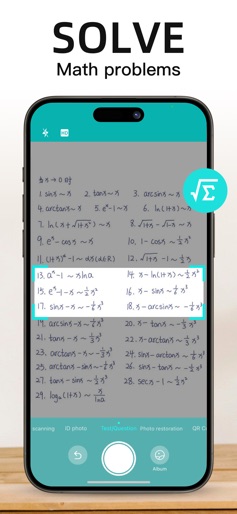
Scanner App Scan ererything into clear & sharp image/PDF. With Scanner app, you can rapidly scan documents, and convert them into PDF format, as well as save them or send them by email, Print and save to cloud. * Scan documents, photos, receipts, or just about anything. * Batch mode combines multiple scans into a single PDF. *Adopting advanced and fast algorithm, Scanner App use Advanced color processing algorithms remove shadows, correct perspective and distortion, making your scans as readable as possible. *With powerful and easily operated interface, Scanner app can fast and simply adjust brightness, rotation and color through one click on one page. Scanner app features: 1. Mobile Scanner ----scan and manage your document that may include multipage. 2. Fast scan in batch----scan continuously in batch without process waiting, which is fast and convenient. 3. Automatic side cut----utilize professional image processing algorithm to automatically help you cut the images. 4. Image enhancement----ensure document is clear and readable. 5. Text Recognition (OCR) ---- OCR (optical character recognition) feature extracts texts from single page for further editing or sharing. 6. Multi-sized PDFs----more than 10 PDF sizes are available (Letter,A4,B5, etc).You can customize the size or use self-adaption mode. 7. Save image to image library----conveniently process images so as to save them to image library. 8. Email----send your documents (PDF) or processed images by email. 9. Add Header----seach page of document may add headers, which can be searched. 10. Custom category----set custom category for your document to achieve convenient management and search. 11. Multiple browse modes----support browse modes, such as list and document-categorization. 12. Copy----support function of document copy to achieve convenient document management. 13. Search----Fast locate documents by searching document headers, page headers, etc. Scanning tips: make sure your document is smooth and sensitive to light. Background of dead color may help to achieve the best detection result of document edge. *********************************************************** VIP Subscription Instructions: 1. Subscription cycle: 1 quarter, 1 month, 6 months,1 year,1 week 2. Subscription price: ¥58 for continuous quarterly subscription, ¥28 for continuous monthly subscription,¥9 for continuous weekly subscription, ¥68 for continuous every 6 months subscription,and ¥198 for continuous annual subscription 3. 24 hours before the expiration of the VIP privilege, the fee will be automatically deducted from the iTunes account and the renewal fee will be determined. 4. Cancel automatic renewal: If you need to cancel automatic renewal, please manually turn off the automatic renewal function in iTunes/Apple ID settings management 24 hours before expiration. This subscription will automatically renew if not turned off at least 24 hours before expiration. 5. If a free trial period is offered, any unused portion will be forfeited when the user purchases a subscription to that publication (if applicable) 6. Privacy Policy: https://www.wordscan.net/ps/ws_privacy 7. Terms of use: https://www.wordscan.net/ps/ws_service
Create screenshots like pdf scanner-cam scan app
Use FlyerBanana's free editor to create professional App Store screenshots inspired by pdf scanner-cam scan app's design. 100+ templates, device frames, and one-click export.











