

App Store Screenshots (6)

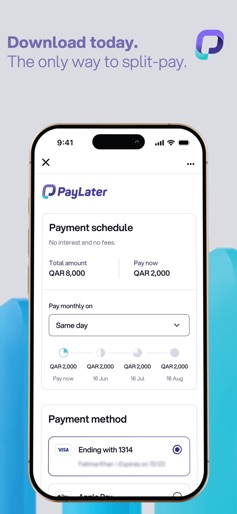
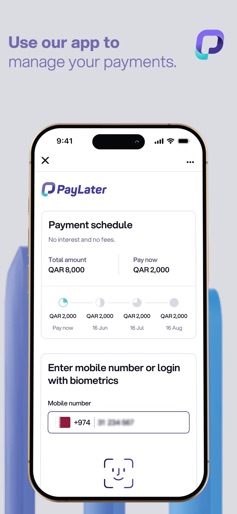
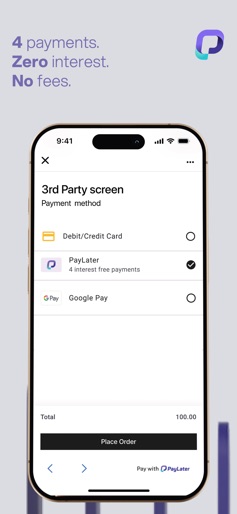

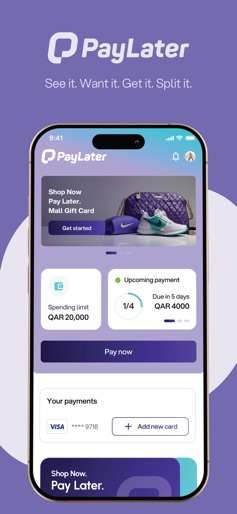
Design Analysis
Visual Design
Style: Custom
Key Features Shown
- •Phone-based registration
- •Payment schedule visualization
- •Biometric login (FaceID)
- •3rd party checkout integration
- •Merchant directory/Storefront
App Insights
Target: Tech-savvy consumers in the MENA region (specifically Qatar and UAE) looking for interest-free short-term credit to manage cash flow for retail purchases.
- •Merchant commission fees
- •Late payment fees (implied in BNPL models despite 'no hidden fees' marketing)
- •Lead generation for retailers
ASO Keywords:
About PayLater - Split in 4 payments
Introducing PayLater – Your Ultimate Buy Now, Pay Later Solution! Take control of your shopping experience with PayLater, the smarter way to shop. Whether it’s for everyday essentials or big purchases, PayLater lets you split your payments into easy, flexible installments – with no hidden fees. Key Features: Flexible Payment Options: Shop now and pay later with 4 equal instalments Fast and Easy Onboarding: Get started in minutes with simple KYC and approval processes. Secure Transactions: Enjoy peace of mind with PCI DSS-compliant payment security. Merchant Network: Shop with top retailers like Lulu, Fnac, and many more. Why Choose PayLater? Transparent Fees: No hidden charges – what you see is what you pay. Convenient and Local: All transactions are local, ensuring faster and safer processing. Start Shopping Smarter Today! Download PayLater now and join thousands of shoppers making smarter, more flexible payment decisions.
Create screenshots like PayLater - Split in 4 payments
Use FlyerBanana's free editor to create professional App Store screenshots inspired by PayLater - Split in 4 payments's design. 100+ templates, device frames, and one-click export.
More Finance Apps
View all

Zillow Real Estate & Rentals
Finance


Bank of America Mobile Banking
Finance


Robinhood: Trading & Investing
Finance


GEICO Mobile - Car Insurance
Finance


Branch: Instant Loan & Banking
Finance


FanDuel Sportsbook & Casino
Finance