

App Store Screenshots (4)
Design Analysis
Visual Design
App Insights
About Obby Parkour: Runner Game
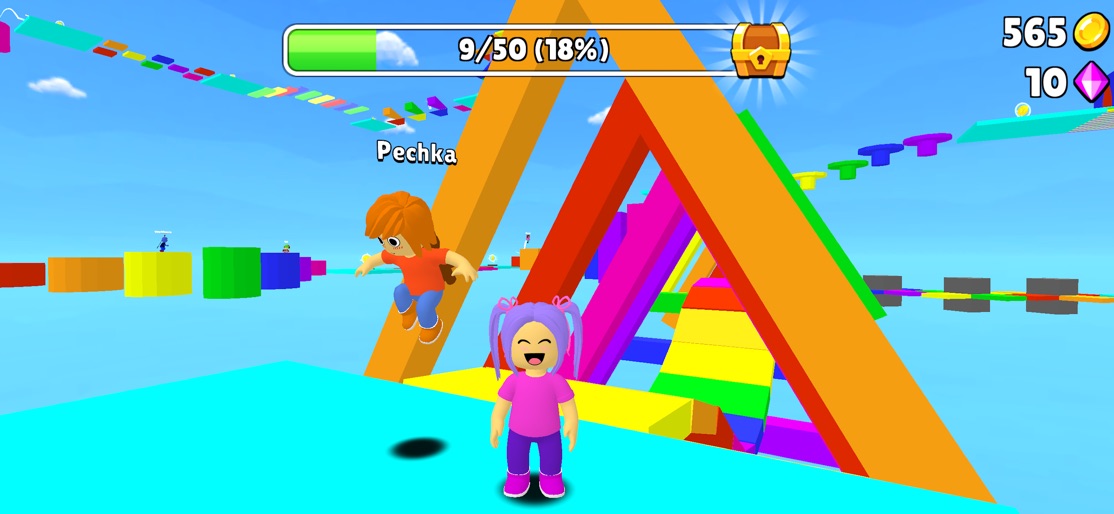
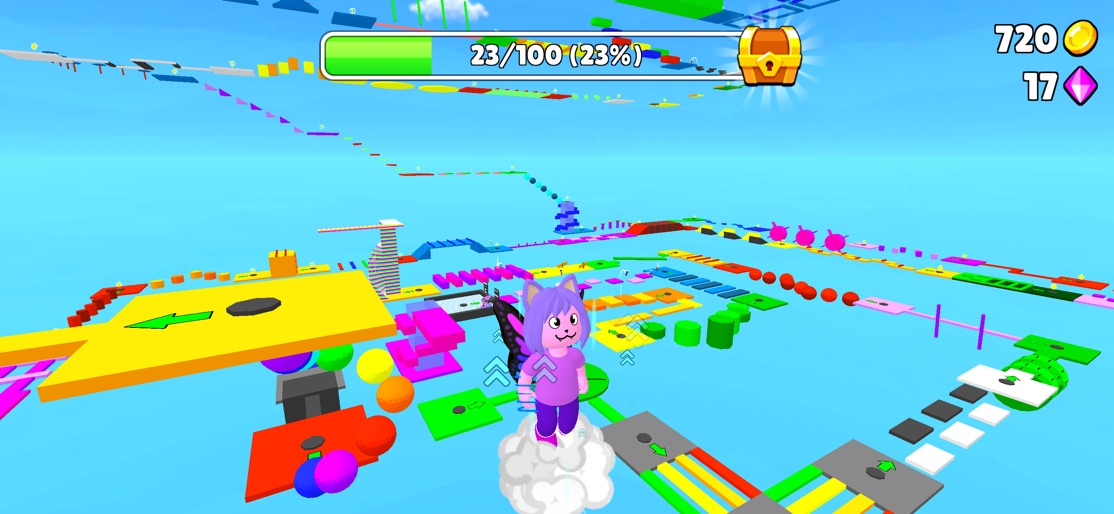
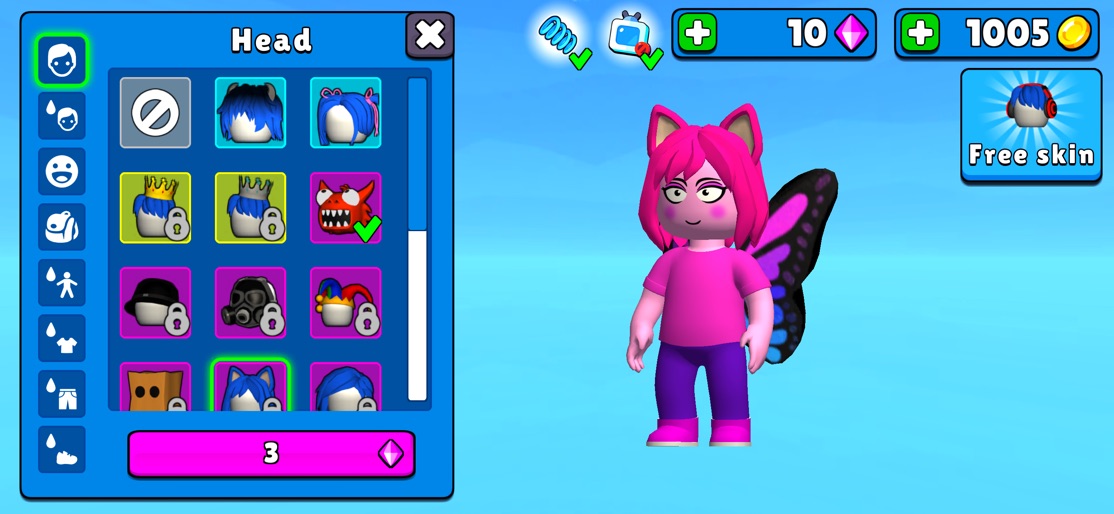
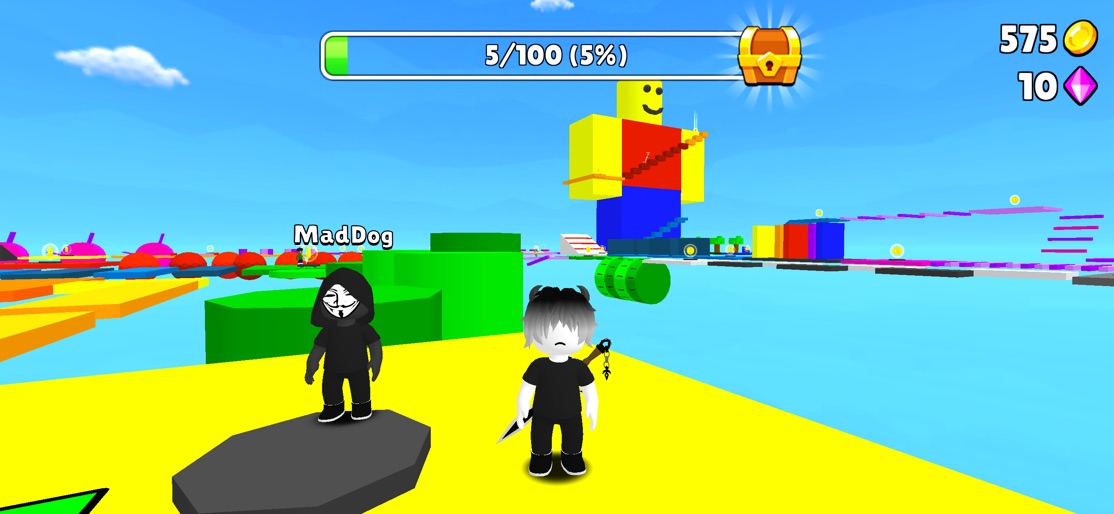
Fun Jumping Party Master Welcome to Parkour: Runner Game, a world where every leap and every sprint is filled with excitement and vibrant colors. Dive into a game designed not just to challenge but also to captivate, with levels that unfold in a spectacle of color and creativity. Discover levels brimming with challenging obstacles that require both skill and strategy to overcome. Each stage is meticulously crafted with a vibrant design that makes every jump visually rewarding and engaging. As you progress, the challenges grow, but so does the fun! Key Features: - Extensive customization options that unlock as you progress, allowing you to tailor your gaming experience and character appearance. - Colorful and exciting levels that make each jump a visual feast. - Challenging obstacles that test your reflexes and puzzle-solving skills. - Vibrant design that brings the game world to life with bright, engaging graphics. Parkour: Runner Game isn’t just about reaching the end; it’s about enjoying the journey in a world that celebrates every step with color and excitement. Whether you’re playing to beat your best time or just to see what’s around the next corner, you’ll find joy and challenge in equal measure.
Create screenshots like Obby Parkour: Runner Game
Use FlyerBanana's free editor to create professional App Store screenshots inspired by Obby Parkour: Runner Game's design. 100+ templates, device frames, and one-click export.










