

App Store Screenshots (9)



Design Analysis
Visual Design
App Insights
About Notee: AI Note Taker
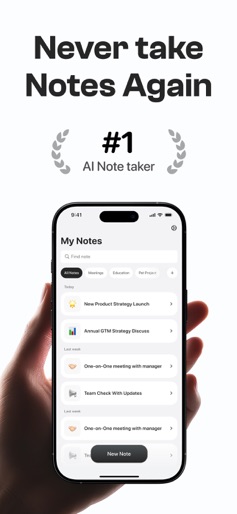
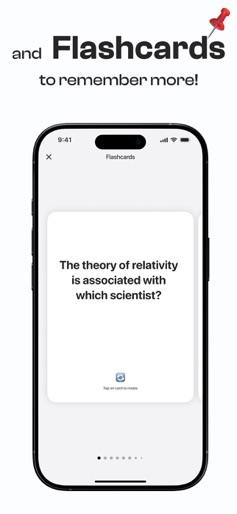
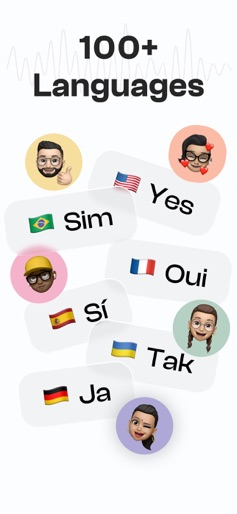
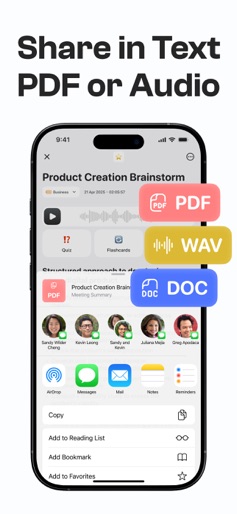
Let AI Take the Notes — So You Can Stay Present Tired of missing key points in meetings or rushing to write down every word? Notee is your intelligent AI voice recorder, transcriber, and summary assistant — all in one app. Capture conversations, generate speaker-labeled transcripts, and get instant meeting notes and action items with just one tap. Built for Busy Minds — Powered by Smarter AI Whether you're in a Zoom call, team meeting, lecture, or creative brainstorm, Notee helps you focus by recording, transcribing, and summarizing your conversations in real time. No more typing, no more stress. Key Features - One-Tap Recording Capture high-quality audio from meetings, lectures, interviews, or voice memos - Live Transcription with Speaker Labels Get clean, accurate text instantly in over 100 languages - AI-Powered Summaries Skip the clutter — get concise meeting minutes, key takeaways, and to-dos - Smart Search & Ask AI Ask: “What did John say about the budget?” and get instant answers - Export Anywhere Send notes as PDF, text, or audio to Slack, Google Docs, Notion & more Perfect for: - Professionals & Executives Turn meetings into actionable summaries without lifting a pen - Consultants & Teams Share aligned takeaways, track tasks, and never lose a decision - Students & Educators Record lectures and generate notebooks with summaries - Journalists & Creators Transcribe interviews, podcasts, or YouTube audio in seconds Stay Secure & Productive Your recordings and transcripts are always private — Notee never shares your data. With unlimited background recording and smart organization, it's the AI assistant your workday has been missing. Capture. Transcribe. Summarize. All in One App. Stop juggling tools and start capturing everything with Notee: AI Note Taker. Download now and upgrade your work with powerful, searchable meeting notes and live transcriptions. Information about subscription auto-renewal: Subscriptions automatically renew unless auto-renew is turned off at least 24 hours before the end of the current period. Subscriptions may be managed by the user. Auto-renewal may be turned off by navigating to iTunes Account Settings after purchase. After canceling a subscription, it will stay active until the end of the period. Auto-renewal will be disabled. Any unused portion of a free trial period will be discarded when the user purchases a subscription. Payment will be charged to your iTunes Account upon purchase confirmation. An account will be charged for renewal 24 hours before the end of the current period. The cost depends on the selected plan. Terms of Service: https://noteeapp.com/hub/legal/terms-of-use Privacy Policy: https://noteeapp.com/hub/legal/privacy-policy Billing terms: https://noteeapp.com/hub/legal/subscription-terms
Create screenshots like Notee: AI Note Taker
Use FlyerBanana's free editor to create professional App Store screenshots inspired by Notee: AI Note Taker's design. 100+ templates, device frames, and one-click export.











