
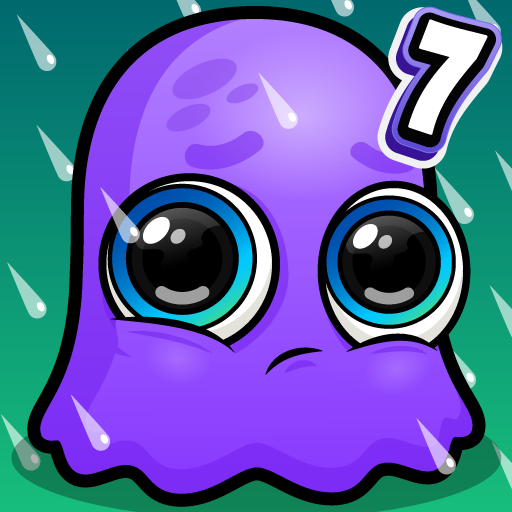
App Store Screenshots (6)



Design Analysis
Visual Design
App Insights
About Moy 7 - Virtual Pet Game
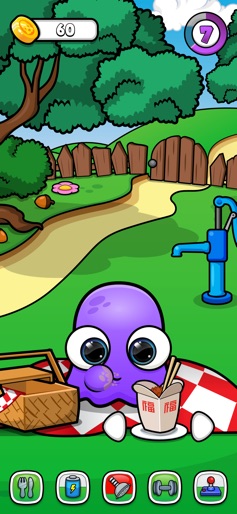
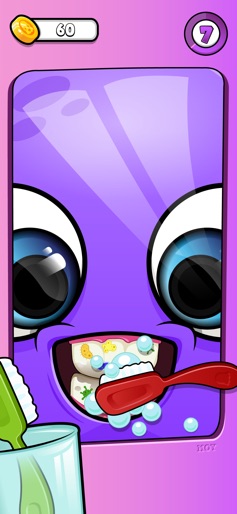
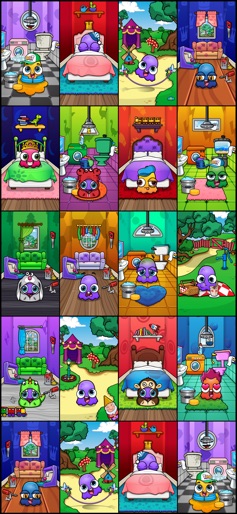
Moy is finally back for the 7th installment! This time there are some large changes to the UI and the way you interact with the different rooms that Moy spend time in. There is now more interaction with the environment than ever before and the game feels much more alive and interesting. You can now choose from over 85 different games and activities. As always there are a wide varitety of games and ways to collect coins. The mini-games are categorized into four different genres - casual, arcade, racing and puzzles. There are also plenty of creative activities such as playing the piano, drums or guitar. You can also spend time painting, filling in a coloring book, managing a zoo, planting flowers in your garden, saving patients by playing doctor and much much more! This game is all about caring for your Moy. Help Moy by brushing his teeth, showering him when he's dirty, telling him when to go to bed, give him healthy food, exercising him and playing games with him. The more you care for your Moy the more he will grow and be happy. The coins you collect from playing any of the different mini-games can be spent on purchasing new clothing, body colors, hairstyles or even beards for your Moy. You can also spend coins by decorating your house, buying fishes for the aquarium, new animals for your zoo, buying ingredients for baking your own desserts and much more.
Create screenshots like Moy 7 - Virtual Pet Game
Use FlyerBanana's free editor to create professional App Store screenshots inspired by Moy 7 - Virtual Pet Game's design. 100+ templates, device frames, and one-click export.









