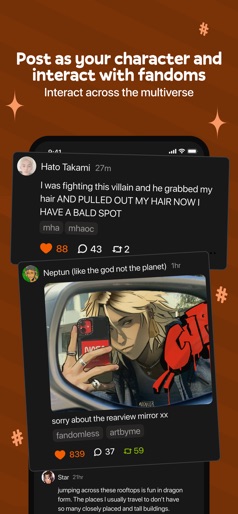
App Store Screenshots (7)


Design Analysis
Visual Design
App Insights
About Meetup: Social Events & Groups
Pursue your interests with people who share them, both online and in person. With over 60 million members, Meetup helps you build a career network, discover a tech community, create a personal brand, make time for your hobbies, and meet friends who share similar interests. Easily meet people you know you’ll get along with and create groups of friends that will be as excited as you to embrace your hobbies, participate in online or local events or engage in discussions. Download the Meetup app and host your own events or join one of the 100,000 Meetup events with new people happening every week. Discover local and online events Meet new people and get matched with over 330,000 groups and friends based on your network of interests, from tech conferences to free yoga and everything in-between Explore online or local events by category, search by keyword, or see what’s popular in your area with a map Save events you’re interested in and come back to them later. Pick and choose the people and friends you want to meet at all the events that you like Have discussions with the people you meet and use direct messaging to stay in touch with your new friends Meet people who are interested in the same local or online events, create new groups of friends and expand your online network Start a group Host your own events online and in person by creating a group on your favorite topic, and meet friends who wants to participate Watch your community of friends and network of people grow as your group is recommended to interested people and potential new friends to meet Easily personalize and schedule events on-the-go, and manage your group from anywhere Keep the momentum going between events by sharing photos and using discussions and instant messaging to connect with the people and friends in your group that you are keen to meet Get in touch with questions or suggestions: iossupport@meetup.com In order to recommend Meetup events that are hosted by local groups, we use your device's precise location (GPS and network-based). EULA: https://www.apple.com/legal/internet-services/itunes/dev/stdeula/ Privacy Policy: https://www.meetup.com/privacy/
Create screenshots like Meetup: Social Events & Groups
Use FlyerBanana's free editor to create professional App Store screenshots inspired by Meetup: Social Events & Groups's design. 100+ templates, device frames, and one-click export.