
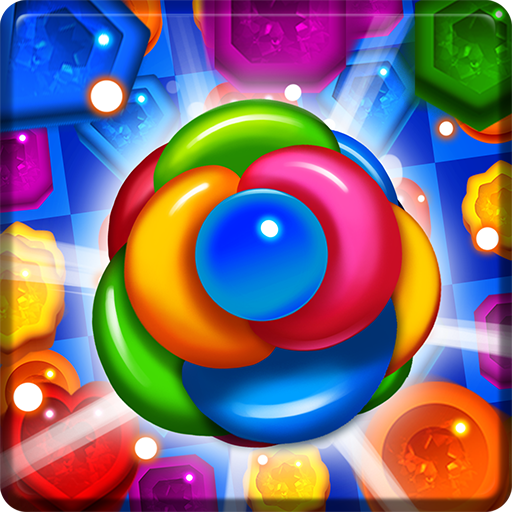
App Store Screenshots (7)


Design Analysis
Visual Design
Style: Hybrid
Key Features Shown
- •Match-3 gameplay
- •Power-up items (Hammer, Bomb, Rainbow Ball)
- •Vibrant jewel assets
- •Garden-themed background art
- •Level-based progression
App Insights
Target: Casual mobile gamers looking for offline puzzle experiences, specifically targeting fans of the Match-3 genre who prefer low-storage apps.
- •In-app purchases (currency and items)
- •Ad-supported (banners, interstitials, rewarded video)
- •Ad-removal purchase
ASO Keywords:
About Jewel Royal Garden: Match 3
Do you want to try out a fun Jewel 3 match game or miss the chance to enjoy it? Have you heard that lots of jewels are hidden in the calm Royal Garden? The mission is to find the jewels and blast them all to collect the jewels. Blast away as many jewels as possible and as quickly as possible! Jewel Royal Garden is a match 3 game that takes in the calm royal garden. Match various shapes of jewels to blast them and clear all the stages. Enjoy the bejeweled game with awesome high quality background. There are special items that have special abilities. Try out different special abilities and find out which one will help you solve the puzzle. New stages will be updated monthly, so you can play endless stages. Let's see who can beat all the puzzles. [Play Method] Move jewels and match at least three identical colored jewels. [Game Features] Numerous levels - We have 500 stages with continuous updates. Play game without entrance restrictions. You don't need data! - There's no limit to the game such as lives, so you can play as much as you want! - Play Offline, without Data (Internet) Connection! - Don't worry about Wi-Fi! Flashy graphics and simple manipulation - It's an easy game to play if you can match 3 gems of the same color. It's easy to learn, but not easy to master! Low-Memory - It's a low-memory game, so you can download it without any worry. [Notice:] 1. If in-game does not save, the data will be initialized when the application is deleted. The data is also initialized when the device is replaced. 2. It's a free app, but it includes in-game currency, items, and paid products such as removing advertisements. 3. Front, banner, and visual advertising.
Create screenshots like Jewel Royal Garden: Match 3
Use FlyerBanana's free editor to create professional App Store screenshots inspired by Jewel Royal Garden: Match 3's design. 100+ templates, device frames, and one-click export.









