
iGun Pro 2: Realistic Gun Sim
Crimson Moon Entertainment LLC
Create Screenshots Like iGun Pro 2: Realistic Gun SimApp Store Screenshots (3)


Design Analysis
Visual Design
App Insights
About iGun Pro 2: Realistic Gun Sim
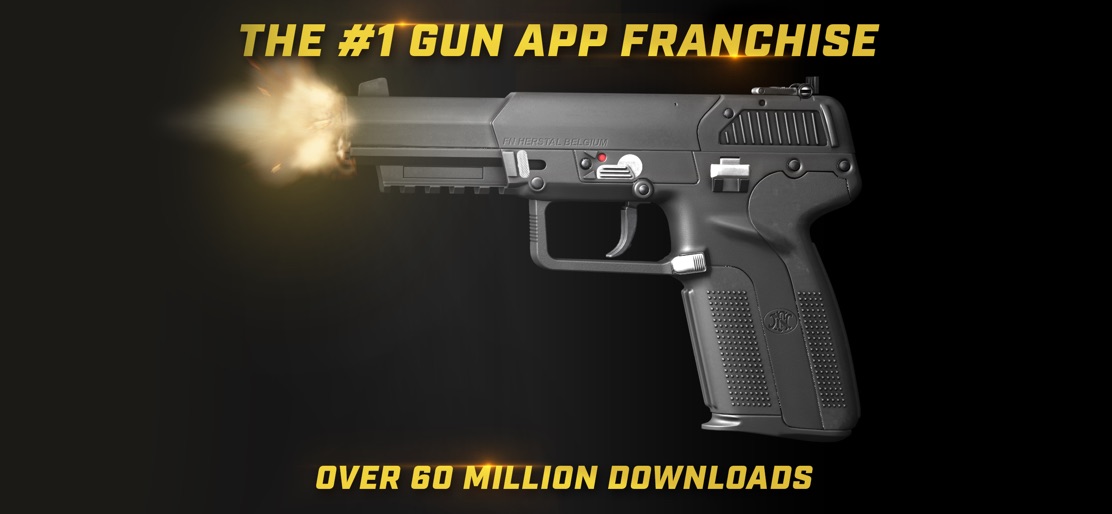
Download the most realistic and comprehensive interactive gun encyclopedia ever created! Virtually fire the top weapons of the world and customize your weapons with attachments, camouflage patterns you can create, and entering those guns into global design contests. iGun Pro 2: The Ultimate Gun Application is a game truly worthy of the iGun Pro Franchise! iGun Pro 2 has everything that made the original great and builds upon the core features by adding several exciting new gameplay elements for users to enjoy: FEATURES • Collect guns to build and upgrade your arsenal with a continually growing selection of firearms, including grenade launchers. • Virtually load and fire your custom guns. • Become the ultimate gunsmith, creating the perfect weapon with a flexible attachment system that allows attachment nesting • Make each gun genuinely unique with a mobile-optimized, touch-friendly painting system with customizable colors, patterns and version slots that allow for unlimited designs. Create a realistic or creative pattern; it is your choice. • Win fame and get your design on the home screen by competing in design contests against iGun Pro 2 users around the world • Easily share your creations through text or social media • Make any design into a sticker • High-quality graphics for ultra-realistic simulation • Customize your guns and lay them out how you want to create the ultimate gun wall. The app has an ever growing collection of guns witch includes, rifles, pistols, handguns, machine guns, pdw, and will soon feature revolvers and rocket launchers as well. The App also works as a great reference app to your favorite 3rd party fps video games including COD, Battlefield, Battlefront, and PubG! Additional Information Privacy Policy: http://www.crimson-moon.com/privacy.html Terms of Service: http://www.crimson-moon.com/terms_of_service.html COD, Battlefield, Battlefront, and PubG are not associated with Crimson Moon Entertainment and are copyrighted by their respective owners.
Create screenshots like iGun Pro 2: Realistic Gun Sim
Use FlyerBanana's free editor to create professional App Store screenshots inspired by iGun Pro 2: Realistic Gun Sim's design. 100+ templates, device frames, and one-click export.
More Entertainment Apps
View all

YouTube
Entertainment


Spotify: Music and Podcasts
Entertainment


TikTok - Videos, Shop & LIVE
Entertainment


Pandora: Music & Podcasts
Entertainment


Shazam: Find Music & Concerts
Entertainment


Photo Lab Picture Editor & Art
Entertainment