
App Store Screenshots (10)



Design Analysis
Visual Design
App Insights
About Habit Tracker
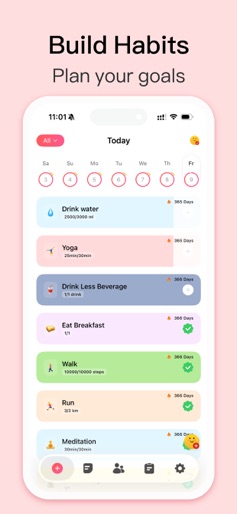
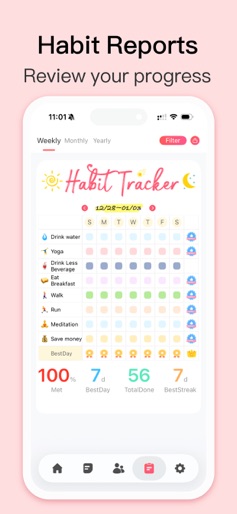
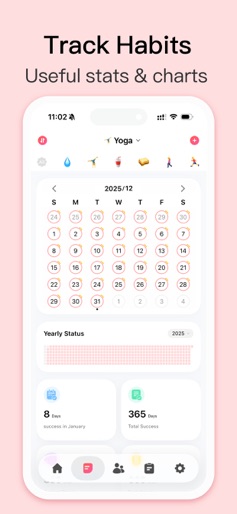
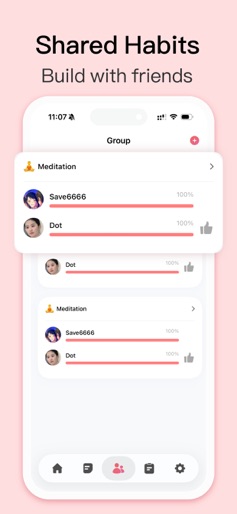
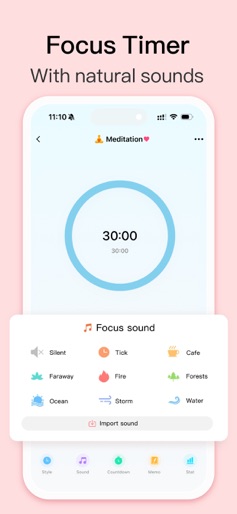
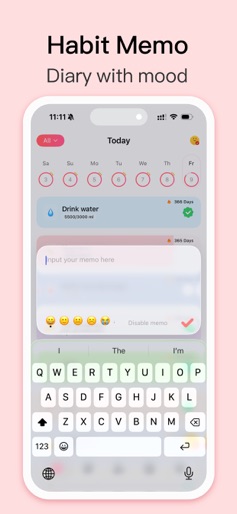
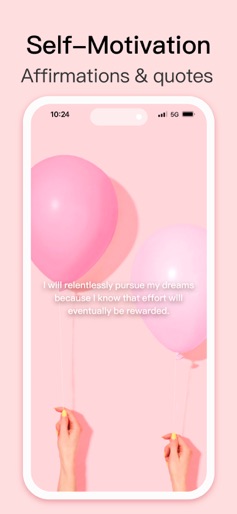
Habit Tracker: A simple daily planner to schedule and track your routine, making it easy to build lasting habits. Join 15M+ happy users, achieve your goals, and make every day count! More than a self-care companion, it lets you share with others to grow and improve together. ----Useful Features---- Sync with Apple Health: Track water intake, steps, sleep, exercise, and calories to seamlessly monitor your wellness journey. Build & Quit Habits: Create positive routines or break free from bad habits with tailored tracking. Flexible Goal Tracking: Measure progress with specific units (e.g., minutes, glasses of water), not just checkmarks. Group Habits: Stay motivated by building, reminding, and tracking habits with friends or loved ones. Insightful Stats: Get detailed analytics to evaluate and celebrate your progress. Habit Reports: Weekly, monthly, and yearly reports to visualize your growth. Mood Tracking: Monitor your mental wellness to stay balanced and mindful. Smart Reminders: Set time- or location-based reminders to stay on track effortlessly. Multiple Reminders: Add as many reminders as needed for any habit. Custom Sounds: Record or import unique reminder sounds for a personal touch. Widgets for Easy Access: Use Home Screen & Lock Screen to log habits instantly without opening the app. HRV Stress Monitor: Track your heart rate variability (HRV) to measure stress levels and gain insights into your well-being Habit Diary: Jot down notes to reflect on your journey in a personal habit memo. Focus Timer: Stay focused with natural sounds & create a calming, distraction-free environment Cloud Sync: Back up and sync your data across devices for seamless access. Daily Inspiration: Enjoy motivational wallpapers and quotes to keep you inspired. Privacy Protection: Secure your data with FaceID or TouchID. Friendly Competition: Compete with friends to see who’s crushing their habits. ADHD Planner: ADHD friendly plans built-in to help. Dark Mode: Sleek design for a comfortable experience, day or night. Habit Tracker helps you simplify your daily routine, clear your mind, stay on track with your goals, and build a better life. Download now! Perfect for ADHD users, this app simplifies planning and tracking to help you stay focused, build routines, and thrive with ease. NOTE: Habit reads data for some habits from Apple Health app (Steps, energy, walking, running ..etc). No data is being sent outside of your device. Health app access required. EULA: https://www.eulatemplate.com/live.php?token=MRcYNs6U8BXMLSDWG0BzEqLPPtL2Vc46
Create screenshots like Habit Tracker
Use FlyerBanana's free editor to create professional App Store screenshots inspired by Habit Tracker's design. 100+ templates, device frames, and one-click export.
More Health & Fitness Apps
View all

Flo Cycle & Period Tracker
Health & Fitness


CVS Health
Health & Fitness


Clue Cycle & Period Tracker
Health & Fitness


Headspace: Meditation & Sleep
Health & Fitness


Noom Weight Loss, Food Tracker
Health & Fitness


Impulse - Brain Training
Health & Fitness