
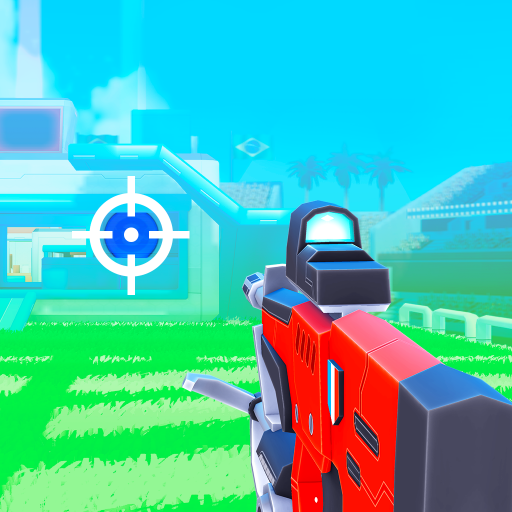
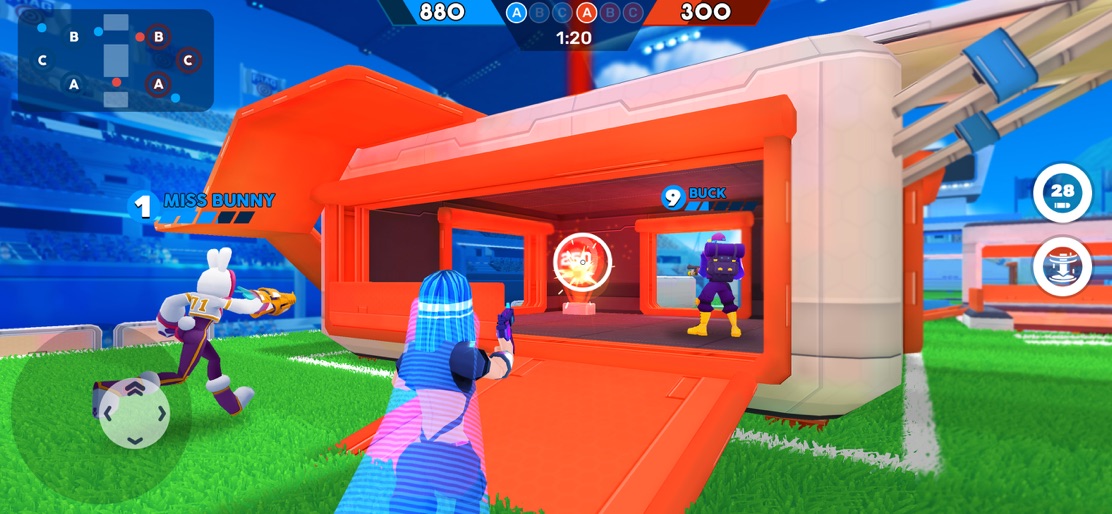
App Store Screenshots (9)




Design Analysis
Visual Design
App Insights
About FRAG Pro Shooter
Why is FRAG unique? - FRAG was designed to be a unique shooter: without blood, without death just with fun and a good spirit - Lots of characters to discover: each month you will discover 1 new character. You can unlock it easily thanks to the SeasonPass and in other ways. - Graphics are really cool: maps, characters, skins… all inGame elements respect a colorful DA. It’s clearly what users love about FRAG. - FRAG is a shooter, created for everybody: whatever your age or gender you can play and enjoy FRAG Characters on FRAG - You have 100 characters to collect: all have a specific strength and power, and they are unique. - You need 5 characters to create your deck: they have a different role and according to your strategy (attack/defense) you will select the best characters - You will collect characters of different rarities: legendary, common, rare, epic - You can easily identify with any of them: FRAG’s characters represent the world Community on FRAG - Get involved in Club: create your own club and fight against others in intense CLUB WARS. - Discover the Fan base: share your content with thousands of other players every day! - Participate in Contests: help the community to reach special goals in dedicated events to win BONUS rewards! - Go to Discord: join an active and passionate community on our Discord server, more than 30k members await you! Rules on FRAG - How to control? Easy to control, only 2 buttons with an auto shoot mode - What is your XP? Pro: improve your strategic skills to win. Newbie: improve your shooting skills - How to win? Destroy the enemy bunker as fast as you can - Which options? Select your favorite view between FPS (first-person shooter) or TPS (third-person shooter) Game modes on FRAG - 4 game modes available: you will be able to choose between the 1v1 mode, 2V2 mode, Payload mode, or Street FRAG - 2V2 mode: You build a team with one of your friends or a random partner. You choose 3 characters from a deck of 6, while your partner will get the other 3 - Payload mode: Be the first player to escort your cart to victory. The goal is to reach the center of the map with your cart. You can slow down the enemy cart by destroying the target - Street FRAG: You and your opponent only have one target each. You play on a smaller map and the game is quicker Privacy policy: https://www.ohbibi.com/privacy-policy Terms of Service: https://www.ohbibi.com/terms-services Follow us to get news and updates! https://www.facebook.com/FRAGTheGame/ https://twitter.com/FRAGProShooter https://www.tiktok.com/@fragproshooter
Create screenshots like FRAG Pro Shooter
Use FlyerBanana's free editor to create professional App Store screenshots inspired by FRAG Pro Shooter's design. 100+ templates, device frames, and one-click export.










