

App Store Screenshots (9)
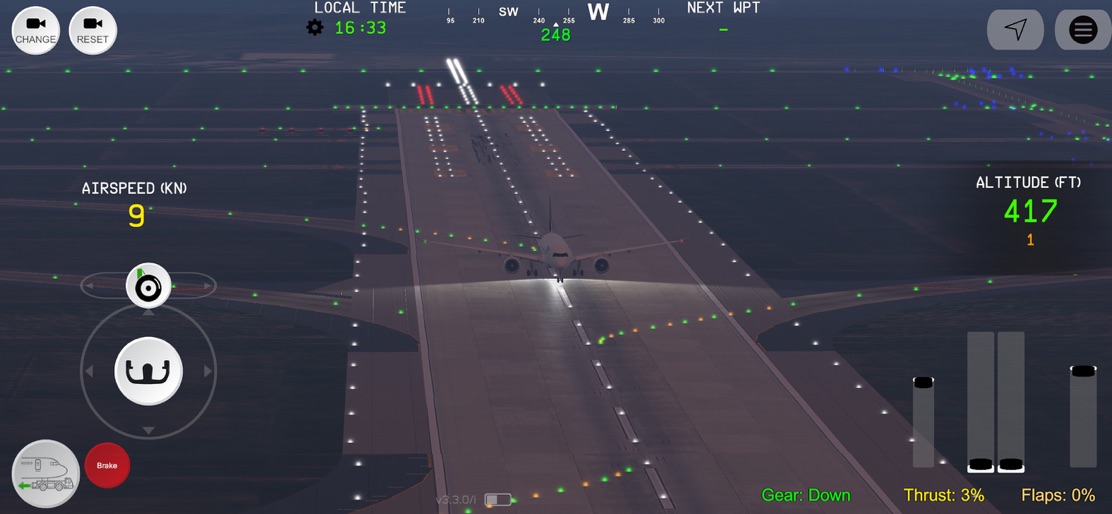


Design Analysis
Visual Design
Style: Custom
Key Features Shown
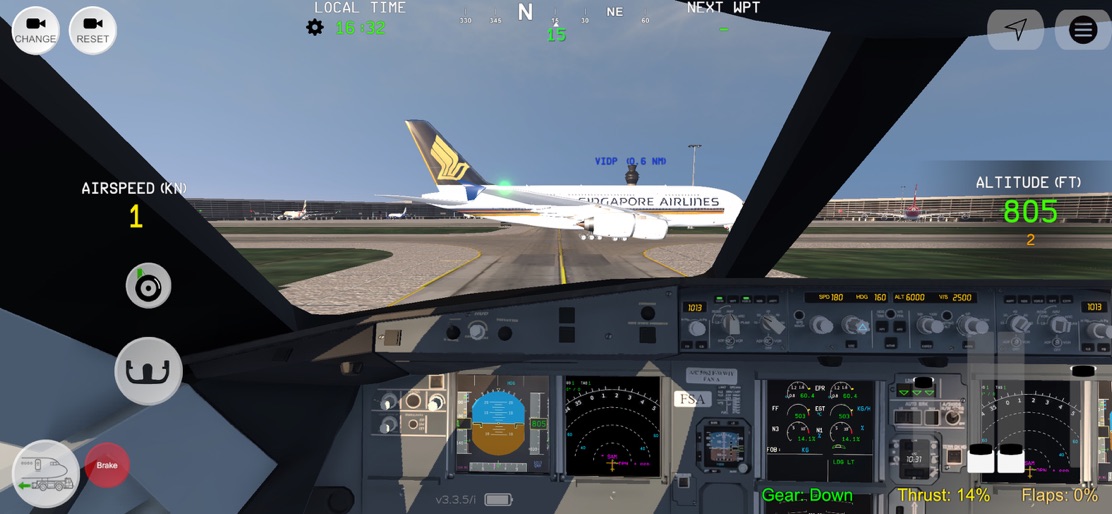
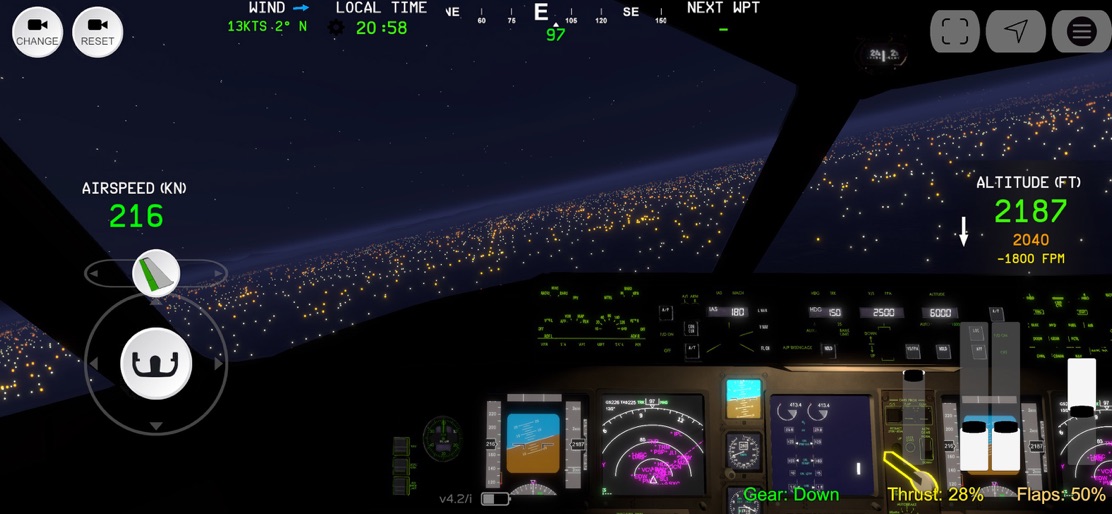
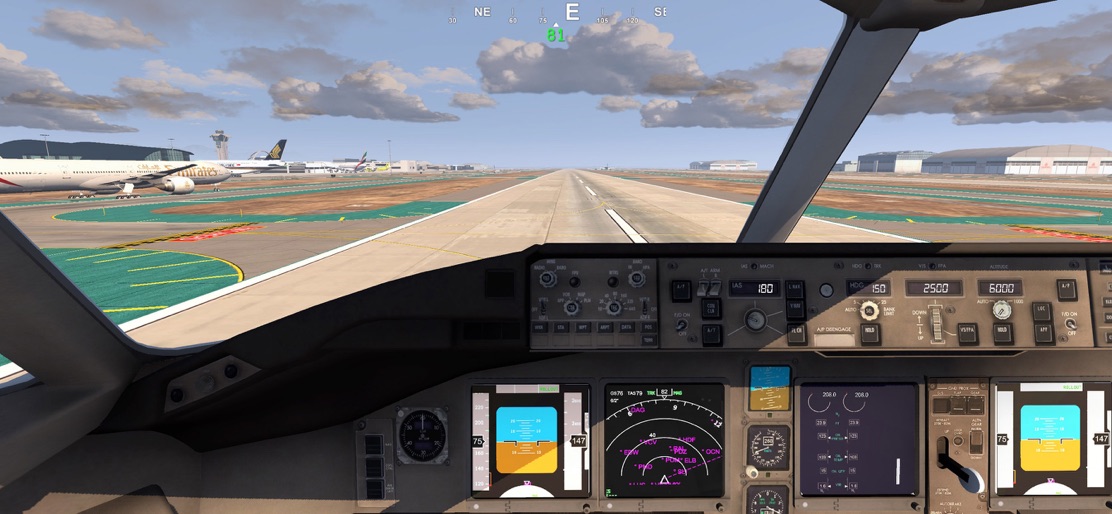
- •Glass Cockpit (PFD/ND)
- •Night Lighting Environment
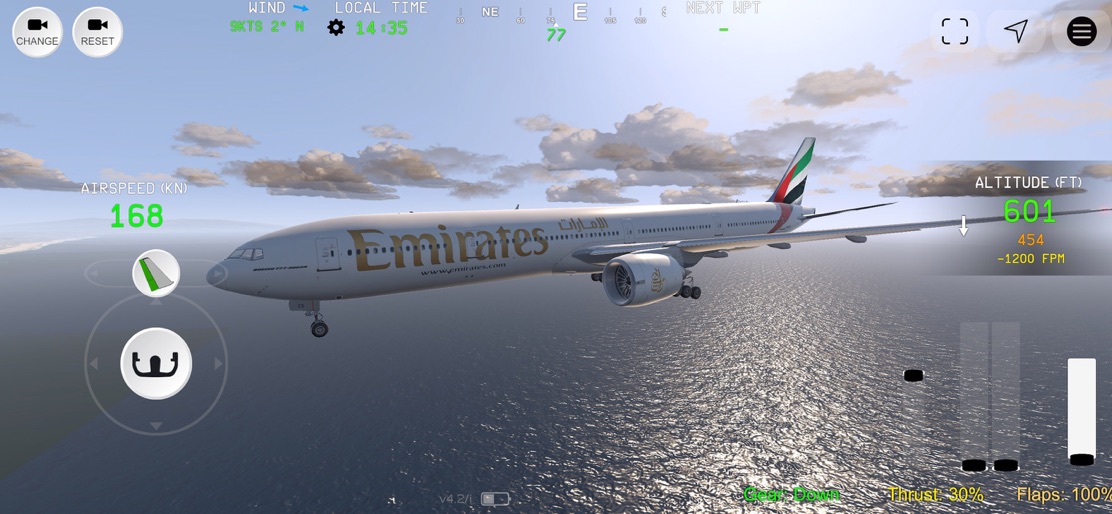
- •External Emirates/Singapore Airlines Liveries
- •HUD (Head-Up Display)
- •Ground Traffic/Airports
App Insights
Target: Aviation enthusiasts and mobile gamers looking for high-fidelity flight simulation with realistic cockpit interactions on iOS devices.
- •In-App Purchases (Aircraft packs, Airport unlocks)
- •Ad-supported (Rewarded/Interstitials)
- •Premium liveries
ASO Keywords:
About Flight Simulator Advanced
• Feel what it's like flying inside the cockpit of a real aircraft. • Interact with cockpit buttons, switches and levers. • Push-back, taxi to runway, take-off, fly your flight-plan, land, connect to jetway! ~ REQUIREMENTS ~ Requires an iPhone or iPad with at least 4GB RAM (e.g., iPhone 11/iPad 10th Generation or later) and internet connection whily playing. Performance not guaranteed on older devices. Main Features --------------------- • 100+ HD airports • Many aircraft, including A320, A321, A320neo, A321XLR, B737, A330, A340, A380, A350, B777, B747, Β787 with a lot of liveries and authentic cockpits • Ability to import your own custom liveries into the game • Airport Ground services (Movable jetways, fuel trucks, AI traffic) • Realistic physics/aerodynamics • Autopilot • Flight planning system with waypoints and navigation • Day/night cycle • Weather modes and precipitation • Interactable cockpits • Realistic sound effects (ATC chatter ,Engines sound effects, GPWS , alarms etc.
Create screenshots like Flight Simulator Advanced
Use FlyerBanana's free editor to create professional App Store screenshots inspired by Flight Simulator Advanced's design. 100+ templates, device frames, and one-click export.
More Entertainment Apps
View all

YouTube
Entertainment


Spotify: Music and Podcasts
Entertainment


TikTok - Videos, Shop & LIVE
Entertainment


Pandora: Music & Podcasts
Entertainment


Shazam: Find Music & Concerts
Entertainment


Photo Lab Picture Editor & Art
Entertainment