EPIK - AI Photo & Video Editor
SNOW Corporation
Create Screenshots Like EPIK - AI Photo & Video EditorApp Store Screenshots (10)



Design Analysis
Visual Design
App Insights
About EPIK - AI Photo & Video Editor
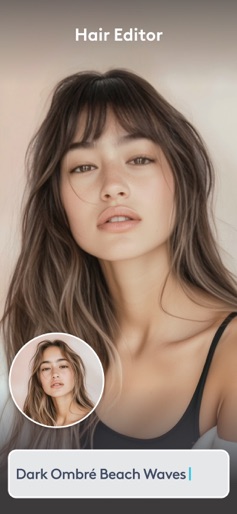
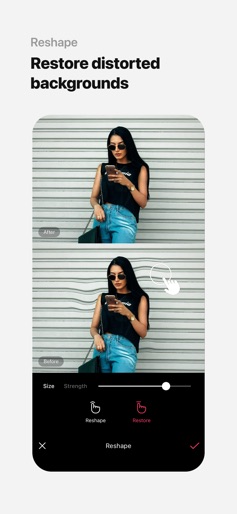
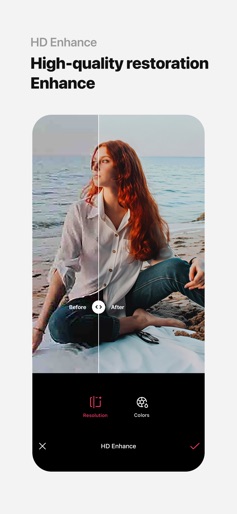
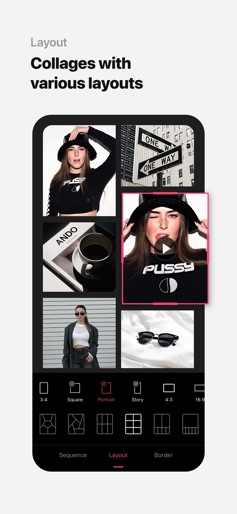
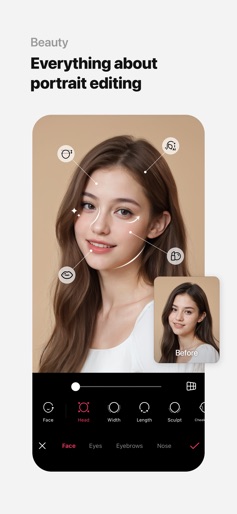
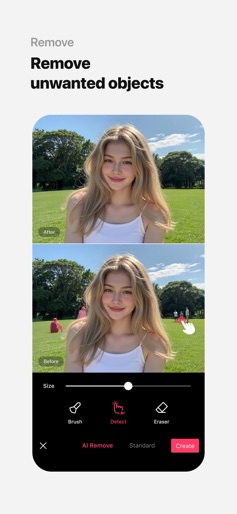
Use professional editing tools and powerful AI technology to easily and conveniently edit photos. [AI tool] ・ Enhance: Improve clarity and resolution! Create high-quality photos ・ AI skin: Perfect your skin by AI correcting blemishes ・ Smart AI cutout: Carefully separate figures, objects, and even animals ・ Remove: Easily remove unwanted parts ・ AI filter: Create your own characters in different styles ・ Hairstyle and Expression: Create a new look [Professional photo editing tools] ・ HSL, Curves, Split Tone, Selective: Precise color adjustments ・ Lux, Texture, Grain, Brilliance, Vignette: Create different moods ・ Crop, Rotate, Mirror, Flip, Perspective, Adjust resolution: Set the composition you want ・ Batch: Edit multiple photos at once ・ Patch, Clone: Naturally edit or copy a specific part [Perfect portraits] ・ Looks: Experience the magic of one-tap beauty with skin retouch, makeup, face tuner, and filters all at once ・ Erase wrinkles, AI Skin, Blemishes : Smooth skin without blemishes ・ Reshape, 3D Face, Mirror correction Individual Left-Right Adjustment, Preset, Perspective: Natural and detailed face correction ・ Style, Paint, Fine tune: Stylish makeup perfect for your face ・ Body,Length: Take perfect full-body photos! Create the body you want ・ Hair Color, Hairstyle: Transform with different hairstyles [Trendy content] ・ Filters, Effects, Relight: Create a trendy feel ・ Stickers, Text, Paint, Draw shapes: Make your photos more unique ・ Time stamp: Record your special moments ・ Template: Thousands of customizable templates [Creative Tools] ・ AI Collage: Create unique collages with different photos ・ Spot color: Highlight the color you want ・ Mosaic: Try various mosaic and blur effects ・ Cutout, Separate: Smart cropping ・ Layout: Combine photos in cool arrangements ・ Background, Pattern: Create your own unique backgrounds ・ Custom stickers, create one-of-a-kind filters [Movie feature] ・ Video mosaic: Easy mosaics with automatic figure tracking ・ Retro Clip: Create vintage videos easily ・ Video Face Edit: Retouch faces naturally in videos For inquiries about subscriptions, contact [EPIK > Profile > Settings > Contact]. - Terms of use: https://terms.snow.me/EPIK/terms - Terms of Use for Paid Products and Services: https://terms.snow.me/EPIK/paid - Privacy policy: https://terms.snow.me/EPIK/privacy
Create screenshots like EPIK - AI Photo & Video Editor
Use FlyerBanana's free editor to create professional App Store screenshots inspired by EPIK - AI Photo & Video Editor's design. 100+ templates, device frames, and one-click export.