

App Store Screenshots (8)


Design Analysis
Visual Design
App Insights
About Easy Fast Intermittent Fasting
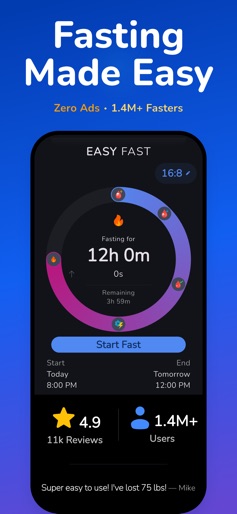
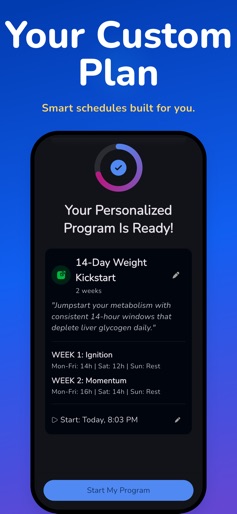
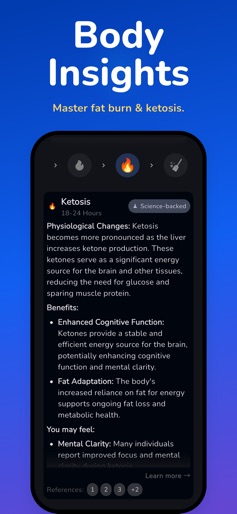
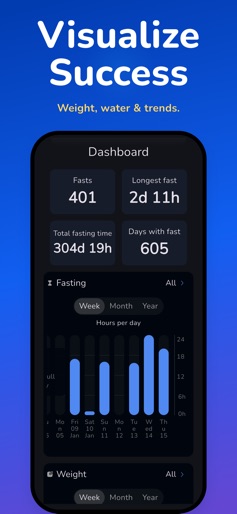
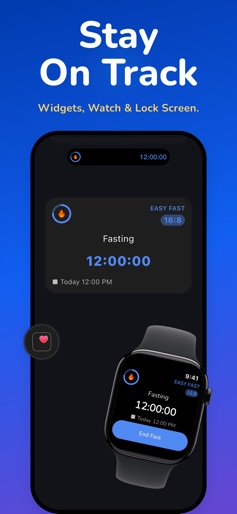
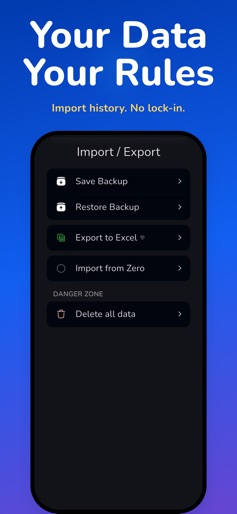
Start Fasting Instantly • Zero Ads • Private Hi, I'm Sam! I'm a solo developer and a long-time faster. I built Easy Fast because I was tired of bloated apps that require logins just to set a timer. I do things differently. I believe your data belongs to you. That’s why Easy Fast requires no account, collects no data, and has zero third-party ads. FREE FOREVER FEATURES: The core tools you need to succeed are completely free, with no limits on usage: • The Fasting Timer: Track popular protocols like 16:8, 14:10, and 18:6. • Water Tracking: Log your intake with reminders. • Weight Tracking: Monitor your progress simply. • No Accounts: Just open the app and start. • No Ads: Focus on your goals, not pop-ups. GO PRO (SUPPORT DEVELOPMENT): For those who want to take it to the next level, Easy Fast Pro unlocks powerful tools while supporting my work: • Advanced Protocols: Unlock OMAD (23:1), 20:4, and longer fasting goals. • Home Screen Widgets: Visual progress rings and charts. • Live Activities: Track your fast from the Lock Screen & Dynamic Island. • Apple Watch App: Control everything from your wrist. • Edit History: Adjust start/end times and fix mistakes. • Advanced Stats: Deep dive into stages (Ketosis, Autophagy) and trends. MY PROMISE: I believe in fair software. The core timer will always be free. If you choose to upgrade to Pro, you are directly supporting a solo developer and future updates. Join 1.4M+ fasters who chose a better, more respectful fasting journey. Download Easy Fast and start today. References: NCBI: https://www.ncbi.nlm.nih.gov/pmc/articles/PMC6314618 Healthline: https://www.healthline.com/nutrition/10-health-benefits-of-intermittent-fasting Easy Fast is an intermittent fasting tool and should not replace professional medical advice. Terms of use: https://easyfastapp.com/terms Privacy Policy: https://easyfastapp.com/privacy
Create screenshots like Easy Fast Intermittent Fasting
Use FlyerBanana's free editor to create professional App Store screenshots inspired by Easy Fast Intermittent Fasting's design. 100+ templates, device frames, and one-click export.
More Health & Fitness Apps
View all

Flo Cycle & Period Tracker
Health & Fitness


CVS Health
Health & Fitness


Clue Cycle & Period Tracker
Health & Fitness


Headspace: Meditation & Sleep
Health & Fitness


Noom Weight Loss, Food Tracker
Health & Fitness


Impulse - Brain Training
Health & Fitness