

App Store Screenshots (9)

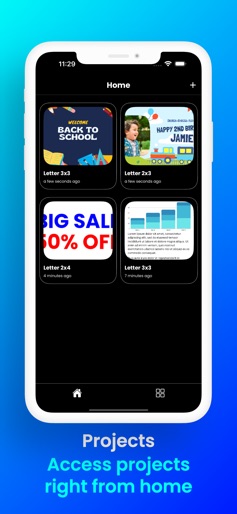

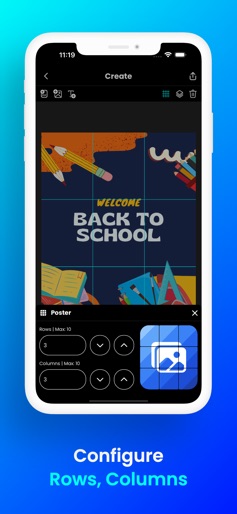
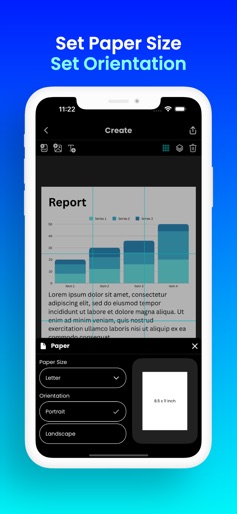
Design Analysis
Visual Design
Style: iOS Native
Key Features Shown
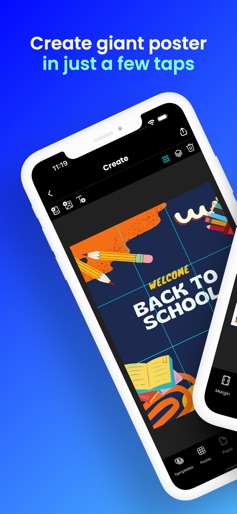
- •Grid-based poster creation
- •Print preview with cut lines
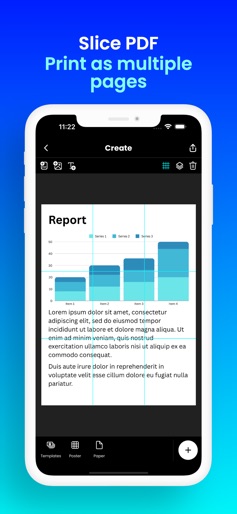
- •PDF slicing
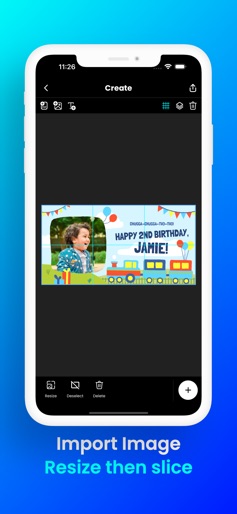
- •Image resizing
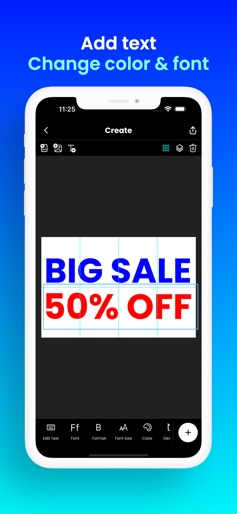
- •Text editing and formatting
App Insights
Target: DIY enthusiasts, teachers, event planners, and activists looking to create large-scale physical displays using standard A4/Letter home printers.
- •Rewarded video ads (to remove watermarks)
- •Interstitial ads
- •Cross-promotion/Affiliate (forcing other app downloads)
ASO Keywords:
About Docuslice - Poster Printing
Print large image on multiple pages using Docuslice! We made it easy to create giant poster at home. Create tiled/block poster anywhere! Want to create massive posters, banners, or wall art without a giant printer? Docuslice lets you turn any image or PDF into a stunning, multi-page masterpiece using your regular home printer! Tiled printing is easier than ever — simply print image on multiple pages and assemble them into one giant poster. Here’s how it works: - Choose your layout: - Grid Mode – set poster size using rows and columns (fixed number of papers). - Size Mode – set exact width and height for your poster. - Import any image or PDF. - Customize it to perfection: Resize and add text with ease. - Docuslice magically slices your design into printable tiles. - Export tiles as PDF or images for flexible printing. - Print directly to your home printer or send to print shops if you don’t have one. Perfect for: - Eye-catching event posters (birthdays, holidays, etc.) - Educational charts, decorations, and classroom posters - Unique wall art for your home or office - Campaign posters that make a statement - Large banners for any occasion - Activism and protest posters Docuslice is: - FREE to download and use - Incredibly easy to learn - Compatible with any image or PDF - Exportable as PDF or images - Lets you print image on multiple pages for any size - Cost-efficient – no need for large format printers - Eco-friendly – save resources by using your home printer Ready to unleash your creativity and print giant posters with ease? Download Docuslice today!
Create screenshots like Docuslice - Poster Printing
Use FlyerBanana's free editor to create professional App Store screenshots inspired by Docuslice - Poster Printing's design. 100+ templates, device frames, and one-click export.
More Graphics & Design Apps
View all
Canva: AI Photo & Video Editor
Graphics & Design


PicCollage: AI Photo Editor
Graphics & Design

Cricut Design Space
Graphics & Design

Photoshop Express Photo Editor
Graphics & Design


Themify - Widget & Icon Themes
Graphics & Design


FlipaClip: Create 2D Animation
Graphics & Design