
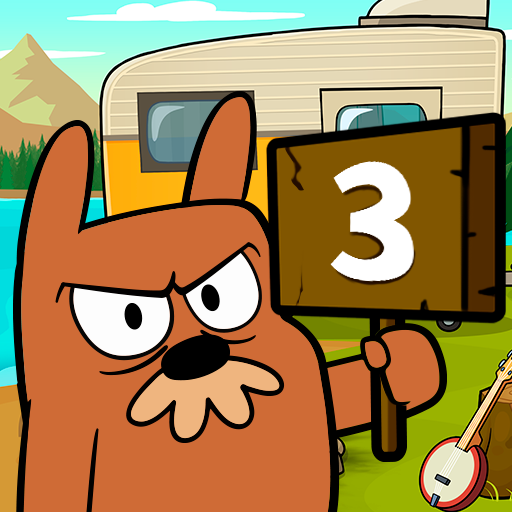
App Store Screenshots (6)


Design Analysis
Visual Design
Style: Custom
Key Features Shown
- •Madness progress bar
- •Currency collection (Coins)
- •Interactive environment (Banjo, Fire, Woodpecker)
- •Character costumes (Spa outfit, Tuxedo)
- •Multiple states (Frozen, Burned, Silhouette)
App Insights
Target: Casual mobile gamers, specifically children and young teens interested in prank-style humor and virtual pet interactions.
- •Interstitial ads
- •Rewarded video ads
- •In-app purchases (remove ads, currency packs)
ASO Keywords:
About Do Not Disturb 3: Mr. Marmot
Mr. Grumpy is back, but he’s on vacation! Will you respect his alone time and let him relax? Yeah, right! Discover even more fun, silly and creative ways to disturb your favorite grumpy marmot and don’t go away until you run out of pranks! Which will never ever happen! Laugh out loud with Mr. Grumpy’s “thrilled” reactions, and get creative to find out just how many grumpy faces an annoyed marmot can make! And don’t worry about the big flashy DO NOT DISTURB sign on his door: it actually means “welcome” in marmot talk! HIGHLIGHTS -PLAY many, many, different kinds of pranks on Mr. Grumpy and give him the relaxing vacation he so desperately needed! -TAP everywhere to find new ways of annoying Mr. Grumpy and have fun discovering endless pranks! There are many surprises hiding in plain sight, so tap, tap tap and then tap some more! -LAUGH with Mr. Grumpy’s funny reactions and see if you can watch every single grumpy animation of our beloved marmot! -BECOME the best prankster ever and prove your skills by never getting caught! Mr. Grumpy secretly loves your attention, he just has a very marmot-like way to show it! Don’t let him spend his vacation all alone and show up in his doorstep unannounced: he’ll love the surprise! If Mr. Grumpy yells DO NOT DISTURB and doesn’t answer the door, don’t worry: you’ll find tons of ways to lure him out! Third time is always the charm, and mr. Grumpy has lots of charm if you look really hard! Just knock on his door and don’t go away until he answers! Don’t let him see you, though: he’ll love the mystery! Download now and catch up with the cutest grumpy marmot ever! Disclaimer: While this App is completely free to play, some additional content can be purchased for real money in-game. If you do not want to use this feature, please turn off in-app purchases in your device's settings. Like our page on Facebook and be the first to know about our upcoming games and updates! http://fb.com/tappshq
Create screenshots like Do Not Disturb 3: Mr. Marmot
Use FlyerBanana's free editor to create professional App Store screenshots inspired by Do Not Disturb 3: Mr. Marmot's design. 100+ templates, device frames, and one-click export.









