

Days Since: Quit Habit Tracker
A Couple of Friends OOD
Create Screenshots Like Days Since: Quit Habit TrackerApp Store Screenshots (10)
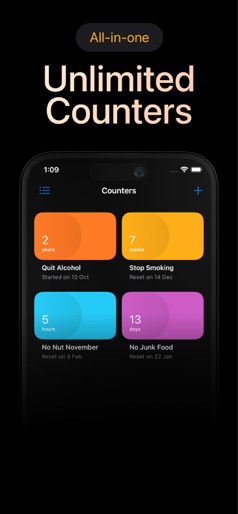
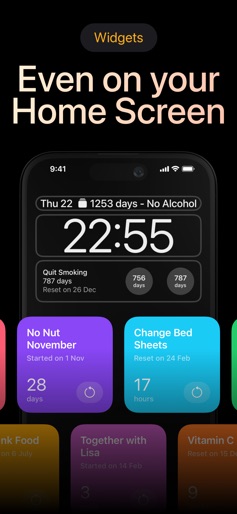
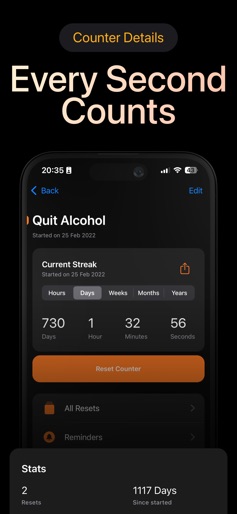
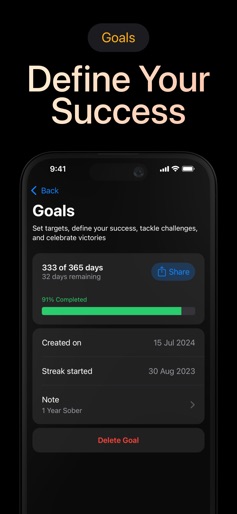


Design Analysis
Visual Design
Style: iOS Native
Key Features Shown
- •Unlimited Counters
- •Lock Screen & Home Screen Widgets
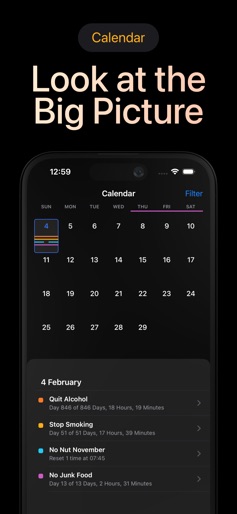
- •Detailed Time Stats (H/D/W/M/Y)
- •Goal Progress Bars
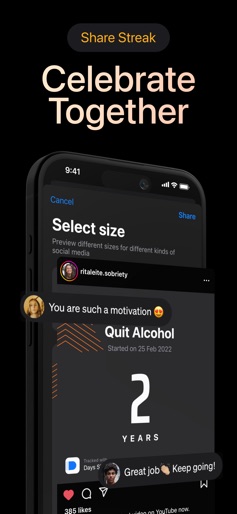
- •Social Media Share Templates
App Insights
Target: Individuals seeking to break addictions or negative behavioral patterns through streak-based motivation.
- •In-App Purchases
- •Subscription
ASO Keywords:
About Days Since: Quit Habit Tracker
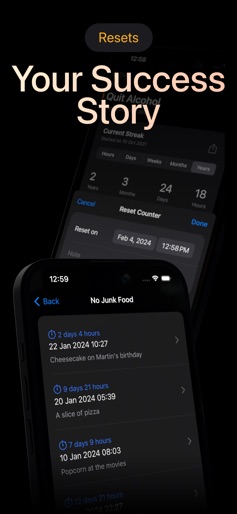
Days Since can help you break any bad habit. Create a counter for each habit that you are trying to get rid of. If you are trying to quit smoking, create a counter and set the last time you had a cigarette. The app will show you how long it’s been since you smoked for the last time. Tracking your progress will help you stay motivated. Whenever you want to smoke again, open Days Since and check your progress. You don’t want to reset that counter, do you? Privacy Policy: https://dayssinceapp.com Terms of Use: https://dayssinceapp.com/terms.html
Create screenshots like Days Since: Quit Habit Tracker
Use FlyerBanana's free editor to create professional App Store screenshots inspired by Days Since: Quit Habit Tracker's design. 100+ templates, device frames, and one-click export.
More Health & Fitness Apps
View all

Flo Cycle & Period Tracker
Health & Fitness


CVS Health
Health & Fitness


Clue Cycle & Period Tracker
Health & Fitness


Headspace: Meditation & Sleep
Health & Fitness


Noom Weight Loss, Food Tracker
Health & Fitness


Impulse - Brain Training
Health & Fitness