
Calendars: Schedule Planner
Readdle Technologies Limited
Create Screenshots Like Calendars: Schedule PlannerApp Store Screenshots (10)


Design Analysis
Visual Design
App Insights
About Calendars: Schedule Planner
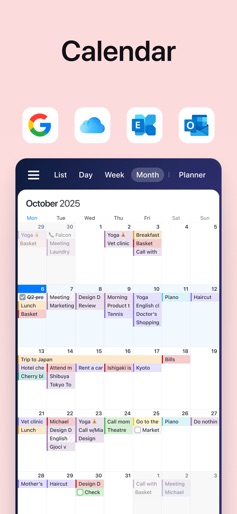
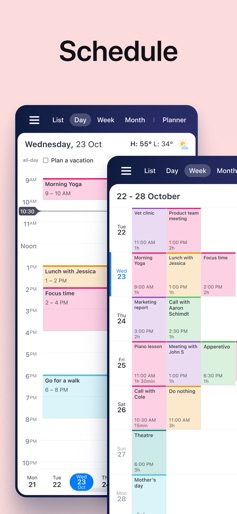
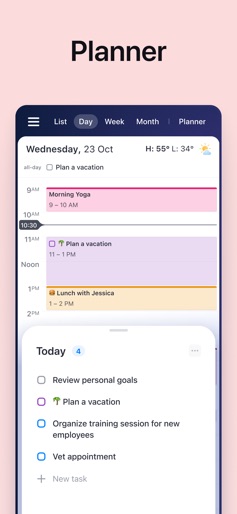
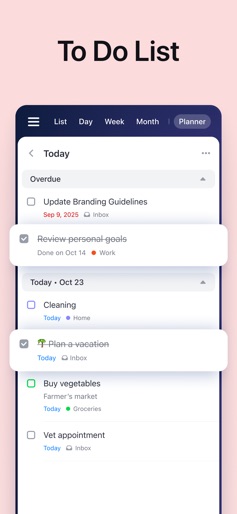
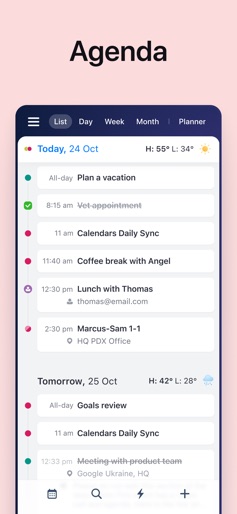
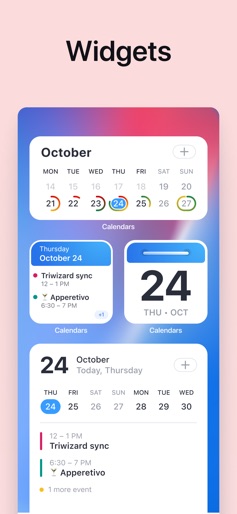
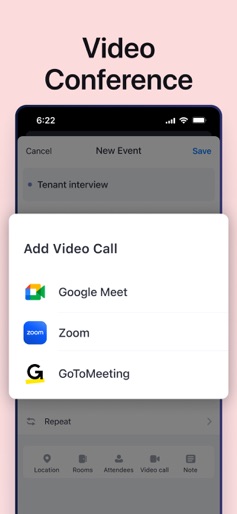
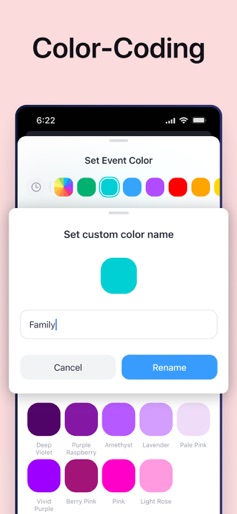
Calendars by Readdle is the all-in-one calendar, task manager, daily planner, and habit tracker — seamlessly working across all your Apple devices: Mac, iPhone, iPad, and Apple Watch. Plan your day, build better habits, boost productivity, and stay organized with powerful features and smooth sync between all your devices. What you can do with Calendars: • View and manage your calendar with daily, weekly, and monthly views • Create events, set reminders, and never miss important dates • Use the built-in agenda planner to focus on what matters most • Organize your to-do list and manage your tasks with ease • Quickly add events or to-do items using natural language • Build routines and track your habits to stay consistent • Take a guided productivity course to improve time management and focus • Sync across devices with Google Calendar, iCloud, and more • Customize your planner calendar with color coding and widgets • Join Zoom, Google Meet, or GoToMeeting directly from your calendar • Stay in control of your time, wherever you are Whether you're planning a busy workday, building new habits, or working on personal growth, Calendars brings everything together to help you own your time — across all your Apple devices. Privacy Policy: https://readdle.com/calendars/legal/privacy Terms of Service: https://readdle.com/calendars/legal/terms Have questions, comments, or issues? Don’t hesitate to reach out to us at http://readdle.com/contact
Create screenshots like Calendars: Schedule Planner
Use FlyerBanana's free editor to create professional App Store screenshots inspired by Calendars: Schedule Planner's design. 100+ templates, device frames, and one-click export.











