
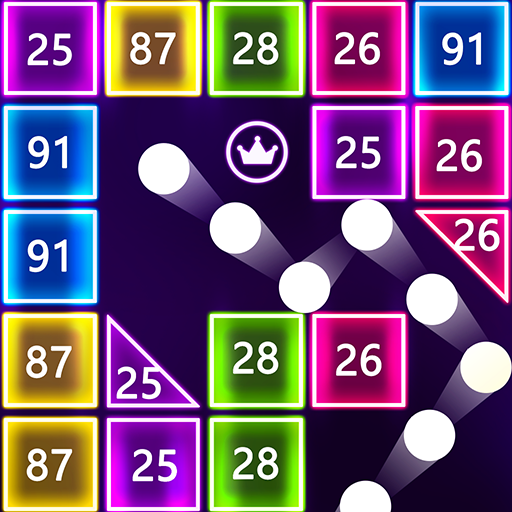
Brick Ball Fun - Crush blocks icon

Brick Ball Fun - Crush blocks

Red cat studio-focused puzzle game

4.4(19 ratings)
Free
Create Screenshots Like Brick Ball Fun - Crush blocks

App Store Screenshots (18)

Brick Ball Fun - Crush blocks screenshot 1
Brick Ball Fun - Crush blocks screenshot 2
Brick Ball Fun - Crush blocks screenshot 3
Brick Ball Fun - Crush blocks screenshot 4
Brick Ball Fun - Crush blocks screenshot 5
Brick Ball Fun - Crush blocks screenshot 6
Brick Ball Fun - Crush blocks screenshot 7
Brick Ball Fun - Crush blocks screenshot 8
Brick Ball Fun - Crush blocks screenshot 9
Brick Ball Fun - Crush blocks screenshot 10
Brick Ball Fun - Crush blocks screenshot 11
Brick Ball Fun - Crush blocks screenshot 12
Brick Ball Fun - Crush blocks screenshot 13
Brick Ball Fun - Crush blocks screenshot 14
Brick Ball Fun - Crush blocks screenshot 15
Brick Ball Fun - Crush blocks screenshot 16
Brick Ball Fun - Crush blocks screenshot 17
Brick Ball Fun - Crush blocks screenshot 18

About Brick Ball Fun - Crush blocks

🌻Swipe Brick Breaker,Break all the bricks!it's addictive and challenging! You must focus on breakthroughs. Find the best location to damage the bricks and destroy the bricks. Earn three stars to pass! How to play ✔️Hold the screen with your finger ,The ball flies to wherever you touched. ✔️Break the bricks, don't let them fall to the lowest point. ✔️Find the best angle and position to crush each block. ✔️Clear all the bricks on the board to get through. Why choose us ❤️Free to play. ❤️Fluorescent glowing skin. ❤️Simple and easy to play. ❤️Easy game controls with one finger. ❤️Multiple props for more fun! ❤️Achievements & leaderboard. ❤️Support low-end mobile devices. ❤️NO WIFI. Once you start, you will never stop!

Create screenshots like Brick Ball Fun - Crush blocks

Use FlyerBanana's free editor to create professional App Store screenshots inspired by Brick Ball Fun - Crush blocks's design. 100+ templates, device frames, and one-click export.

Frequently Asked Questions

How can I create screenshots like Brick Ball Fun - Crush blocks?
You can create App Store screenshots inspired by Brick Ball Fun - Crush blocks using FlyerBanana's free screenshot editor. Choose from 100+ templates, customize colors, text, and device frames, then export in all required sizes.
What screenshot sizes does Brick Ball Fun - Crush blocks use?
Brick Ball Fun - Crush blocks uses standard App Store screenshot sizes including 6.7" (1290×2796px), 6.5" (1284×2778px), and 5.5" (1242×2208px) for iPhones. FlyerBanana supports all required sizes with one-click export.
Can I use Brick Ball Fun - Crush blocks's screenshot style for my app?
Yes! While you shouldn't copy screenshots directly, you can use Brick Ball Fun - Crush blocks's design patterns as inspiration. FlyerBanana's templates let you create professional screenshots with similar layouts, color schemes, and visual styles.