
App Store Screenshots (20)


Design Analysis
Visual Design
Style: Custom
Key Features Shown
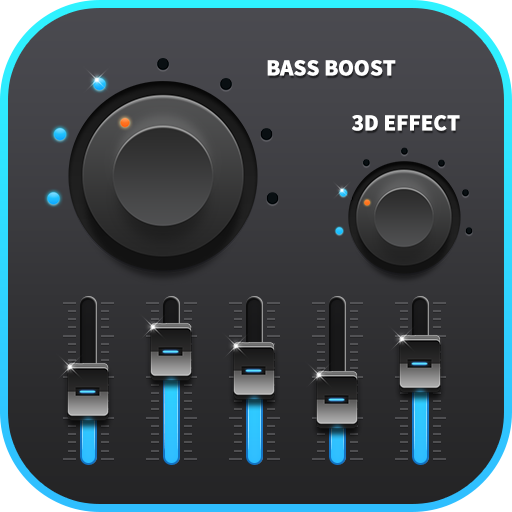
- •Circular Bass Boost & Virtualizer dials
- •5-band Equalizer with vertical sliders
- •Presets selection menu
- •Volume boost dial up to 150%
- •Home screen widgets with toggle switches
- •Multiple color themes (Blue, Red, Green)
App Insights
Target: Android users with entry-to-mid-level devices seeking to improve hardware audio limitations or customize sound profiles for music and video.
- •Interstitial ads
- •Banner ads
- •Paid Pro version (referenced in reviews)
- •Reward-based ad unlocks
ASO Keywords:
About Bass Booster & Equalizer
Improve the sound quality of your android device with the Bass Boost, Volume Boost, Virtualizer and Equalizer. Make your music and video sound like never before. Bass Booster and Volume Booster let you adjust sound effect levels so that you get the best out of your Music, Audio or Video coming out of your device. Main Features: * Bass Boost effect * Volume Boost effect * Stereo surround sound effect * Five bands Equalizer * 10 preset equalizations(Normal, Classic, Dance, Flat, Folk, Heavy Metal, Hip Hop, Jazz, Pop, Rock) * Customizable preset * 16 Colorful Themes * Notification control * Cool Spectrum * 3 Widgets(1x1, 1x1, 2x2) Works with most Music and Video players. Simple Installation and usage: 1. Effect for Music or Audio * Turn on the Music player and play your music * Turn on the Bass Booster application and adjust sound level and frequency. * Turn on the Volume Booster to amplify the speaker * Put headphones for a better result * To close the application and remove from Status Bar press the close button of notification. 2. Effect for video * Just like effect for Music or Audio, adjust the sound level and frequency, control the volume , then, let it run in the background. * Turn on the Video player and play your video * You will get a better sound effect for video
Create screenshots like Bass Booster & Equalizer
Use FlyerBanana's free editor to create professional App Store screenshots inspired by Bass Booster & Equalizer's design. 100+ templates, device frames, and one-click export.
More Entertainment Apps
View all

YouTube
Entertainment


Spotify: Music and Podcasts
Entertainment


TikTok - Videos, Shop & LIVE
Entertainment


Pandora: Music & Podcasts
Entertainment


Shazam: Find Music & Concerts
Entertainment


Photo Lab Picture Editor & Art
Entertainment