
App Store Screenshots (10)



About ai.type Keyboard
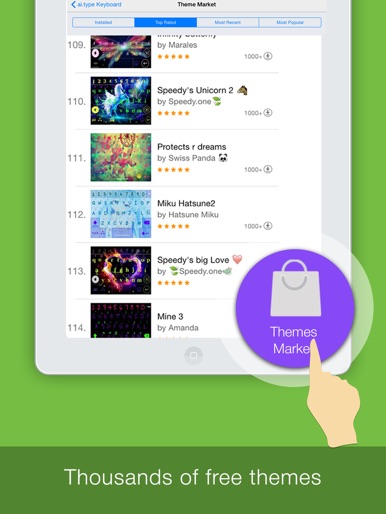
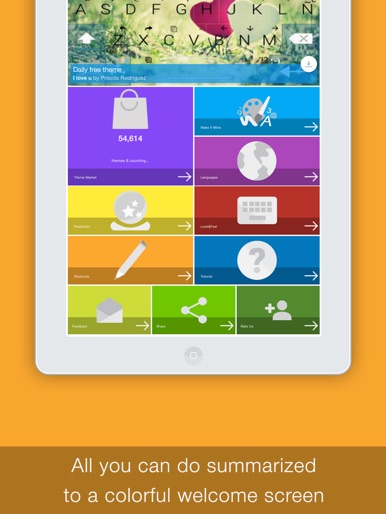
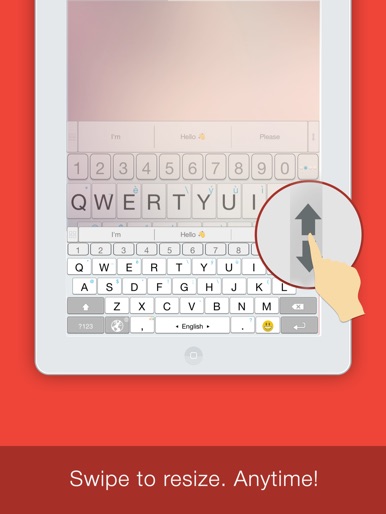
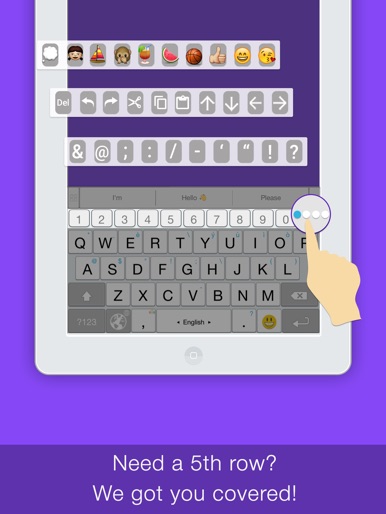
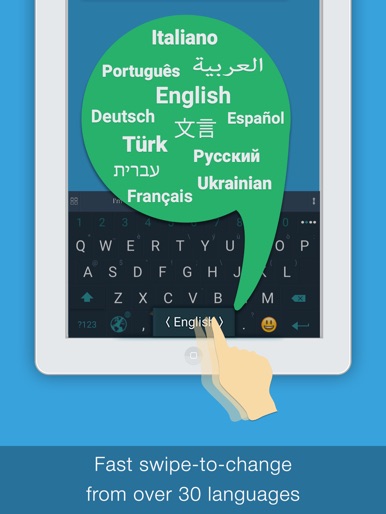
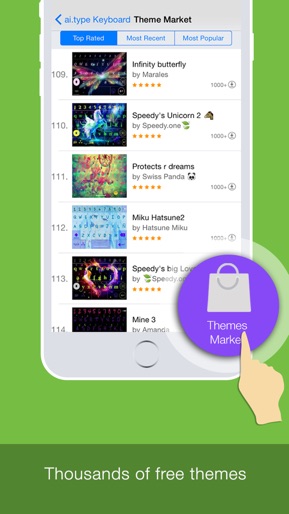
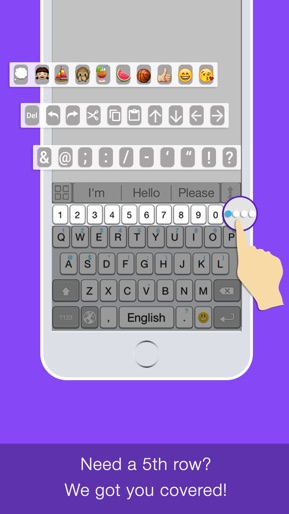
ai.type is the smartest, most personalized keyboard for iPhones and iPads. Built-in prediction, completion and auto-correction. With over 40 million users worldwide, we transform the messaging experience. Our app lets you type better and faster by learning your writing style, it allows you to customize and personalize your keyboard the way you like. Premium features: Resize and special tools (copy/paste etc.) will be disabled after 14 days. *** Feature-set highlights *** ▶ Productive - Next word prediction, completion & auto-correction based on your own unique writing style. ▶ Personal - Design keyboard layout, set ANY image as your background image, select colors, fonts, create your own custom keys & shortcuts. ▶ Thousands of free themes - Choose any of the free and attractive keyboard themes out of thousands available in our Theme Market. ▶ Emoji Support - Enjoy our new Emoji layout helping you to easily navigate through 800 different emoji and more than 1000 graphical chars. ▶ Auto suggested Emoji - Let us help and suggest the right Emoji based on the words you use and context. ▶ Dynamically resize your keyboard size according to your needs. ▶ Efficient top row - Use our top (5th) row to efficiently add numbers, punctuation and recent emoji, from within the primary keyboard screen. ▶ On-keyboard search - to help you find text instantly. ▶ Works seamlessly on any app that allows you to type (Facebook, Twitter, Safari etc.) *** Language Support *** Albanian - shqiptar Arabic - العربية Belarusian-Беларуска Bulgarian - Български Catalan - Català Chinese - 中国 Czech - Český Danish - Dansk Dutch - Nederlands English Estonian - Eesti Finnish - Suomi French - Français Georgian German - Deutsch Greek - Ελληνική Hebrew - עברית Hungarian - magyar Indonesian - Bahasa Indonesia Italian - Italiano Macedonian - Македонски Norwegian - Norsk Persian - فارسی Polish - Polski Portuguese - Português Romanian - Română Russian - Pусский Slovak - Slovenský Slovenian - Slovenščina Spanish - Español Swedish - Svensk Turkish - Türkçe Ukrainian - Український Urdu - اردو Vietnamese - Tiếng Việt *** Privacy *** Your privacy is our main concern. All information is locally stored on iPhone’s vocabulary. *** Support & Questions *** For support, send us an email to support@aitype.com, or visit us on Facebook: http://www.facebook.com/pages/aitype *** Terms of Use *** http://aitype.com/terms-of-use/
Create screenshots like ai.type Keyboard
Use FlyerBanana's free editor to create professional App Store screenshots inspired by ai.type Keyboard's design. 100+ templates, device frames, and one-click export.